flutterJune 16, 2026

How to Make Flutter Web Apps Fully Responsive Across All Screen Sizes

How to Make Flutter Web Apps Fully Responsive

Building for the web with Flutter is powerful, but making it truly responsive across mobile, tablet, and desktop is where most apps struggle. Apps usually fail because of layout breakdown on different screen sizes. In this guide, we will look at how to approach fully responsive design using scalable patterns.

Why Responsiveness Matters

Unlike mobile apps, Flutter Web runs on small mobile devices, tablets, laptops, and large desktop screens. If your UI is not adaptive, components overflow, layouts break, and users drop off instantly. Instead of designing for one static viewport, you should design for breakpoints and flexible layouts.

Key Strategies for Responsive Design

  • Define Clear Breakpoints — Divide screens into consistent categories for mobile, tablet, and desktop viewports.
  • Centralize Logic — Avoid scattered media queries by using a central layout utility to evaluate system constraints.
  • Use Flexible Components — Eliminate fixed widths and heights by using widgets that dynamically stretch or compress.
  • Leverage Constraint Builders — Build adaptive UI states using components that read real-time layout constraints natively.
  • Adapt Navigation — Use appropriate patterns like bottom bars for mobile, rails for tablets, and sidebars for desktop profiles.
  • Scale Grid-Based Content — Implement cross-axis boundaries so columns adjust grid numbers dynamically.
  • Scale Typography — Adjust font baselines relative to screen real estate to keep readability high.

Common Mistakes to Avoid

Many projects face issues because they overuse manual sizing, design strictly for a single form factor, or scale up mobile views aggressively on desktop environments without altering architecture layouts.

Final Thoughts

Responsive web development is a default system choice. Combining breakpoints, fluid widgets, and device-aware layouts results in enterprise-grade web applications that run beautifully on any hardware scale.

Keep Reading
Related Articles

You Might Also Like

Is Flutter Good for Business Apps? Pros, Cons and When Not to Use It

Is Flutter Good for Business Apps? Pros, Cons and When Not to Use It

Flutter can cut development cost and speed up launch, but it isn’t right for every business app. Here are the real pros, cons, and the cases where you should skip it.

flutter+3
Nov 2, 2026Read more
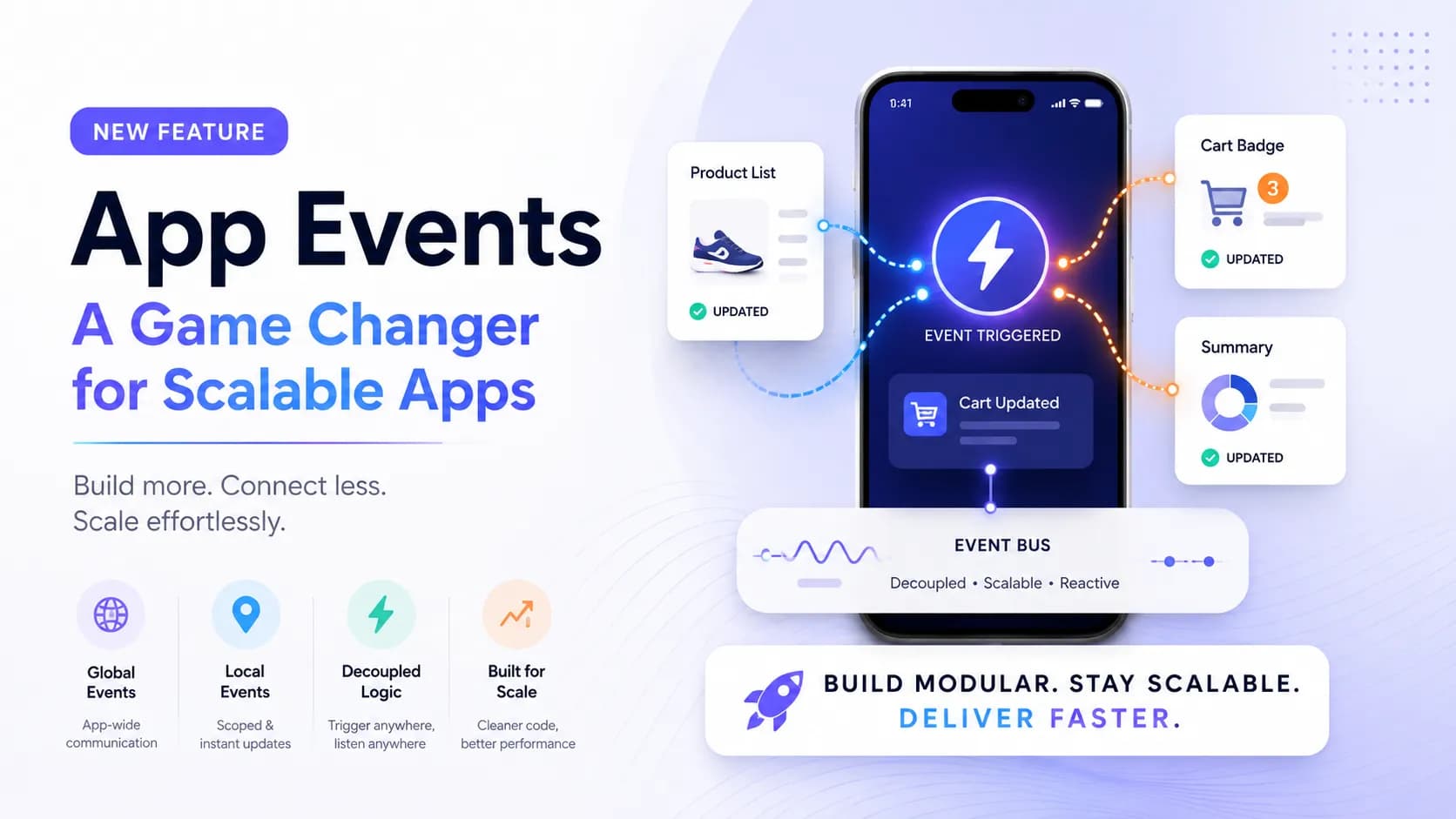
FlutterFlow App Events: Complete Guide for Scalable App Development

FlutterFlow App Events: Complete Guide for Scalable App Development

Introduction Building scalable applications in low-code platforms has always been a balance between speed and maintainability. While FlutterFlow makes UI development incredibly fast, managing communication between different parts of an app could sometimes become complex. With the introduction of App Events, FlutterFlow has taken a major step forward bringing cleaner architecture, better performance, and a […]

flutter
Apr 21, 2026Read more
Integrating Tamara Payment Gateway in a FlutterFlow Application

Integrating Tamara Payment Gateway in a FlutterFlow Application

Introduction Integrating a reliable payment gateway is essential for delivering a smooth and secure user experience. Building a payment system isn’t just about processing transactions it’s about ensuring security, reliability, and compliance, all while maintaining a seamless user journey. Here’s how I integrated the Tamara Payment Gateway into a FlutterFlow application, creating a complete end-to-end […]

flutter
Apr 21, 2026Read more
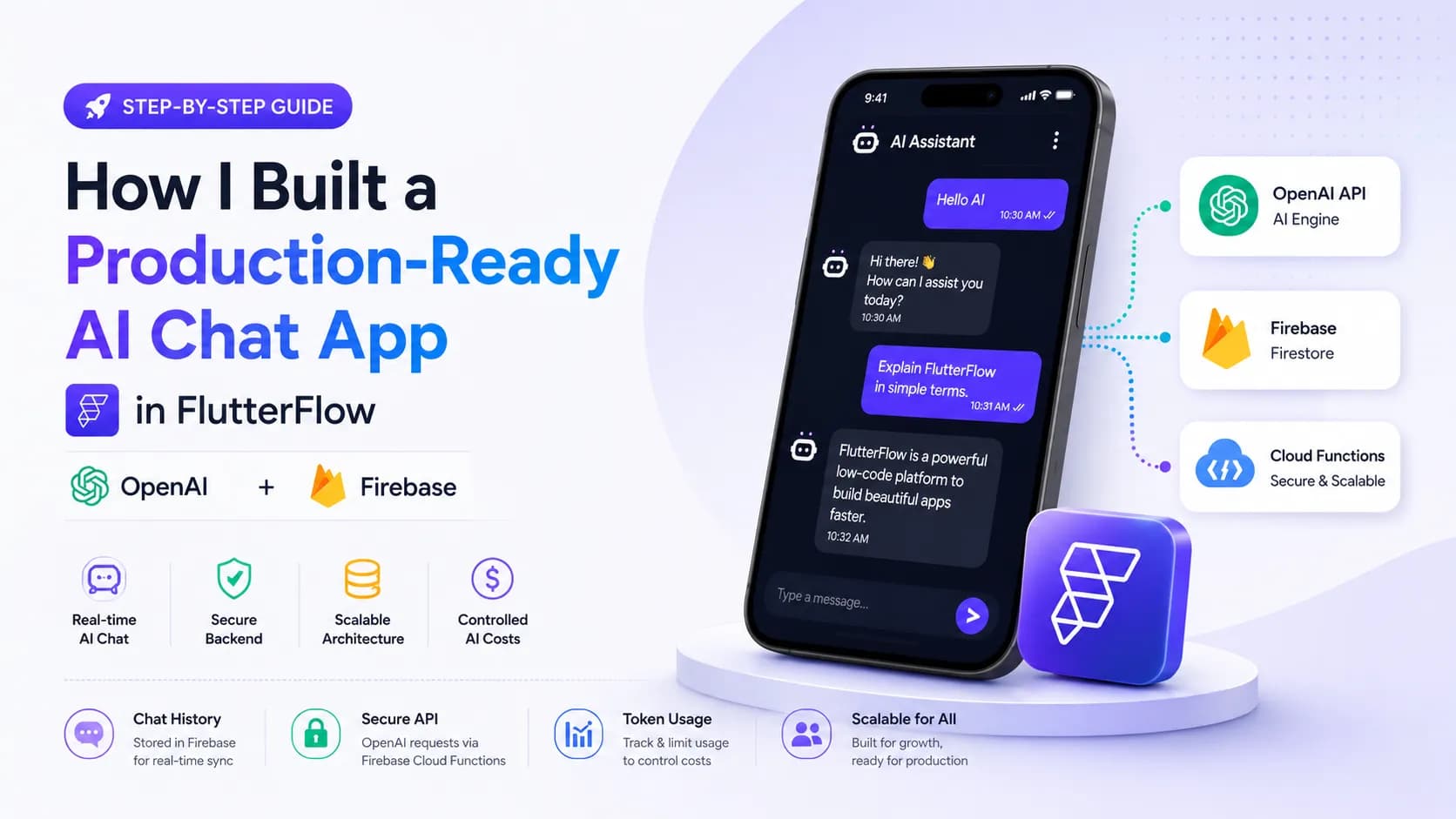
How I Built a Production-Ready AI Chat App in FlutterFlow (With OpenAI + Firebase)

How I Built a Production-Ready AI Chat App in FlutterFlow (With OpenAI + Firebase)

Introduction AI is everywhere in 2026 but building a production-ready AI chat app is still challenging, especially when using low-code tools like FlutterFlow. In this article, I’ll walk you through how I built a scalable AI chat system using FlutterFlow + Firebase + OpenAI API. Architecture Overview Frontend : FlutterFlow UI Backend : Firebase (Firestore […]

flutter
Apr 20, 2026Read more