

Good enterprise app development services deliver three things by default: security built into the architecture, SSO that plugs into your identity provider, and a phased plan for connecting legacy systems.
If a vendor treats any of these as an add-on, expect delays and rework.
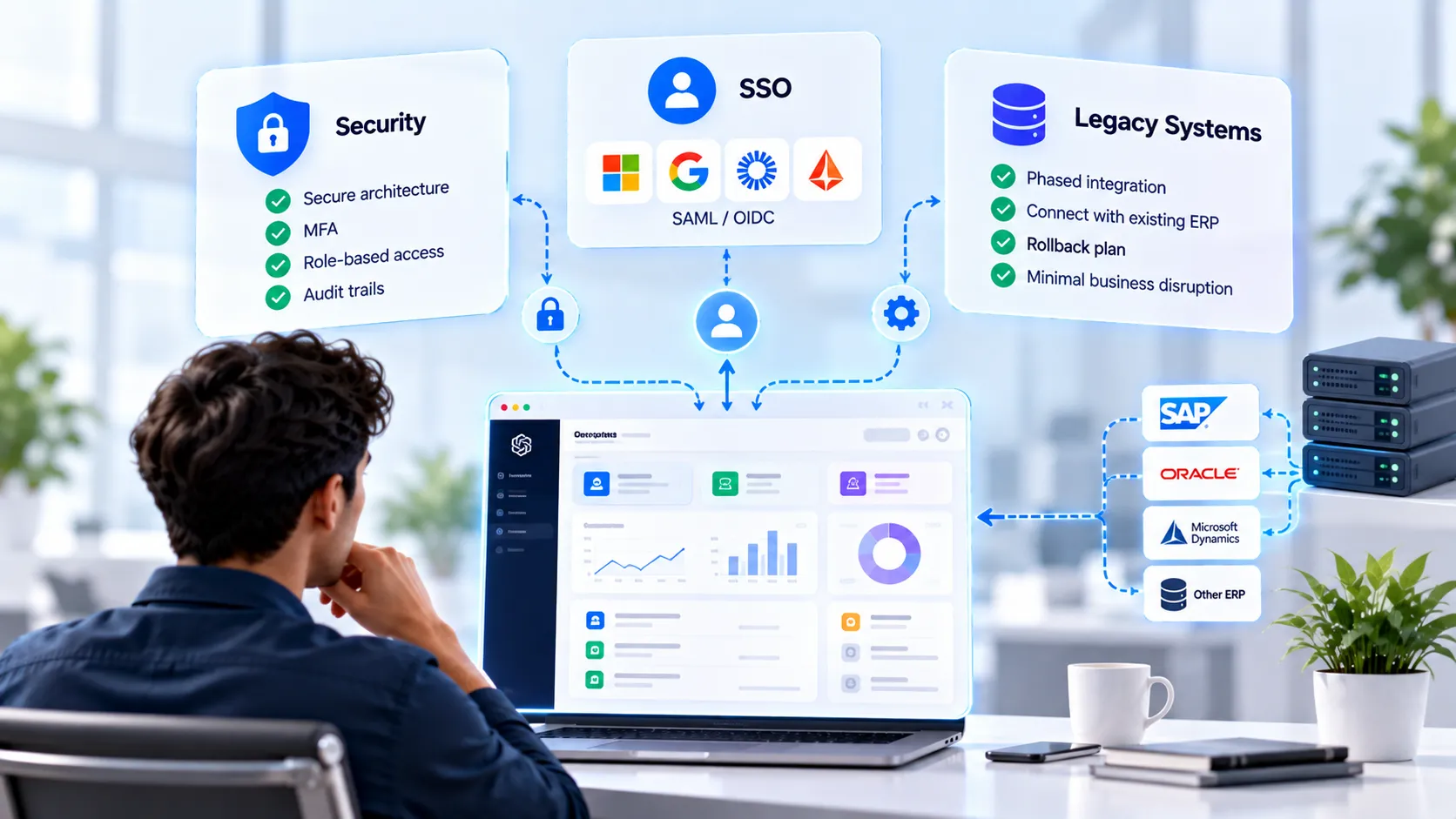
Could you sign off on an enterprise app today without knowing how it handles login, audit trails and your old ERP? Me neither. Here is why.
Our Angular page lists 250+ delivered digital solutions . In the builds I have worked on, my first integration estimate assumed the legacy API was documented. It was not. I have never repeated that mistake.
TL;DR
Ask for security, SSO and legacy integration in scope, not as change requests.
Require SAML or OIDC support, MFA and role-based access from day one.
Integrate legacy systems in phases, with a rollback plan for each wave.
Judge vendors on evidence: architecture docs, test results and integration references.
Start with a scoped discovery, then fix the budget.
What Do Enterprise App Development Services Include?
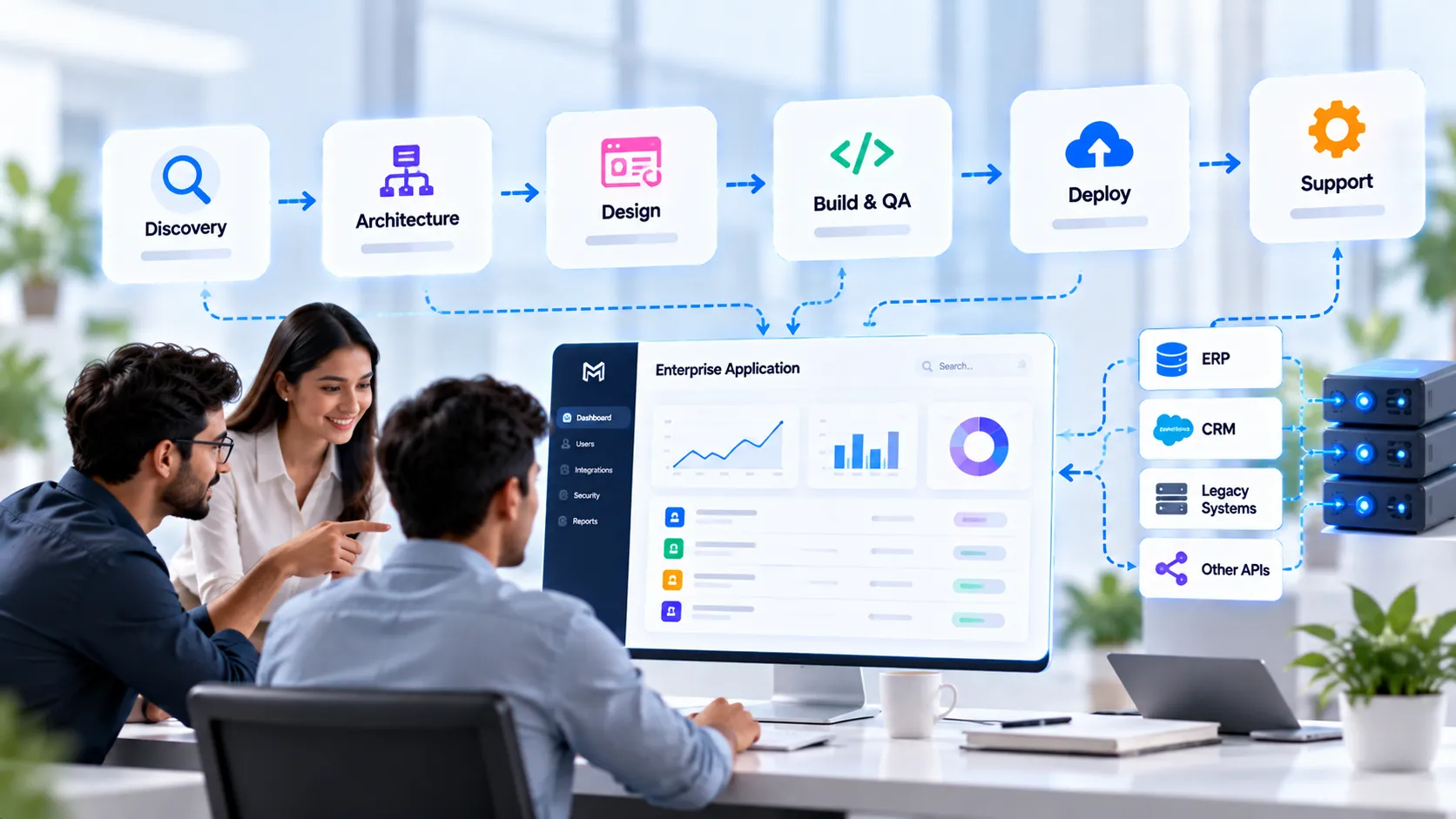
Enterprise app development services cover discovery, architecture, design, build, QA, deployment and long-term support. The scope differs by vendor, so compare line items, not headlines.
Phase | What you should receive | Common gap |
|---|---|---|
Discovery | Requirements, risks, system map | Skipped to save time |
Architecture | Security model, integration plan | Written after coding starts |
Design | UX for real user roles | One generic user flow |
Build and QA | Tested features, API docs | No security testing |
Deploy | CI/CD, monitoring | Manual releases |
Support | SLA, updates | Vendor vanishes |
Custom Enterprise App vs Off-the-Shelf
Build custom when workflows, data control or integrations are unique to you. Buy when a standard product covers 80% of your needs. That 80% figure is my rule of thumb, not a benchmark.
→ Standard process, low risk = off-the-shelf
→ Unique workflow, sensitive data = custom build
→ Old systems that must stay = custom integration layer
Who Builds It: In-House or Vendor?
A vendor works well when you need speed and specialist skills. In-house works when the product is core and long-lived. Our related read on Node.js development companies vs in-house teams covers the trade-offs.
Scope decides most outcomes. Security decides the rest.
Which Security Requirements Belong in Your Enterprise App Checklist?
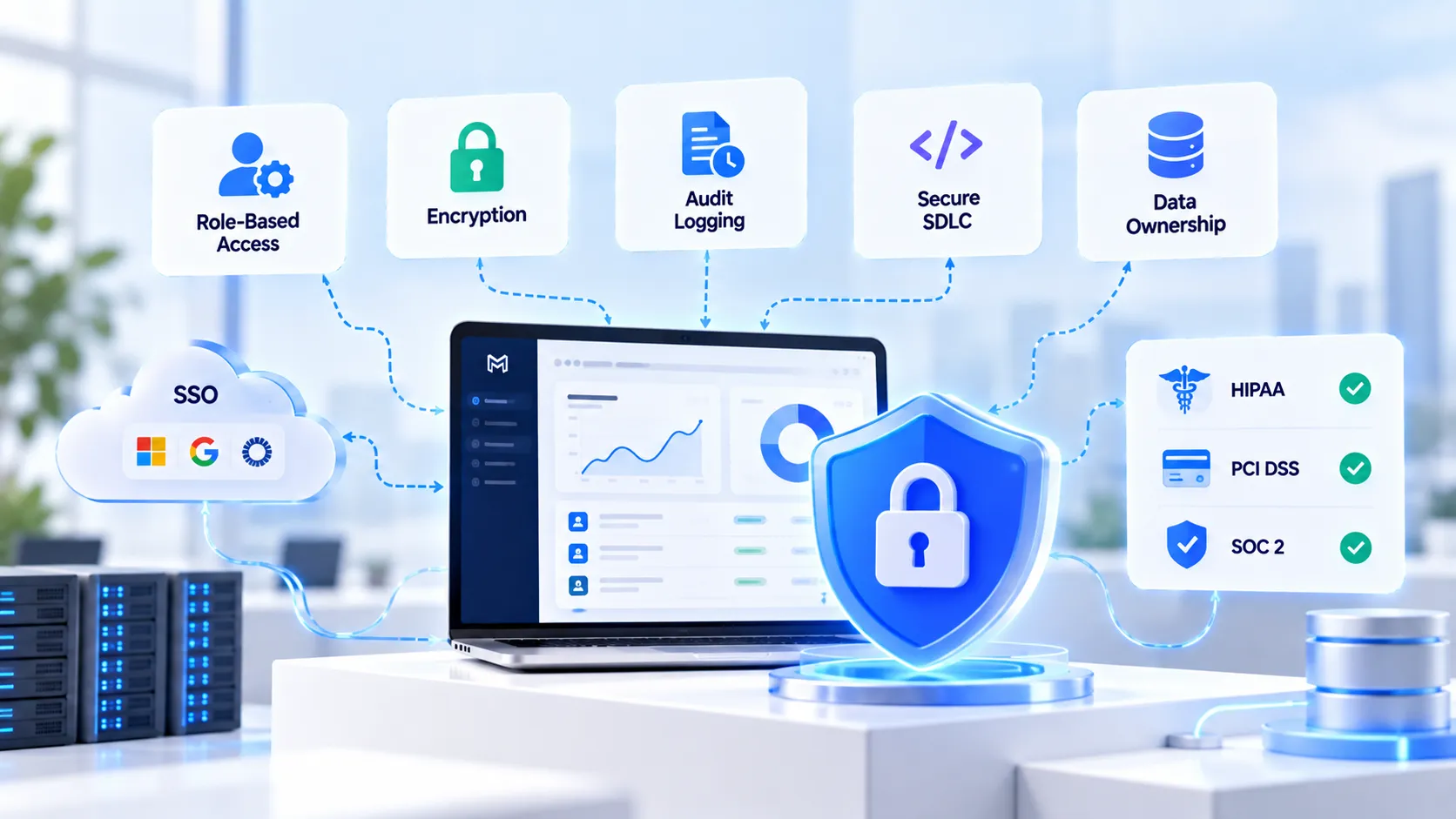
Your checklist should demand authentication, access control, encryption, audit logging and secure testing before any code ships. I treat these as entry criteria, not features.
Requirement | What to ask the vendor | Red flag |
|---|---|---|
Role-based access | How are roles and permissions enforced? | Roles checked only in the UI |
Encryption | Data encrypted in transit and at rest? | "We use HTTPS" only |
Audit logging | Who did what, and when? | Logs cover errors only |
Secure SDLC | Code review and security testing? | Testing at the end |
Data ownership | Who owns code and data? | Vague contract terms |
How Do You Handle Compliance Requirements?
Handle compliance by mapping each rule to a technical control, then testing that control. We build to HIPAA technical safeguards such as access control, audit trails and encryption. That is an engineering practice, not a certification claim.
Three dated signals I track:
PCI DSS v4.0.1 future-dated requirements became mandatory in March 2025.
The HIPAA Security Rule update was proposed in January 2025.
Microsoft renamed Azure AD to Entra ID in July 2023, which still confuses vendor docs.
For healthcare work, see our healthcare app development page.
What Does Security Look Like in Practice?
Example: An internal admin portal shows finance data to every logged-in user. The fix is role guards on every route and every API call. UI hiding is not security.
Our Angular enterprise apps page lists role-based access and audit logging among the workflows we build .
Pro tip: Ask for a threat model before design sign-off, because it exposes weak assumptions while changes are still cheap.
Security controls who gets in. SSO controls how they get in.
How Should SSO Work in an Enterprise App?
SSO should connect your app to the company identity provider through SAML or OIDC, with MFA and automated user provisioning. Users log in once, and IT keeps control.
Microsoft documents modern authentication protocols for Entra ID and hybrid access for legacy apps . The pattern applies to Okta and similar providers too.
SAML vs OIDC: Which Should You Choose?
Choose OIDC for modern web and mobile apps, and SAML when your identity provider or a legacy app already requires it. Many enterprises need both.
Factor | SAML | OIDC |
|---|---|---|
Typical use | Older enterprise apps | Modern web and mobile |
Format | XML | JSON, built on OAuth 2.0 |
Mobile fit | Weaker | Stronger |
Common need | Legacy and B2B portals | New builds and APIs |
What About SCIM and MFA?
SCIM automates account creation and removal, and MFA blocks stolen passwords. Together they close the gap most audits find.
→ SCIM = accounts removed when people leave
→ MFA = one stolen password is not enough
→ Conditional access = risky logins get extra checks
Wait, You Might Be Thinking: Can't We Add SSO Later?
You can add SSO later, but it usually costs more. Roles, sessions and user data are shaped by the login model.
I have seen retrofits touch nearly every screen. That is my observation, not a universal figure.
What SSO Mistakes Do Vendors Make?
The most common mistakes are weak session handling, missing logout, and no plan for identity provider outages.
No single logout across systems
Roles not mapped from identity provider groups
No fallback when the provider is down
SSO gets people into the front door. Legacy integration decides what they can reach.
How Do You Integrate a New App With Legacy Systems?
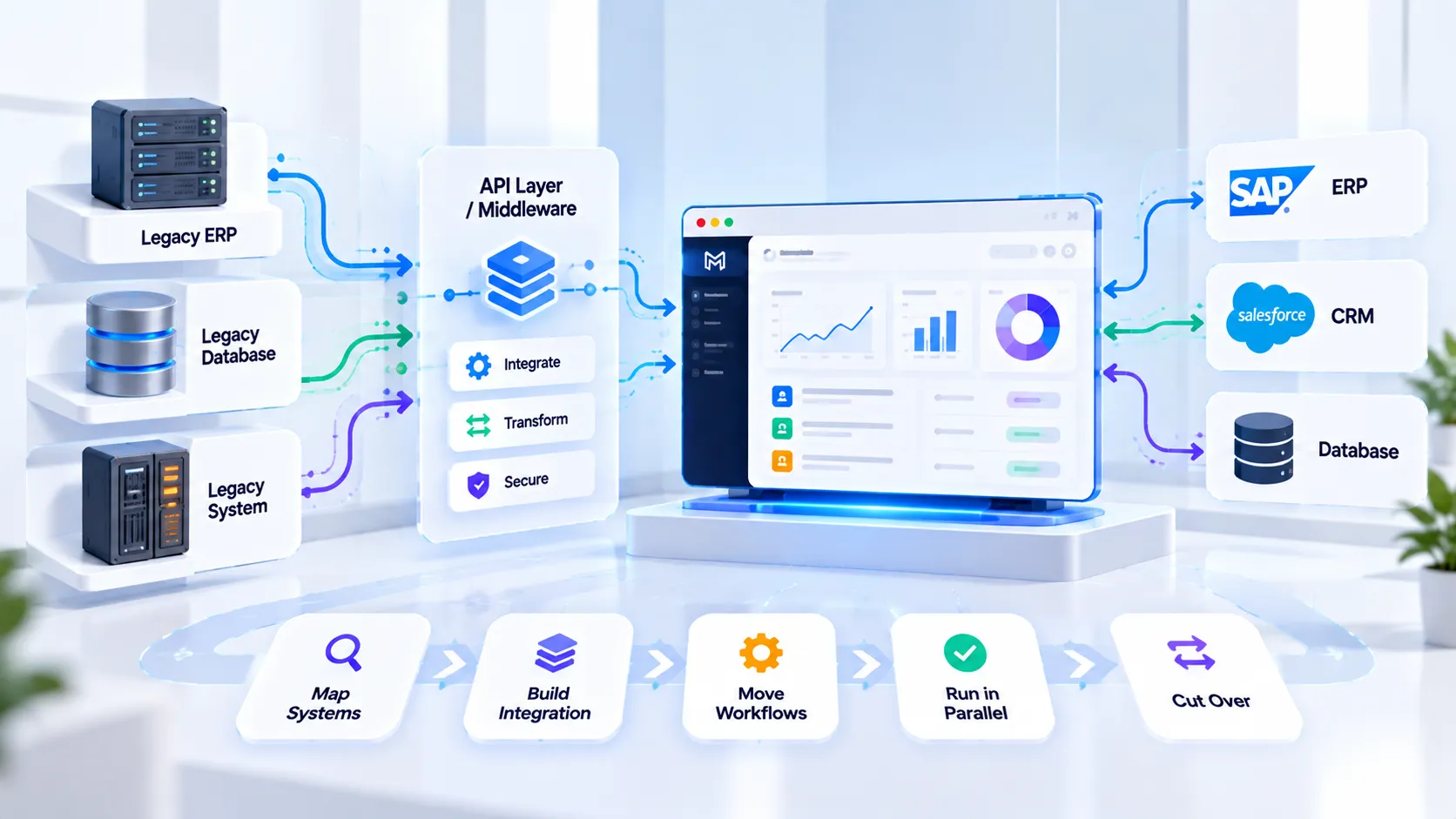
Integrate legacy systems in phases: map the systems, wrap them with APIs, move one workflow at a time, and keep a rollback path. Big-bang cutovers are where projects fail.
The Inteca guide on SSO migration describes a phased approach for the same reason .
API Layer, Middleware or Rebuild?
Use an API layer when the legacy system is stable, middleware when systems need translation, and a rebuild when the old system blocks growth.
Option | Best when | Trade-off |
|---|---|---|
API layer | Legacy works, but is closed | Legacy stays |
Middleware | Many systems, mixed formats | Extra component to run |
Rebuild | System blocks growth | Highest effort |
How Do You Connect ERP, CRM and Databases?
Connect them through documented APIs and a clear data ownership map. Never let two systems both act as the master record.
Our Angular service lists CRM and ERP integration and legacy frontend migration . For data layers, see our database solutions page.
What Does a Phased Migration Look Like?
A phased migration moves one workflow per wave, with tests and a rollback step each time.
Map systems, data flows and owners.
Expose legacy data through an API layer.
Move one low-risk workflow first.
Run old and new in parallel.
Cut over and retire the old path.
Pro tip: Start with a read-only integration, because it proves the connection before any data can be damaged.
Should You Choose Web, Mobile or Cross-Platform Enterprise Apps?
Choose web for dashboards and back-office tools, native or cross-platform mobile for field teams, and cross-platform when you need one team to cover both. Your users and devices decide this.
Need | Best fit | Our related page |
|---|---|---|
Dashboards, admin panels | Enterprise web app | |
Field teams, offline use | Mobile app | |
One codebase, two platforms | Cross-platform | |
JavaScript-first teams | Cross-platform |
When Does Enterprise Web App Development Fit Best?
Enterprise web app development fits workflows that live on desktops: reporting, approvals, admin and analytics.
Our Angular page lists dashboards, admin panels, SaaS platforms and internal tools as typical builds . See also our business dashboards and internal tools pages.
When Do Enterprise Mobile Application Development Services Make Sense?
They make sense when employees work away from a desk or need device features such as camera, GPS and offline access. Plan SSO and device security early, because mobile changes the login flow.
Mobile adds device security to the checklist. Vendor choice adds risk of its own.
How Do You Choose an Enterprise App Development Company?
Choose on evidence of security practice, identity fit and integration experience, not on the longest client list. "Best" depends on your risk profile.
What I Am Evaluating On
Security approach: threat modeling, testing, access control
Identity fit: SAML, OIDC, SCIM and MFA experience
Integration depth: ERP, CRM and legacy references
Delivery model: process, communication, support
Commercial clarity: scope, ownership, contract terms
I reviewed public pages only. Each entry uses what the vendor says about itself, and I did not verify pricing.
Enterprise App Development Companies Compared
1. Infinum
Description: A digital product company with a dedicated enterprise app services page.
Capabilities: High-performance web and mobile solutions aimed at streamlining operations and customer experience. Source
Pricing: Not verified. Request a quote.
Best for: Teams wanting product-design-led enterprise builds.
2. TechAhead
Description: An app development firm that positions itself as an enterprise app company.
Capabilities: Custom, high-performance apps aimed at operational efficiency. Source
Pricing: Not verified. Request a quote.
Best for: Mobile-first enterprise programs.
3. Appinventiv
Description: A large firm with an enterprise software services page.
Capabilities: Enterprise software consulting and custom enterprise development. Source
Pricing: Not verified. Request a quote.
Best for: Large programs needing a big delivery team.
4. MindInventory
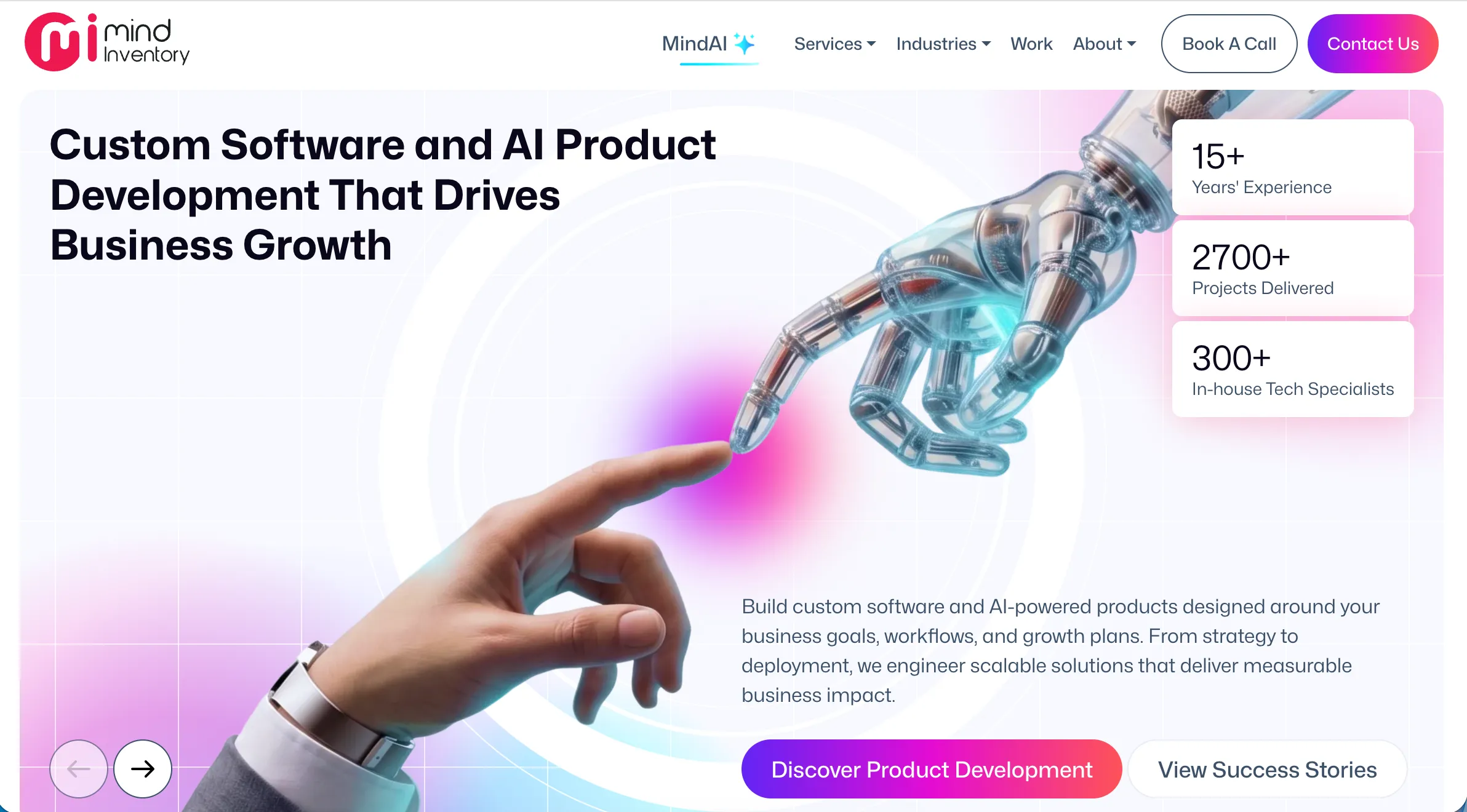
Description: A mobile app company with a USA-focused service page.
Capabilities: A consulting-led approach and secure, scalable app delivery. It states 15+ years of experience. Source
Pricing: Not verified. Request a quote.
Best for: Buyers who want consulting before build.
5. MindStack Labs
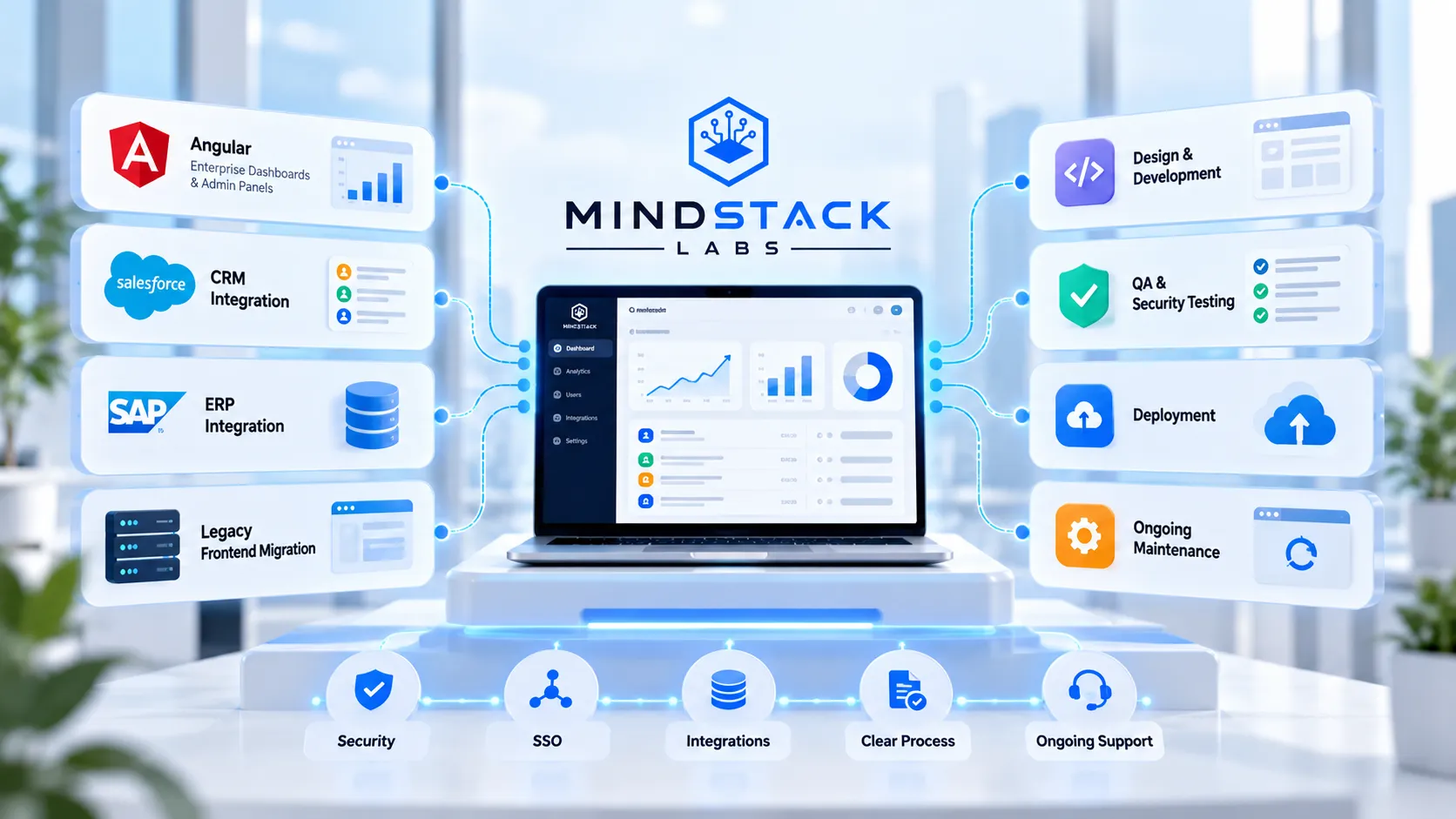
Description: A full-cycle team covering design, development, QA and deployment.
Capabilities: Angular enterprise dashboards and admin panels, CRM and ERP integration, legacy frontend migration, and ongoing maintenance and security updates. Source
Pricing: Free consultation, with a proposal within 24 hours, per the service page.
Best for: Teams that need web-first enterprise builds and legacy frontend migration.
Listing my own team is awkward. Consider this the disclosure.
What Should You Ask Before You Sign?
Ask questions that force specifics, because vague answers signal vague delivery.
Question | Good answer |
|---|---|
How do you handle SSO? | Names protocols and providers |
How do you test security? | Describes a process and tools |
How will you integrate our legacy system? | Proposes phases and rollback |
Who owns code and data? | Clear contract terms |
What happens after launch? | Defined support and SLA |
Red flags I watch for:
Demo only, no architecture document
No security testing plan
One-shot legacy cutover
Vague contract terms
We also cover vendor selection in our guide to outsourcing web development companies.
Who Should Choose What?
Match the option to your top priority, and pick one clear path.
If you need dashboards and admin tools, go with a web-first vendor with Angular experience.
If you need field apps, go with a mobile or cross-platform specialist.
If you have heavy legacy systems, go with a vendor that proposes phased integration first.
If you work in healthcare, go with a team that builds to HIPAA technical safeguards.
If you are still validating the idea, go with a small scoped pilot.
How Much Do Enterprise App Development Services Cost?
Cost depends on scope, integrations, security needs and team model, and credible vendors give ranges after discovery. I do not quote a figure, because any number without your scope is a guess.
Cost driver | Effect |
|---|---|
Number of integrations | Usually the largest variable |
SSO and compliance | Adds design and testing |
Platforms (web, iOS, Android) | Each adds effort |
Legacy quality | Poor docs add discovery time |
Ongoing support | Recurring cost |
Which Pricing Model Should You Choose?
Choose fixed price for clear scope, time-and-materials for evolving scope, and a dedicated team for long programs.
→ Fixed price = predictable, less flexible
→ Time and materials = flexible, needs oversight
→ Dedicated team = best for continuous roadmaps
How Long Does It Take?
Timelines depend on scope and integrations, and phased delivery is faster to first value. In my experience, discovery and integration mapping take longer than most first estimates assume.
What Should US Buyers Ask About Delivery?
US buyers should ask about time-zone overlap, data residency, communication cadence and contract terms. These matter as much as technical skill.
Overlap hours with your team
Where data and backups are stored
Weekly demos and clear escalation
NDA and IP terms (our Angular page states NDA and IP protection )
This helps when you search for an enterprise app development company in the USA or an enterprise mobile app development company in the USA.
Should You Consider Low-Code Instead?
Low-code suits simple workflows and fast pilots, but complex security and legacy needs often outgrow it. Platforms such as Mendix target this market . Compare their limits with your integration needs.
FAQs
SAML vs OIDC: which is better for enterprise apps?
OIDC suits modern web and mobile apps. SAML is common for legacy and B2B systems. Many enterprise apps support both.
How do enterprise app development services handle legacy integration?
Good teams map systems, wrap legacy data in APIs, then migrate one workflow at a time. See our Angular enterprise apps page for CRM and ERP integration.
What security should an enterprise app include?
At minimum: role-based access, encryption, audit logging, MFA and security testing. Ask for a threat model before design sign-off.
Can you build enterprise mobile apps with SSO?
Yes, typically through OIDC and your identity provider. Review our .NET MAUI and Flutter pages for cross-platform options.
How much do enterprise app development services cost?
It depends on scope, integrations and compliance. A scoped discovery gives a defensible estimate. Contact us through our contact page.
My Recommendation
Start with a scoped discovery covering security, SSO and one legacy integration. Use a phased rollout if your systems are old or poorly documented.
Skip any vendor that cannot show architecture and testing evidence. That filter saves the most time.