

4 Picker Variants
Default, Time, Range, Multi-select
 React package on npmjs.com
react-modern-datetime-picker is a powerful, highly customizable calendar and datetime picker component for React applications. Designed with a modern material UI, it supports multiple picker variants from simple date selection to full datetime picking with time controls, date ranges, and multi-date selection all in a single, lightweight package. Whether you’re building a booking system, a scheduling dashboard, […]
Need this integrated or customized for your app?
Get a free quoteMIT License
Free & open source forever
TypeScript
Full type definitions included
Universal
Works in any JS environment
Community
Actively maintained
Key points
Everything you need to ship faster, built right into the package.
Default, Time, Range, Multi-select
Customize every color primary, background, text, borders, hover
Inject any React node as the input icon, left or right
Locale support, custom date formats, configurable week start
Min/max dates, disabled dates, disabled days of week
12 / 24 hour format, minute intervals, optional seconds
Full accessibility with ARIA support
Only peer deps: react and react-dom
Complete type definitions included
Mobile-aware modal positioning
About
react-modern-datetime-picker is a powerful, highly customizable calendar and datetime picker component for React applications. Designed with a modern material UI, it supports multiple picker variants from simple date selection to full datetime picking with time controls, date ranges, and multi-date selection all in a single, lightweight package.
Whether you’re building a booking system, a scheduling dashboard, or a data-entry form, react-modern-datetime-picker gives you complete control over appearance, behavior, and accessibility.
react and react-domNative JavaScript. Pure JavaScript/TypeScript with no heavy dependencies.
Cross platform. Runs identically on iOS, Android, web, and desktop.
MIT licensed. Free and open source, forever.
Community backed. Actively maintained by the Mind Stack Labs team.
Quick start
Add the package to your project and you're ready to use it.
Add it to your package.json with npm or yarn.
Run npm install to resolve dependency tree.
Import the component in your React file and start building.
Integrate React Modern Datetime Picker into your project today, or let our team customize it for you.
 React · npm
Discover how to orchestrate multi-channel API workflows and concurrent network streams inside your applications using the fetchlane package, featuring priority scheduling and intelligent throttling.
 React · npm
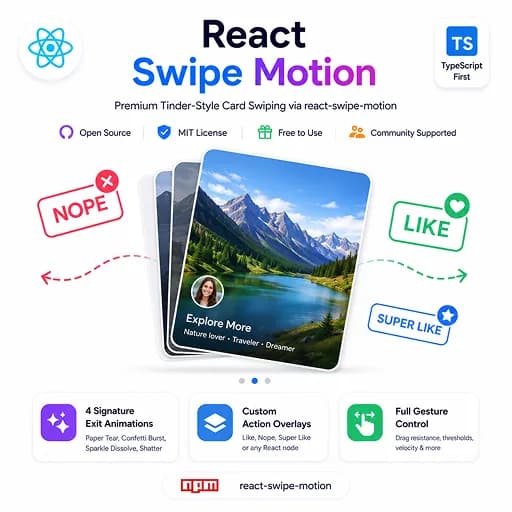
Discover how to embed an interactive, high-performance Tinder-style card swiping layout inside your React app using the react-swipe-motion package, featuring 60fps animations and custom gesture controls.