Case Study
Mobile

WiFi Mouse Pro

WiFi Mouse Pro is a high-performance mobile utility designed to transform your smartphone into a versatile remote input device for your computer. By establishing a secure connection over Wi-Fi , the app bridges the gap between mobile and desktop environments, allowing for seamless navigation and system control without the need for physical peripherals. The app is engineered with a focus on low-latency interaction , ensuring that mouse movements and keyboard inputs are reflected on the desktop in real-time. It features a sophisticated input engine that supports standard trackpad gestures, media management, and advanced sensor-based navigation. Whether used for professional presentations, home media centres, or ergonomic desktop management, the app provides a premium, “lag-free” experience tailored for efficiency and modern UI/UX standards.

Flutter
Dart
Node.js
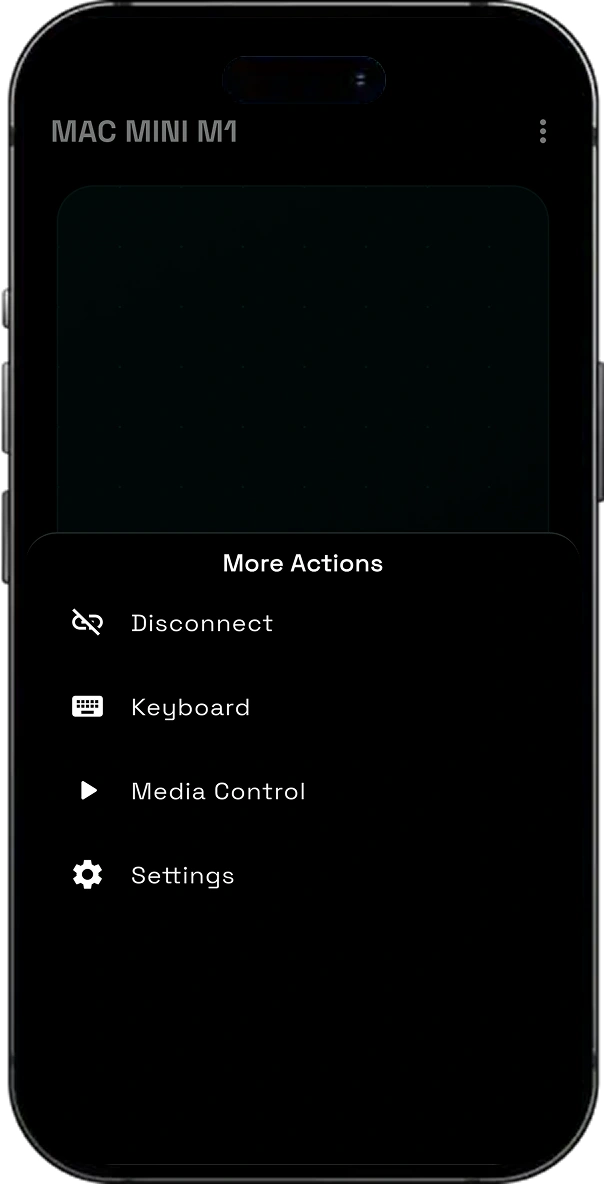
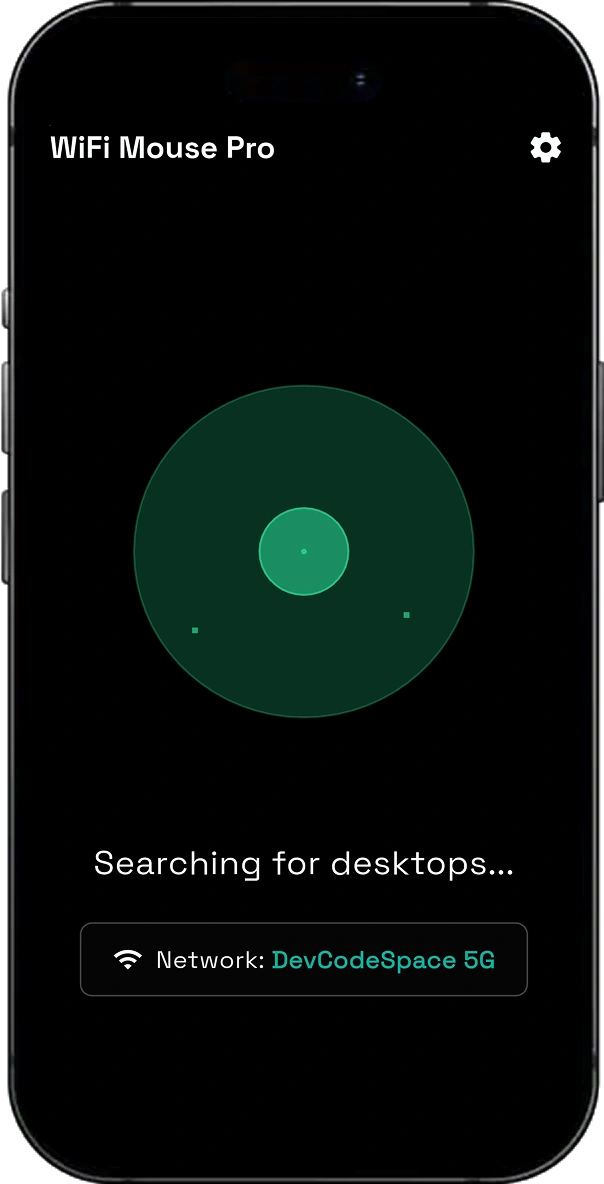
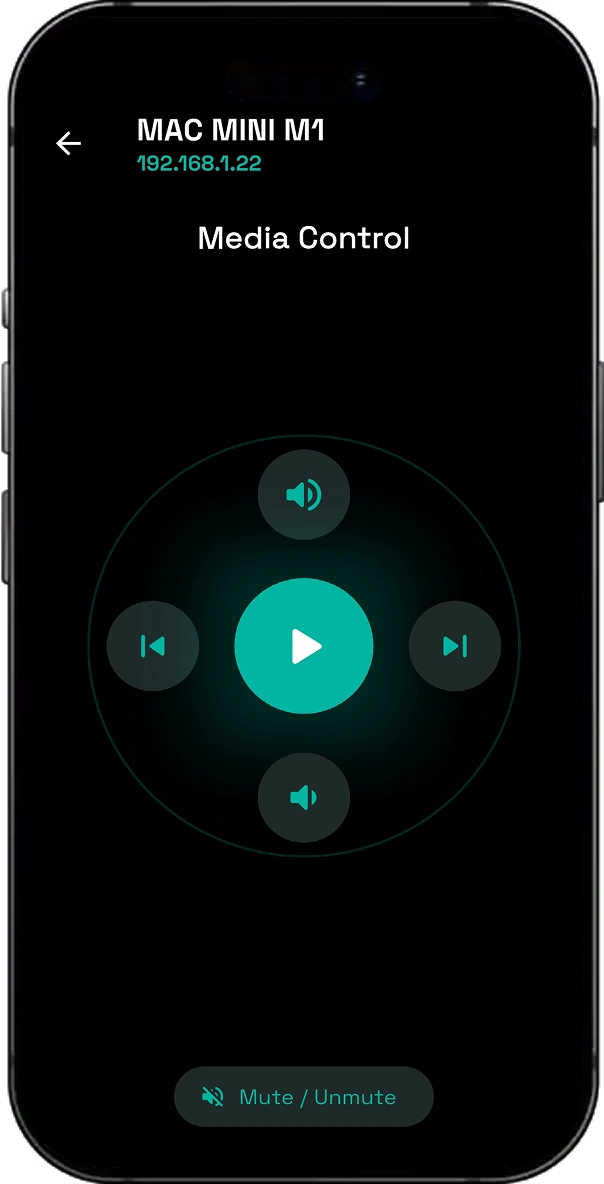
WiFi Mouse Pro screen 1
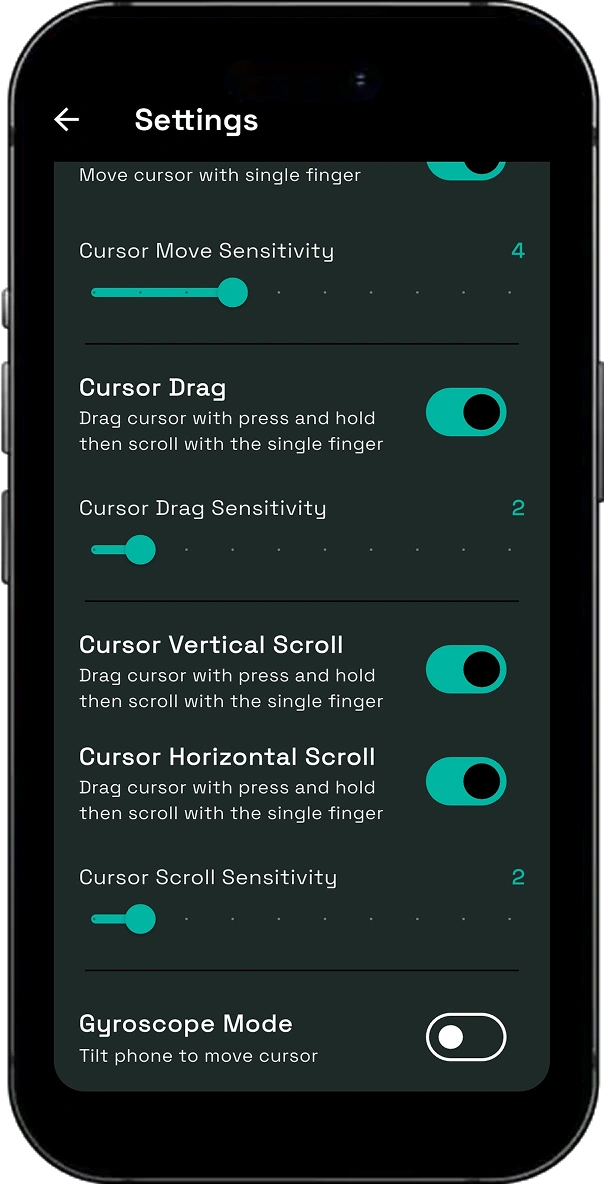
WiFi Mouse Pro screen 2
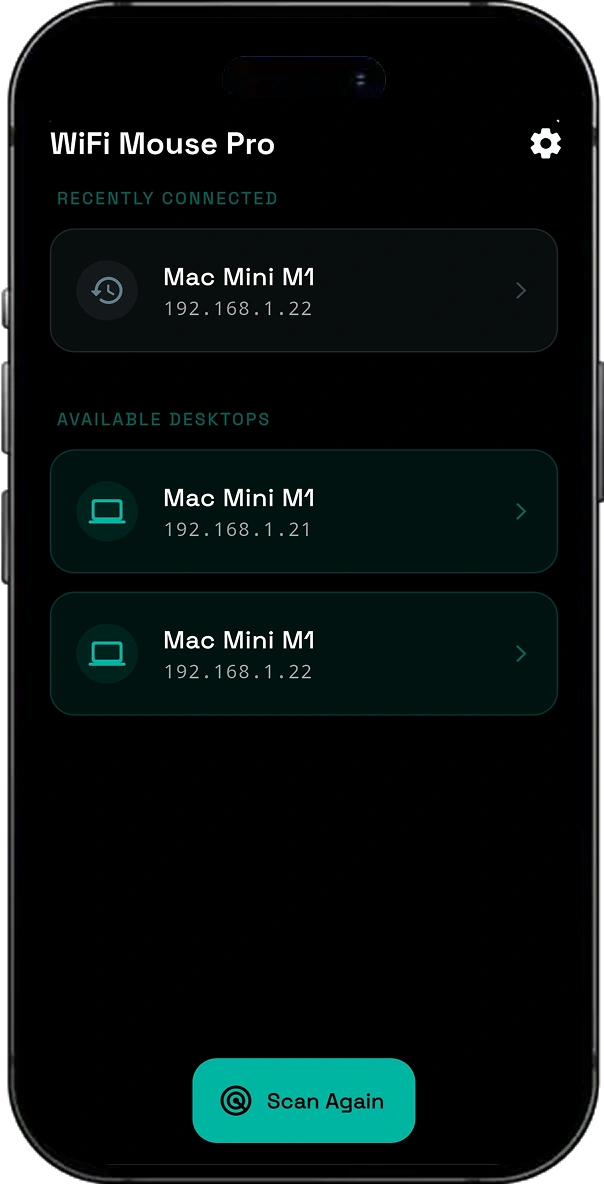
WiFi Mouse Pro screen 3
WiFi Mouse Pro screen 7
WiFi Mouse Pro screen 8

Challenges & solutions

The technical problems our team solved to ship a reliable, unified mobile experience.

Delivering Real-Time Remote Control with Minimal Latency

Remote desktop interactions require near-instant response to feel natural and productive. We built a lightweight communication layer over Wi-Fi that delivers fast, low-latency mouse movements, keyboard input, and gesture synchronization.
Replacing Multiple Desktop Peripherals with a Single Mobile App

Switching between separate apps for mouse, keyboard, and media controls creates an inefficient user experience. We combined trackpad navigation, keyboard input, scrolling, media controls, and drag operations into one intuitive interface.

Providing Accurate Motion-Based Cursor Navigation

Air mouse functionality demands precise motion tracking while minimizing cursor drift and jitter. We leveraged the smartphone's gyroscope sensors with optimized motion processing to deliver smooth and responsive cursor control.

Making Device Pairing Fast and Hassle-Free

Complicated connection setups discourage users from adopting remote control solutions. We implemented automatic device discovery, IP-based pairing, and QR code connectivity to enable quick and reliable connections over a local Wi-Fi network.

Creating a Comfortable Remote Control Experience

Desktop remote applications often sacrifice usability by overcrowding the interface with controls. We designed a clean, gesture-driven UI that maximizes the touch surface while keeping essential actions easily accessible.

Key features

What users get in the finished, shipped product.

Intelligent Cursor Control (Move and Drag) :

  • Overview : Provides a high-precision virtual trackpad area to move the desktop cursor and perform drag-and-drop operations.
  • Convenience : Mimics a physical laptop trackpad with support for tap-to-click and long-press dragging.

Seamless Content Scrolling :

  • Overview : Includes dedicated scroll zones or multi-finger gestures to navigate through long documents and web pages.
  • Usability : Enhances the browsing experience by providing smooth, kinetic scrolling from the mobile screen.

Remote Keyboard Input :

  • Overview : Enables users to type text on their mobile device and transmit it directly to the active text field on the desktop.
  • Efficiency : Perfect for entering URLs, passwords, or short notes without reaching for the physical keyboard.

Universal Media Remote :

  • Overview : A dedicated control suite to play, pause, skip tracks, and adjust volume on the desktop.
  • Workflow : Simplifies the management of music and video applications from across the room.

Gyroscope-Based Motion Control :

  • Overview : Utilises the device’s internal gyroscope sensors to control the mouse cursor through physical air gestures.
  • Experience : Offers an “Air Mouse” functionality, ideal for presentations and dynamic navigation.

Wi-Fi Connectivity and Auto-Discovery :

  • Overview : Connects the mobile app to the desktop client over a shared local network via IP or QR pairing.
  • Reliability : Maintains a stable, high-speed connection for consistent input performance.

Premium Minimalist UI :

  • Overview : Features a modern, dark-themed interface with polished animations and haptic feedback.
  • Presentation : Ensures the interface is non-intrusive and focuses on maximising the input surface area.

Tech integrations

Third-party SDKs & libraries

5 core integrations powered

network info plus

Core system integration

Permission Handler

Device permissions & guards

web socket channel

Core system integration

shared preferences

Core system integration

sensors plus

Core system integration

More Case Studies
Related Work

Similar Projects We've Built

CodeX Meet

CodeX Meet

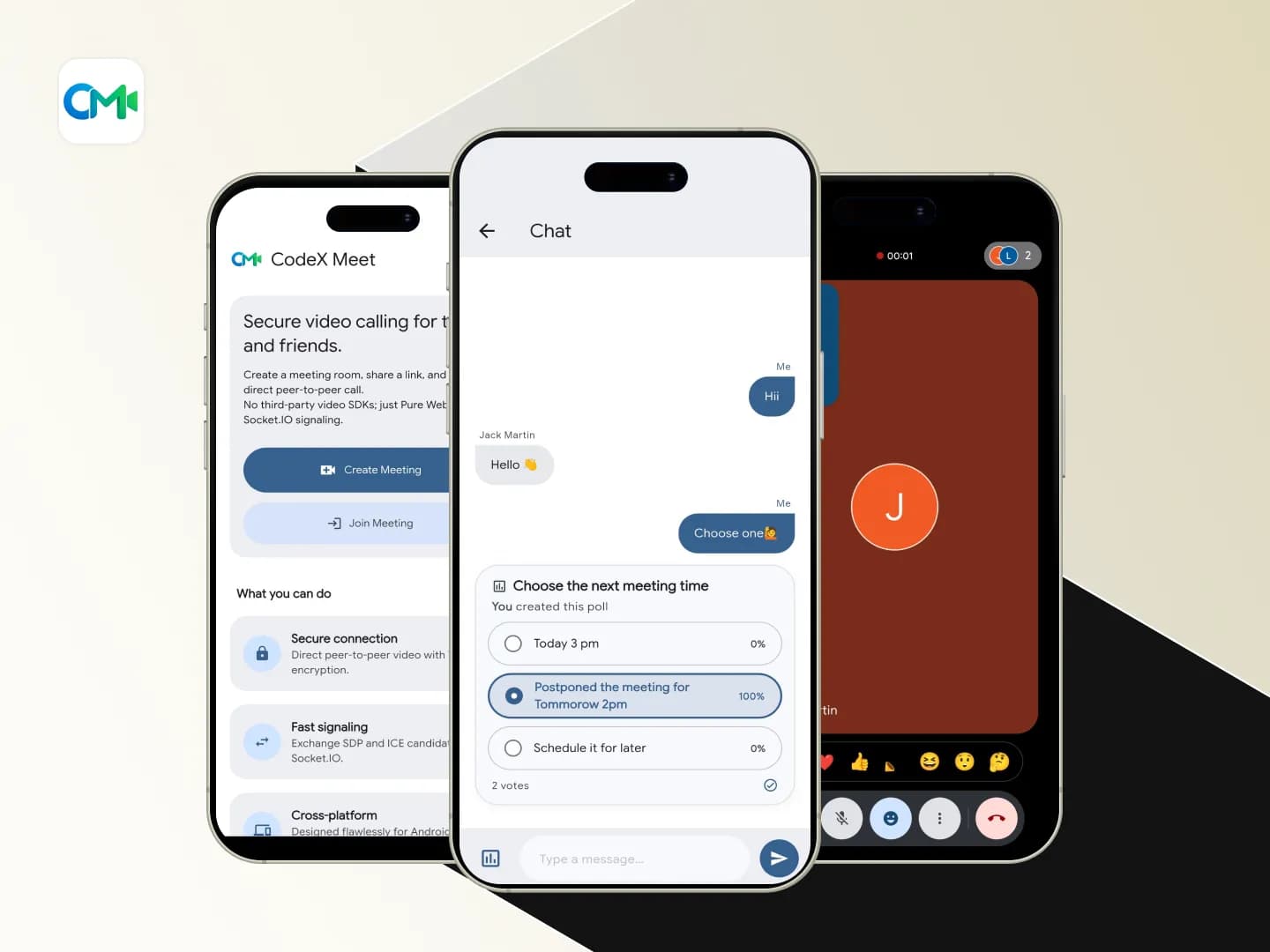
CodeX Meet is a cross-platform WebRTC-based video calling and interactive meeting application designed to simplify one-to-one conferencing. The application establishes direct peer-to-peer WebRTC connections while using Firebase Firestore as a real-time signaling service, eliminating the need for expensive third-party video conferencing SDKs. This architecture provides a secure, privacy-focused, low-latency, and cost-effective communication solution. Built with […]

FlutterDart+3
View Case Study
Smart Attend

Smart Attend

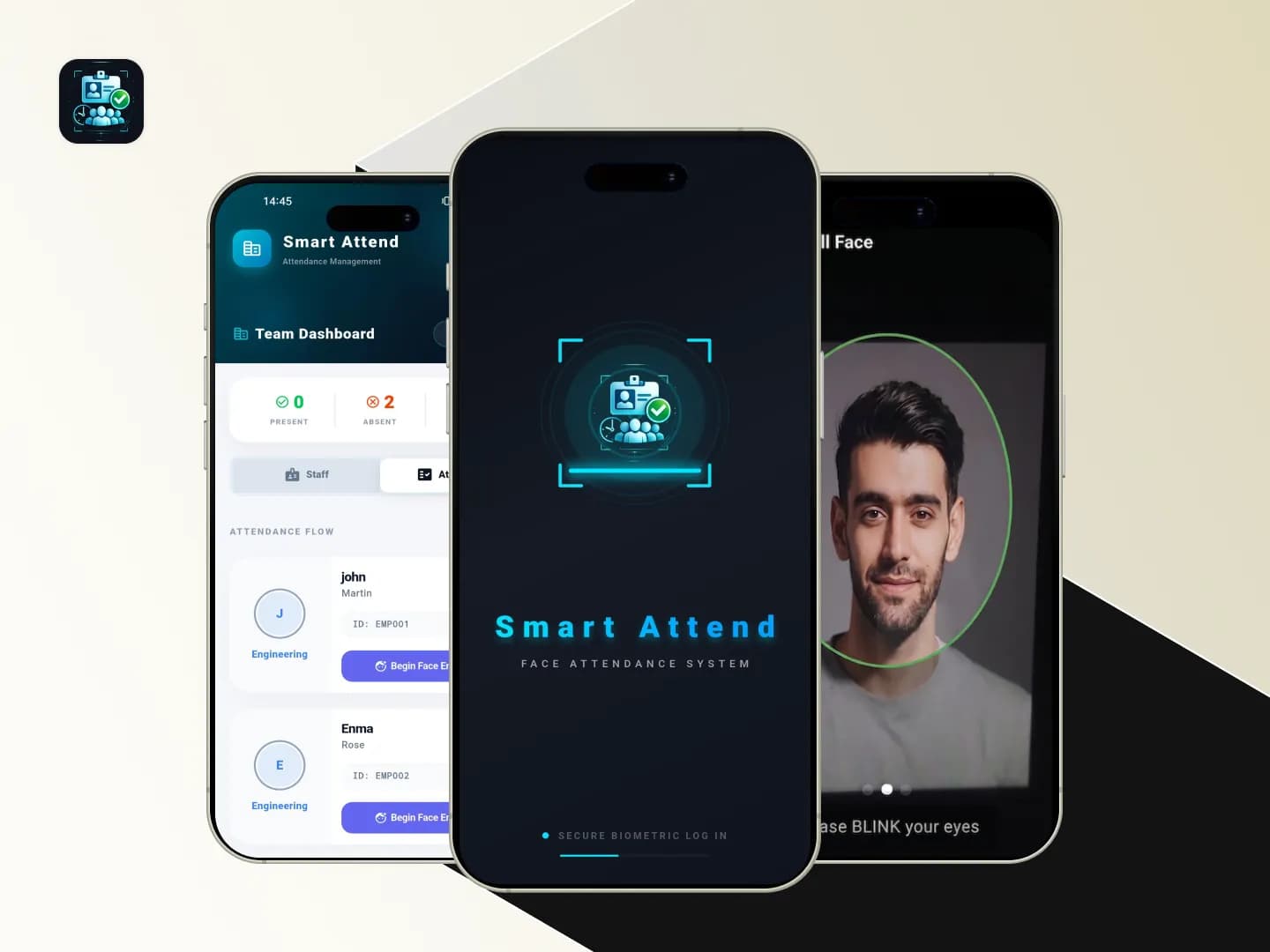
Smart Attend is a biometric attendance management application built to simplify employee enrollment, check-in, and check-out through face recognition. The app uses a camera-based liveness verification flow combined with on-device face detection and face embedding matching to ensure that attendance is marked only by the correct employee. This reduces manual errors, prevents proxy attendance, and […]

FlutterDart+3
View Case Study
Secure Auth Vault

Secure Auth Vault

A privacy-focused, cross-platform credential manager and authenticator application designed to securely store sensitive data. The app serves as a centralized, offline-first vault for managing diverse credential types—such as login credentials, banking details, Wi-Fi passwords, and API keys—alongside sensitive documents. It features client-side encryption for secure cloud backups to Google Drive, an integrated Time-Based One-Time Password […]

Flutter Framework
View Case Study
HR Leave Management Automation System

HR Leave Management Automation System

An AI-powered HR Leave Management workflow built using n8n automation. The system automatically detects incoming leave request emails through Gmail, analyzes the email content using AI, identifies whether the email is related to leave requests, and sends approval requests to HR/admin through Telegram. Based on the approval or rejection action from Telegram, the system automatically […]

n8nJavaScript+6
View Case Study

Have a similar idea? Let's build it together.

From concept to launch, we turn your vision into a world-class product.