Case Study
Mobile

StayOnTrack

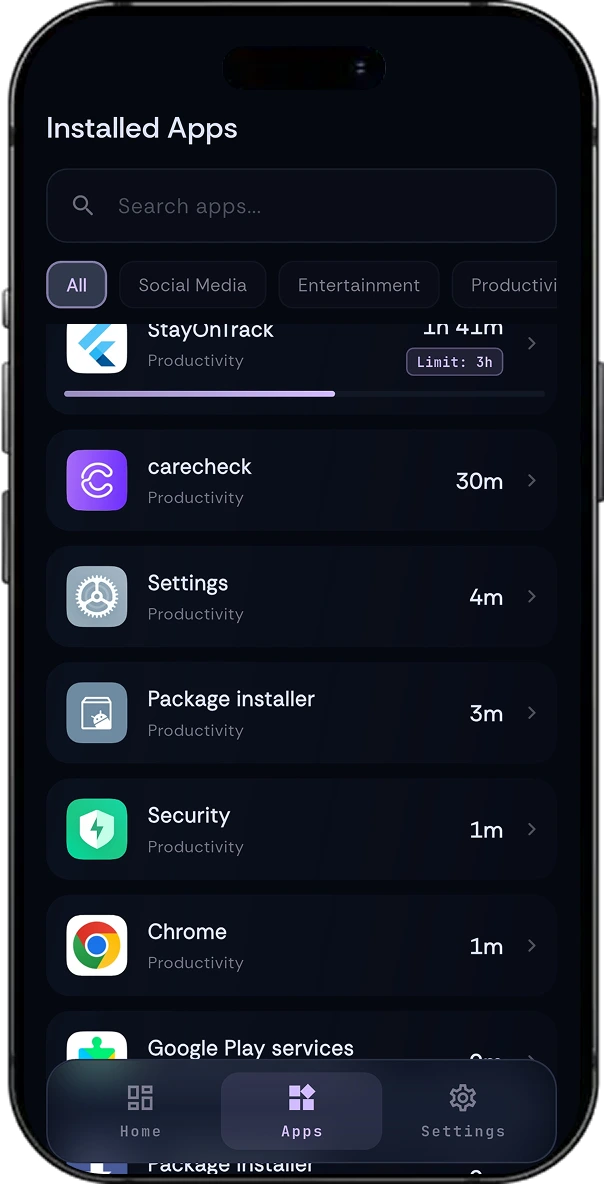
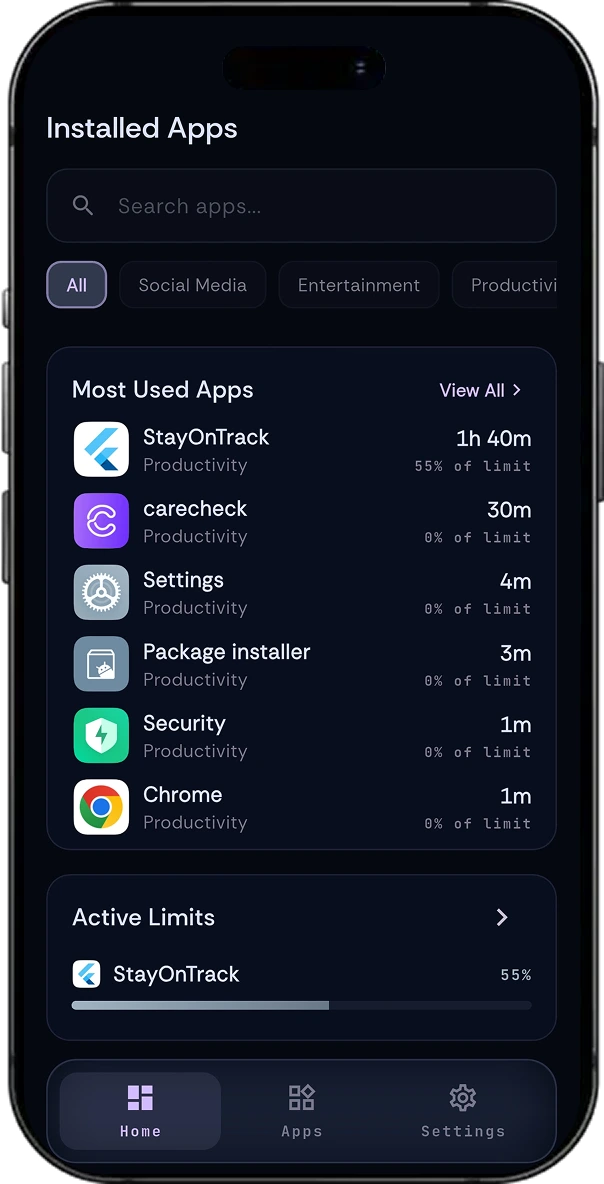
An Android-first screen time tracking app that monitors app usage in real-time via Android's UsageStatsManager API, runs a persistent background service, shows system overlay alerts when per-app limits are exceeded, and provides detailed analytics with charts. It includes a dark "Glacier" design system with frosted-glass UI, animated dashboards, and a boot receiver + WorkManager watchdog to survive reboots.

Flutter
GetX
Kotlin
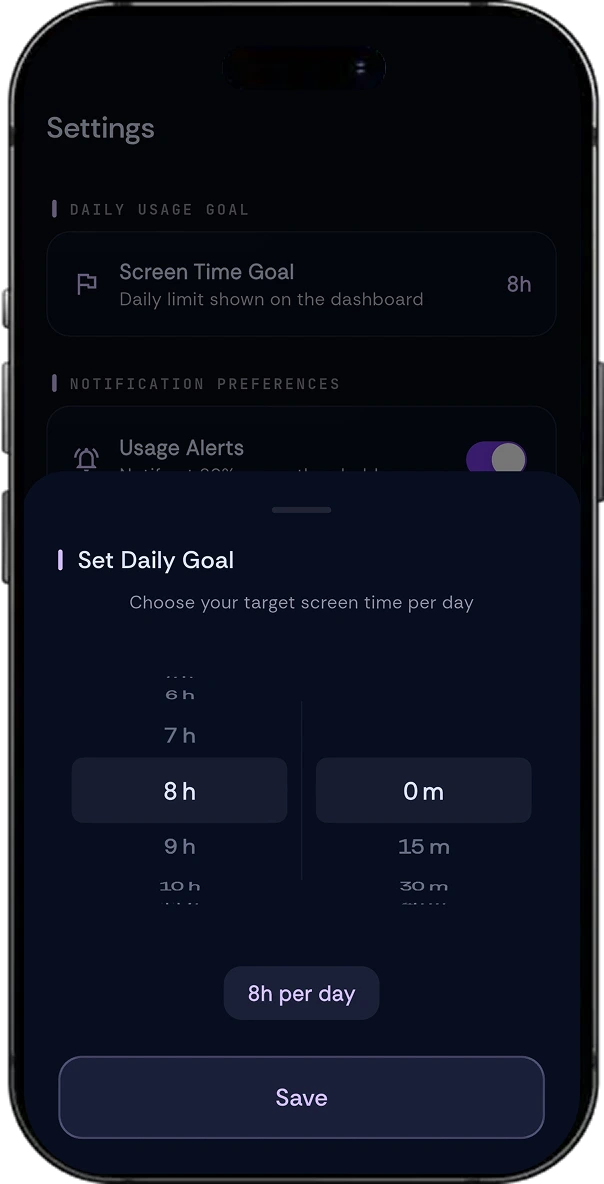
StayOnTrack screen 1
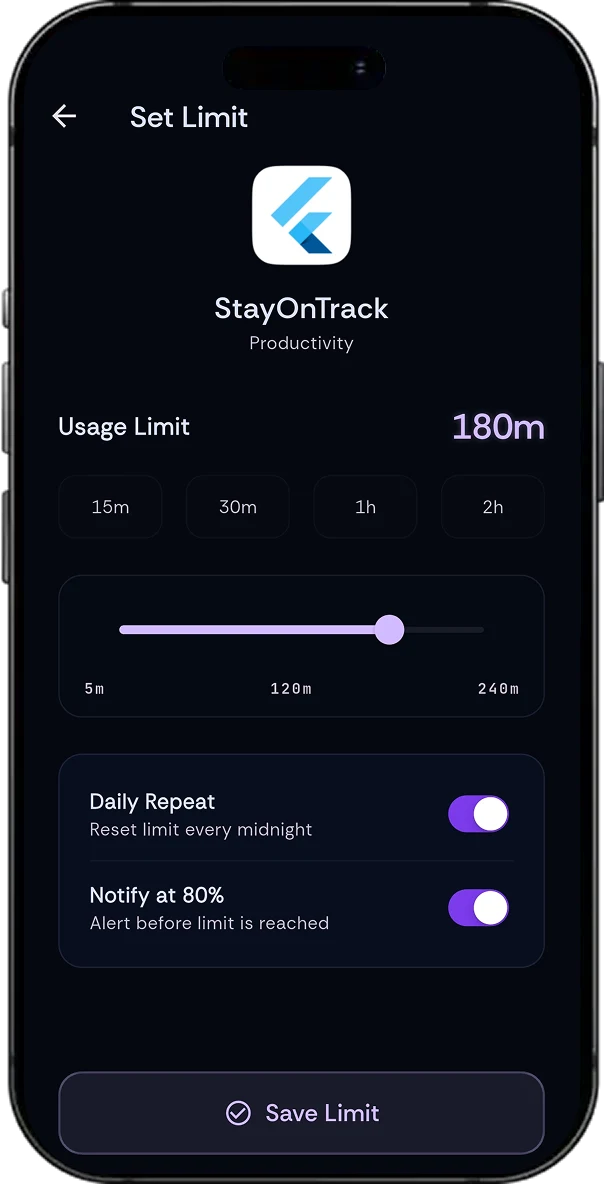
StayOnTrack screen 2
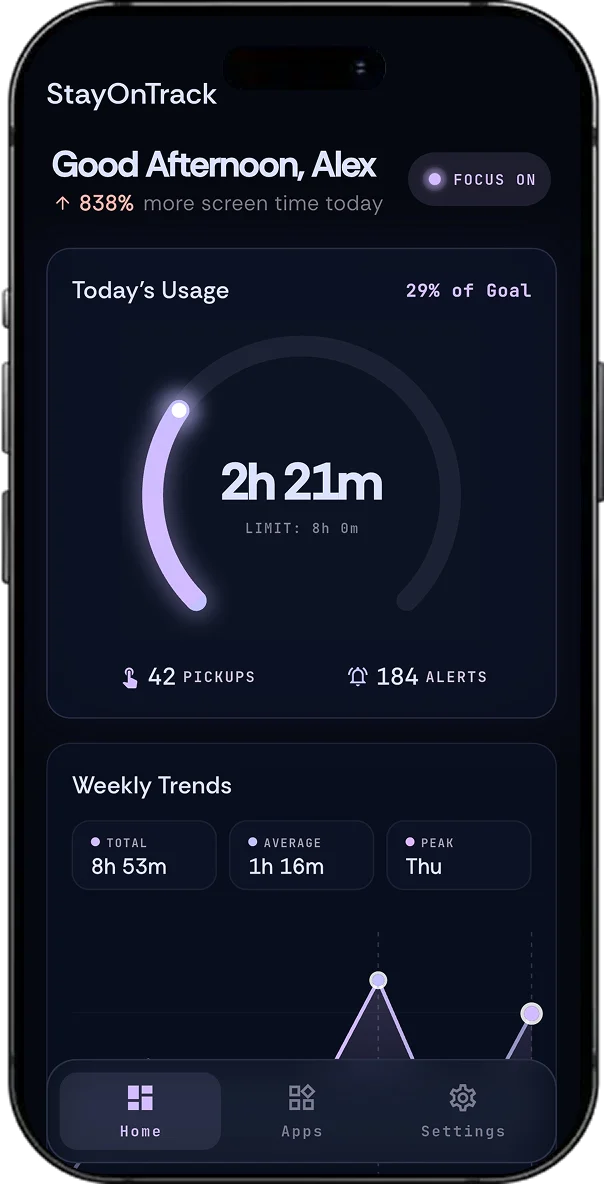
StayOnTrack screen 3
StayOnTrack screen 6
StayOnTrack screen 7

Challenges & solutions

The technical problems our team solved to ship a reliable, unified mobile experience.

Accurate Background App Usage Tracking

Continuously measuring foreground application usage with high accuracy while accounting for app switches, system events, and Android background execution restrictions required an efficient event-processing mechanism.
Reliable Background Service Persistence

Keeping the monitoring service active across app closures, device reboots, and aggressive battery optimization policies required a resilient architecture combining foreground services, Boot Receiver, and WorkManager.

Real-Time Usage Limit Enforcement

Detecting when users exceeded configured screen time limits and displaying immediate system-wide alerts without disrupting ongoing monitoring required low-latency communication between native Android components and Flutter.

Efficient Screen Time Analytics

Aggregating large volumes of usage events into meaningful daily, weekly, and per-application insights while maintaining smooth dashboard performance required optimized data processing and visualization techniques.

Managing Android Permission Constraints

Coordinating Usage Access, Overlay, Notification, and Battery Optimization permissions across different Android versions while ensuring a seamless onboarding experience required careful permission orchestration.

Battery-Efficient Continuous Monitoring

Balancing near real-time app usage detection with minimal battery consumption required carefully tuned polling intervals, resource optimization, and intelligent background task scheduling.

Key features

What users get in the finished, shipped product.

Real-Time Usage Tracking:

Continuously monitors foreground app activity using Android's UsageStatsManager API, accurately calculating per-app screen time from foreground and background event transitions while filtering out system applications to provide reliable and precise daily usage statistics.

Per-App Daily Limits:

Allows users to configure custom daily screen time limits ranging from 5 to 240 minutes using intuitive preset chips or a slider, with support for automatic daily reset and proactive warning notifications when 80% of the configured limit has been reached.

System Overlay Alerts:

Displays a full-screen overlay running in a separate Flutter isolate whenever an application exceeds its daily usage limit, enabling users to immediately snooze the restriction for 15 minutes or dismiss the alert while maintaining uninterrupted monitoring.

Persistent Background Service:

Utilizes a foreground service with a persistent notification to monitor application usage every 5 seconds, automatically trigger limit alerts, and remain active across app closures and device reboots through Boot Receiver and WorkManager integration.

Analytics Dashboard:

Presents comprehensive usage insights through an animated screen time gauge, interactive weekly trend charts with touch tooltips, most-used application rankings, active limit progress indicators, and detailed category-wise usage distribution for better digital wellbeing tracking.

Focus Mode:

Enables users to temporarily suppress usage limit alerts during important tasks or study sessions while continuing to track focus duration as part of the overall daily device usage analytics.

Battery Optimization Exemption:

Requests exclusion from Android's battery optimization policies to ensure the background monitoring service continues running reliably, allowing accurate screen time tracking and timely usage limit notifications without interruption.

Tech integrations

Third-party SDKs & libraries

10 core integrations powered

get

Core system integration

google_fonts

Core system integration

fl_chart

Core system integration

usage_stats

Core system integration

installed_apps

Core system integration

flutter_background_service

Background playback

flutter_local_notifications

Core system integration

shared_preferences

Core system integration

flutter_overlay_window

Core system integration

work-runtime-ktx)

Android Native (androidx.work

More Case Studies
Related Work

Similar Projects We've Built

CodeX Meet

CodeX Meet

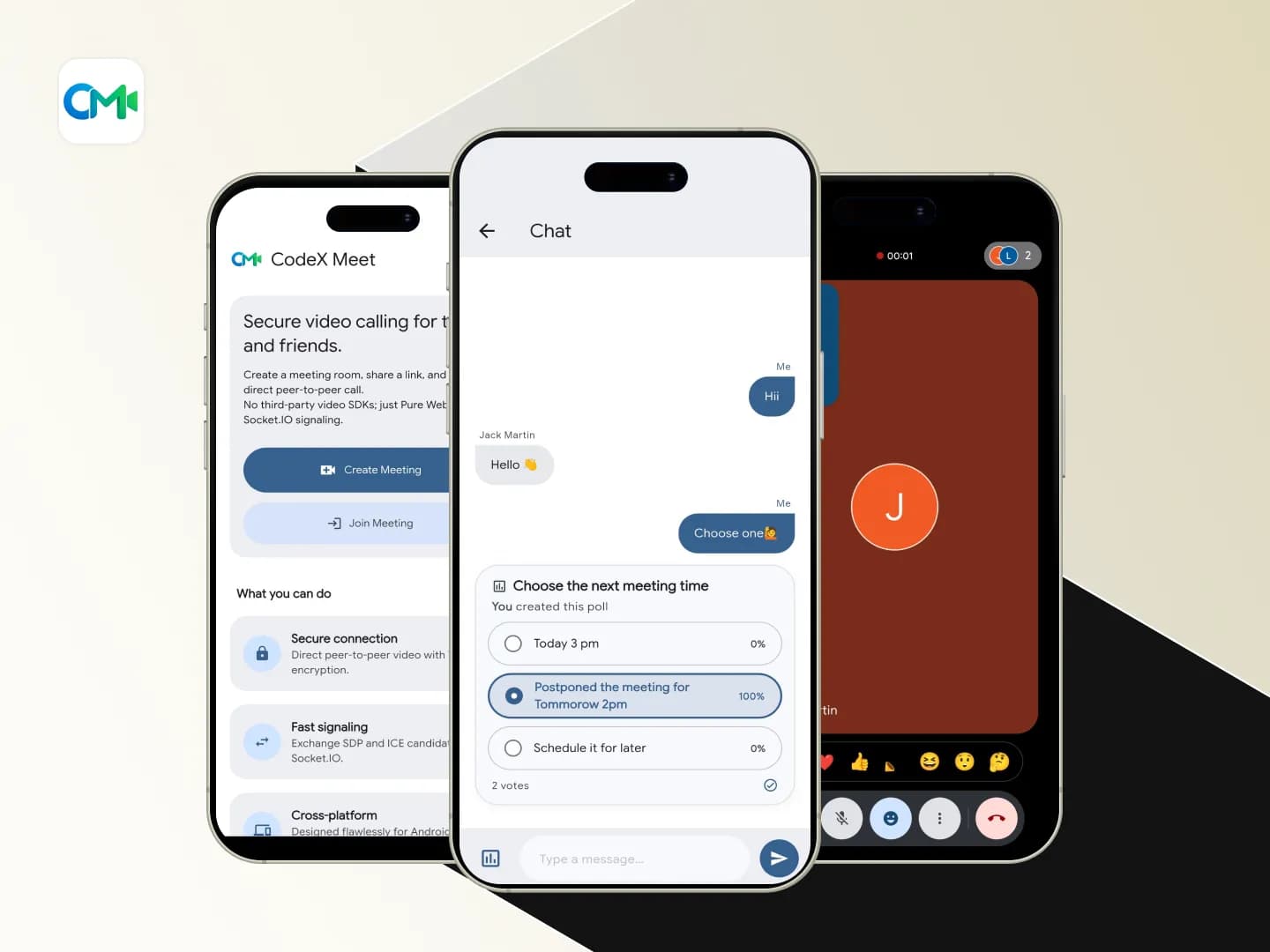
CodeX Meet is a cross-platform WebRTC-based video calling and interactive meeting application designed to simplify one-to-one conferencing. The application establishes direct peer-to-peer WebRTC connections while using Firebase Firestore as a real-time signaling service, eliminating the need for expensive third-party video conferencing SDKs. This architecture provides a secure, privacy-focused, low-latency, and cost-effective communication solution. Built with […]

FlutterDart+3
View Case Study
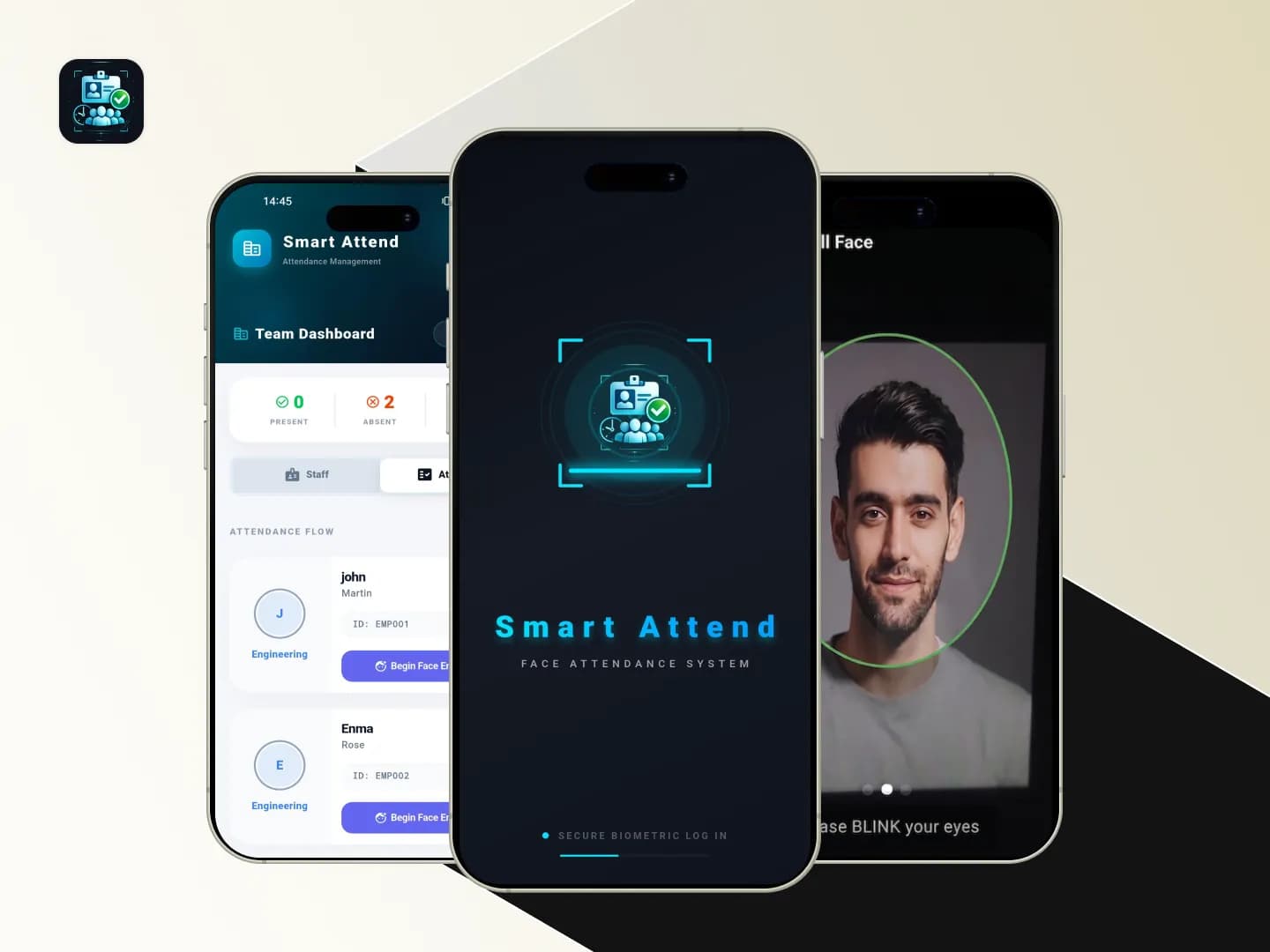
Smart Attend

Smart Attend

Smart Attend is a biometric attendance management application built to simplify employee enrollment, check-in, and check-out through face recognition. The app uses a camera-based liveness verification flow combined with on-device face detection and face embedding matching to ensure that attendance is marked only by the correct employee. This reduces manual errors, prevents proxy attendance, and […]

FlutterDart+3
View Case Study
Secure Auth Vault

Secure Auth Vault

A privacy-focused, cross-platform credential manager and authenticator application designed to securely store sensitive data. The app serves as a centralized, offline-first vault for managing diverse credential types—such as login credentials, banking details, Wi-Fi passwords, and API keys—alongside sensitive documents. It features client-side encryption for secure cloud backups to Google Drive, an integrated Time-Based One-Time Password […]

Flutter Framework
View Case Study
HR Leave Management Automation System

HR Leave Management Automation System

An AI-powered HR Leave Management workflow built using n8n automation. The system automatically detects incoming leave request emails through Gmail, analyzes the email content using AI, identifies whether the email is related to leave requests, and sends approval requests to HR/admin through Telegram. Based on the approval or rejection action from Telegram, the system automatically […]

n8nJavaScript+6
View Case Study

Have a similar idea? Let's build it together.

From concept to launch, we turn your vision into a world-class product.