Case Study
Desktop

Searchify – Multi-Platform Developer Search Aggregator

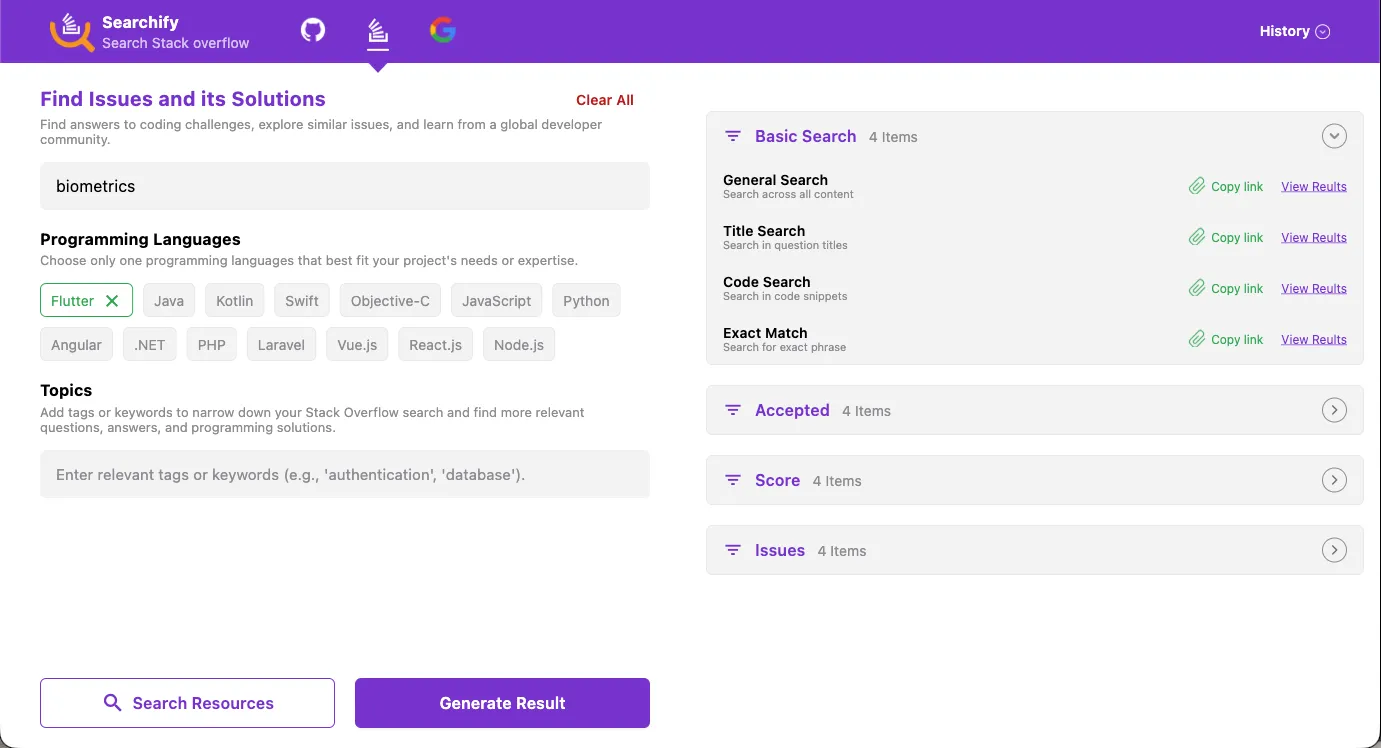
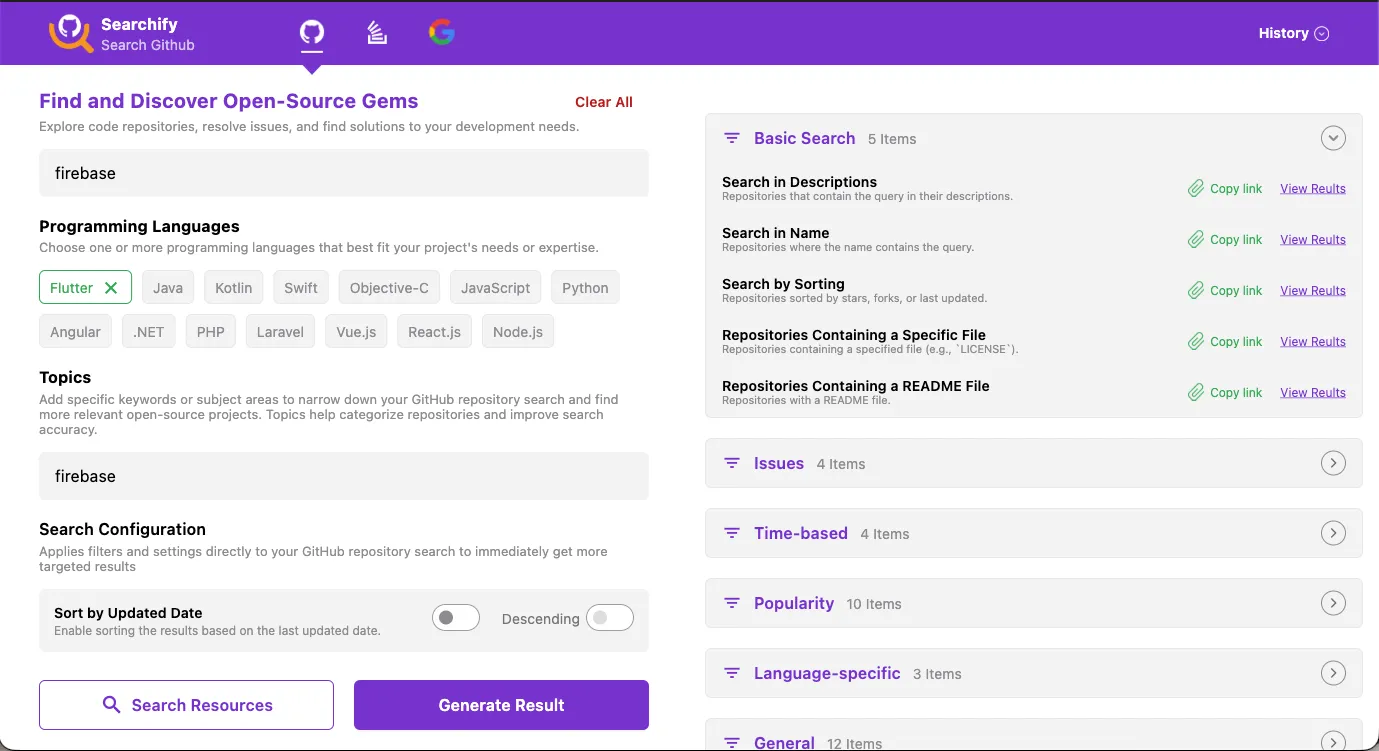
Searchify is a cross-platform Flutter application designed for developers to efficiently search across GitHub, Stack Overflow, and Google from a single interface. It intelligently generates multiple search query combinations and advanced filters to help developers quickly discover repositories, solutions, and technical resources. The application supports search history, platform-specific filtering, and a smooth user experience across devices. It is built with an offline-friendly approach using local storage to retain user activity and preferences.

Flutter (Dart)
GetX
Local Storage
Searchify – Multi-Platform Developer Search Aggregator screen 4
Searchify – Multi-Platform Developer Search Aggregator screen 1
Searchify – Multi-Platform Developer Search Aggregator screen 2

Challenges & solutions

The technical problems our team solved to ship a reliable, unified desktop experience.

Unified Multi-Platform Query Construction

Developers frequently waste time manually adapting search queries for different engines. The project addresses this by creating a unified search pipeline that automatically formats and combines advanced parameters (like file types, site limits, dates, and exclusions) into optimized search URLs for Google, GitHub, and Stack Overflow.
Dynamic Cross-Platform UI Adaptability

Delivering a consistent and visually appealing layout across iOS, Android, and Desktop platforms required a responsive design strategy. This was achieved by integrating flutter_screenutil for resolution-independent scaling and using window_manager to control desktop window dimensions and resizing behaviors.

Structuring Complex Advanced Modifiers

Exposing advanced search operators (e.g., negative keywords, exact matches, score/view thresholds) without cluttering the interface was a design challenge. The solution features modular input forms and reactive search panels that keep the UI clean while generating complex search parameters behind the scenes.

Automated Search Combinations Recommendation

Helping developers discover relevant resources quickly required generating multiple search combinations simultaneously. The application features an automated combination generator that takes a single user input and populates a matrix of targeted search queries across Google, GitHub, and Stack Overflow.
Decoupled State and Route Management

Synchronizing search states, selected parameters, and tab views across complex nested screens could easily lead to performance bottlenecks. Implementing GetX state management decoupled the controller logic from visual widgets, ensuring seamless screen transitions and real-time UI updates.

Key features

What users get in the finished, shipped product.

GitHub Repository Search :

  • Overview : Advanced search for discovering repositories
  • Filters : Language, popularity, topics, and time-based sorting
  • Combinations : Multiple intelligent search variations for better results

Stack Overflow Q/A Search :

  • Overview : Search for questions and answers
  • Filters : Tags, votes, answers, and relevance
  • Combinations : Multiple query strategies for accurate results

Google Web Search :

  • Overview : Developer-focused web search
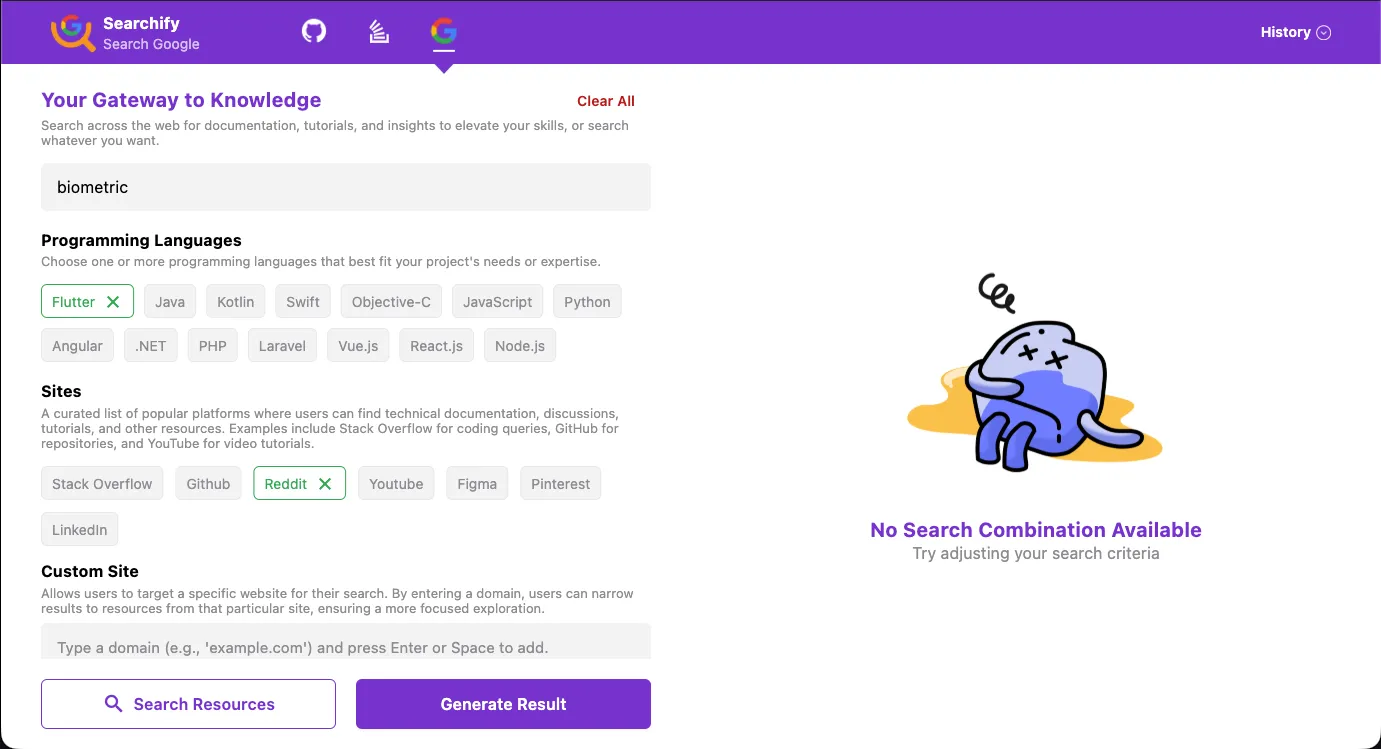
  • Filters : File types, specific websites, language, and date range
  • Combinations : Blogs, documentation, forums, and tutorials

Smart Search Combination Engine :

  • Overview : Generates multiple search variations from one input
  • Mechanism : Displays different search strategies for each platform

Search History Persistence :

  • Overview : Saves recent searches for quick reuse
  • Storage : Maintains search history locally across sessions

Multi-Platform Support :

  • Overview : Works across all major platforms
  • Platforms : Desktop, Mobile, and Web from a single codebase

Welcome Screen and Quick Access :

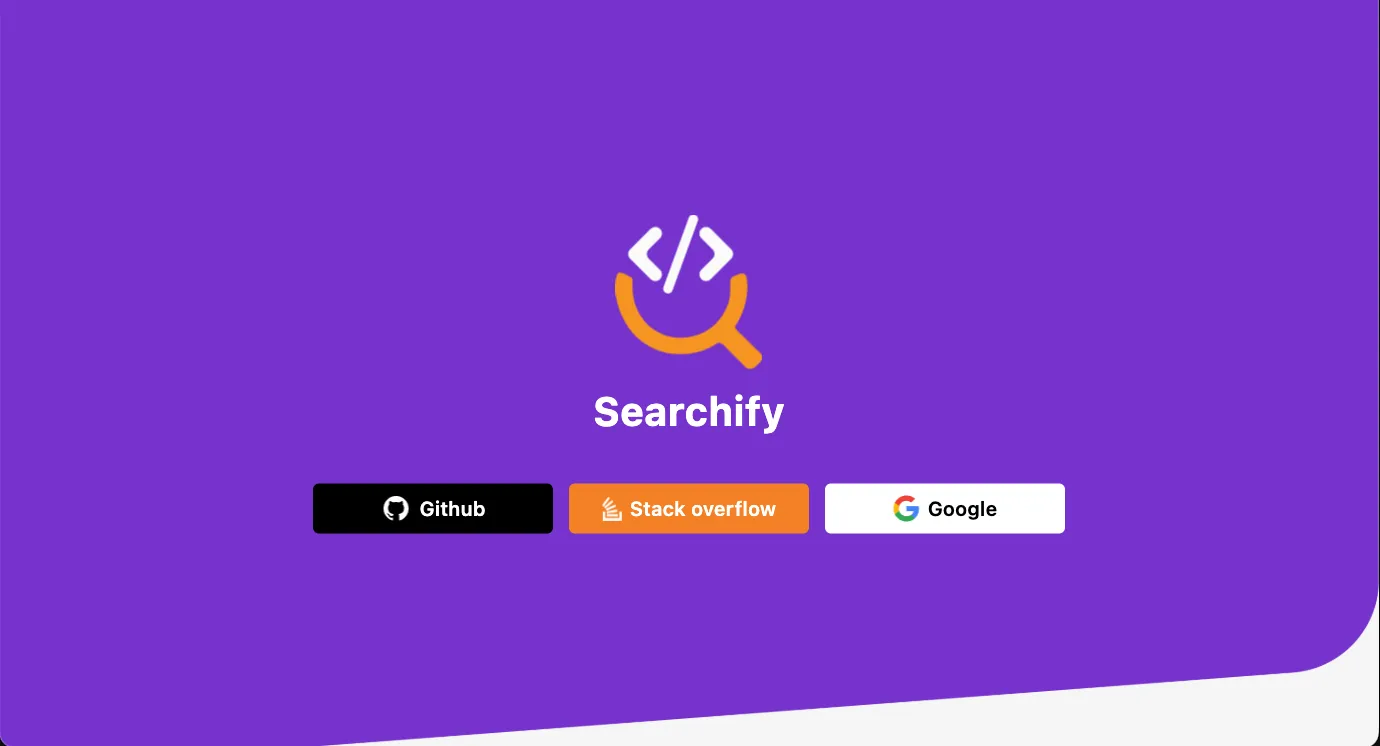
  • Overview : Central landing screen for platform selection
  • Interaction : Quick navigation to different search modules

Responsive UI :

  • Overview : Adapts seamlessly to different screen sizes
  • Implementation : Optimized layouts for all devices

Smooth Animations :

  • Overview : Enhances user experience during loading
  • Usage : Animated loaders and transitions

Clean Architecture and Extensibility :

  • Overview : Well-structured and scalable system
  • Structure : Modular design for easy feature expansion and maintenance

Tech integrations

Third-party SDKs & libraries

9 core integrations powered

GetX

Core system integration

Screen Util

Core system integration

google fonts

Core system integration

UI Utility Tools

Core system integration

URL Launcher

Core system integration

Local Storage

Core system integration

Window Manager

Core system integration

Lottie

Core system integration

cupertino icons

Core system integration

More Case Studies
Related Work

Similar Projects We've Built

CodeX Meet

CodeX Meet

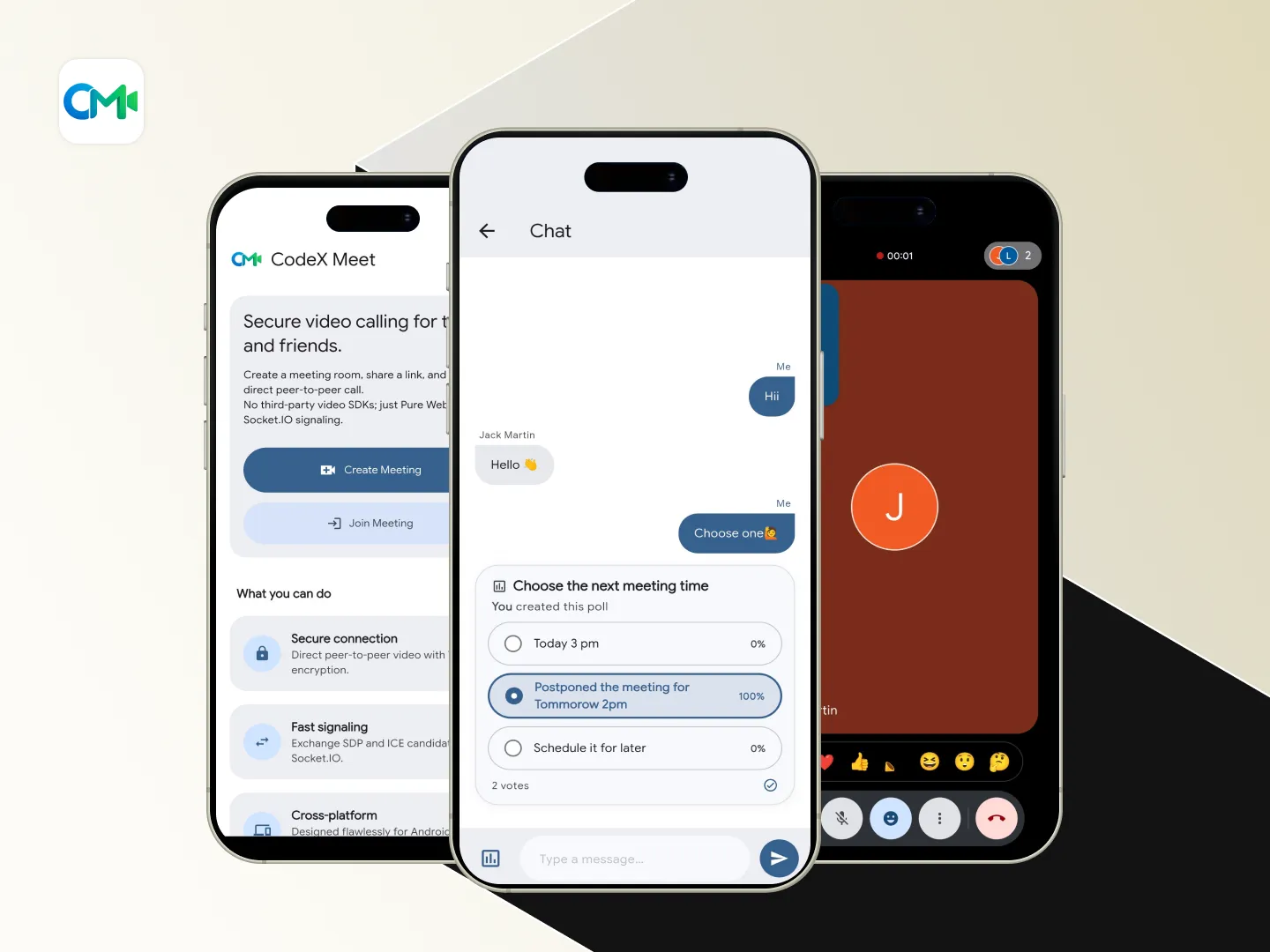
CodeX Meet is a cross-platform WebRTC-based video calling and interactive meeting application designed to simplify one-to-one conferencing. The application establishes direct peer-to-peer WebRTC connections while using Firebase Firestore as a real-time signaling service, eliminating the need for expensive third-party video conferencing SDKs. This architecture provides a secure, privacy-focused, low-latency, and cost-effective communication solution. Built with […]

FlutterDart+3
View Case Study
Smart Attend

Smart Attend

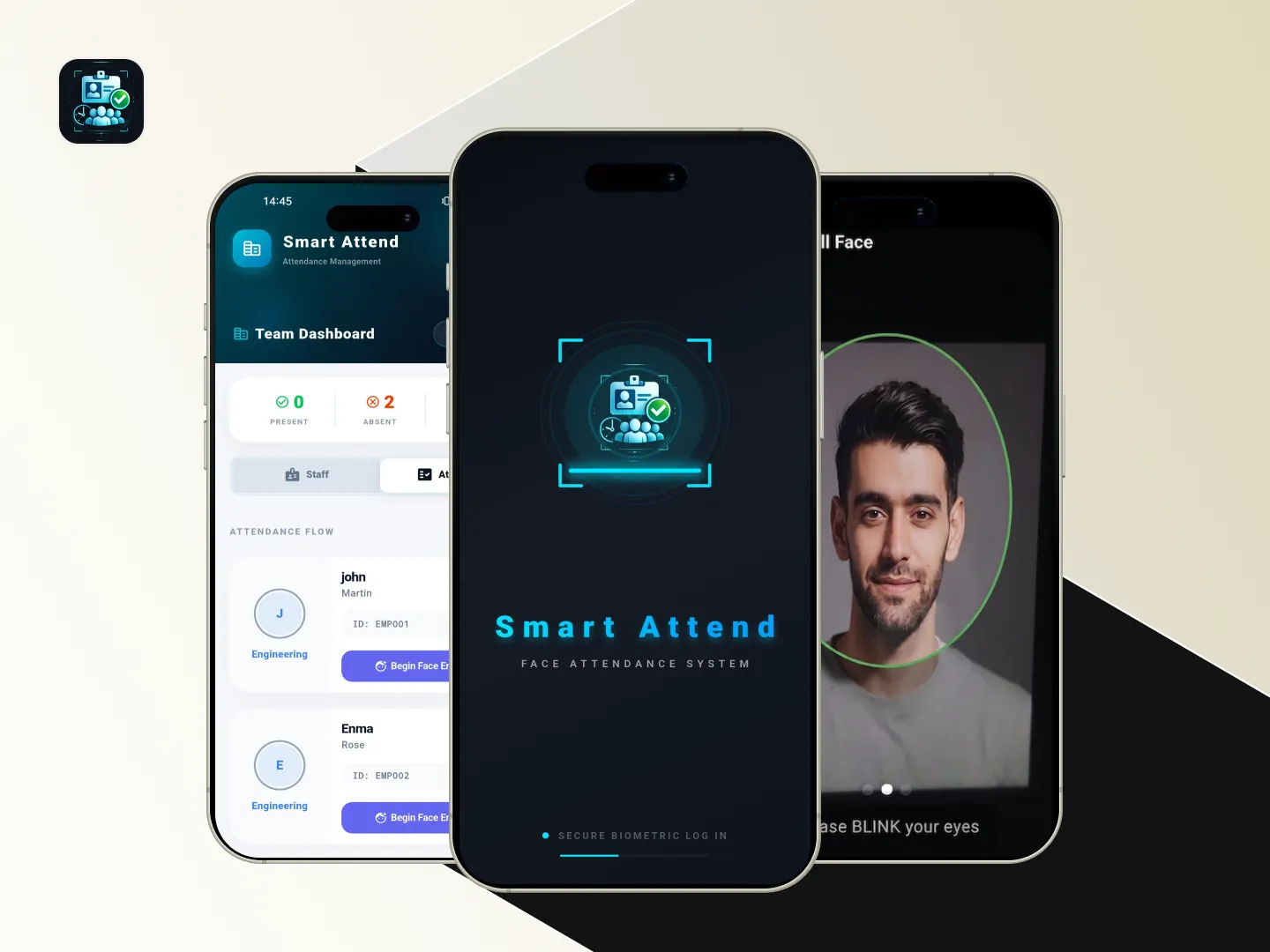
Smart Attend is a biometric attendance management application built to simplify employee enrollment, check-in, and check-out through face recognition. The app uses a camera-based liveness verification flow combined with on-device face detection and face embedding matching to ensure that attendance is marked only by the correct employee. This reduces manual errors, prevents proxy attendance, and […]

FlutterDart+3
View Case Study
Secure Auth Vault

Secure Auth Vault

A privacy-focused, cross-platform credential manager and authenticator application designed to securely store sensitive data. The app serves as a centralized, offline-first vault for managing diverse credential types—such as login credentials, banking details, Wi-Fi passwords, and API keys—alongside sensitive documents. It features client-side encryption for secure cloud backups to Google Drive, an integrated Time-Based One-Time Password […]

Flutter Framework
View Case Study
HR Leave Management Automation System

HR Leave Management Automation System

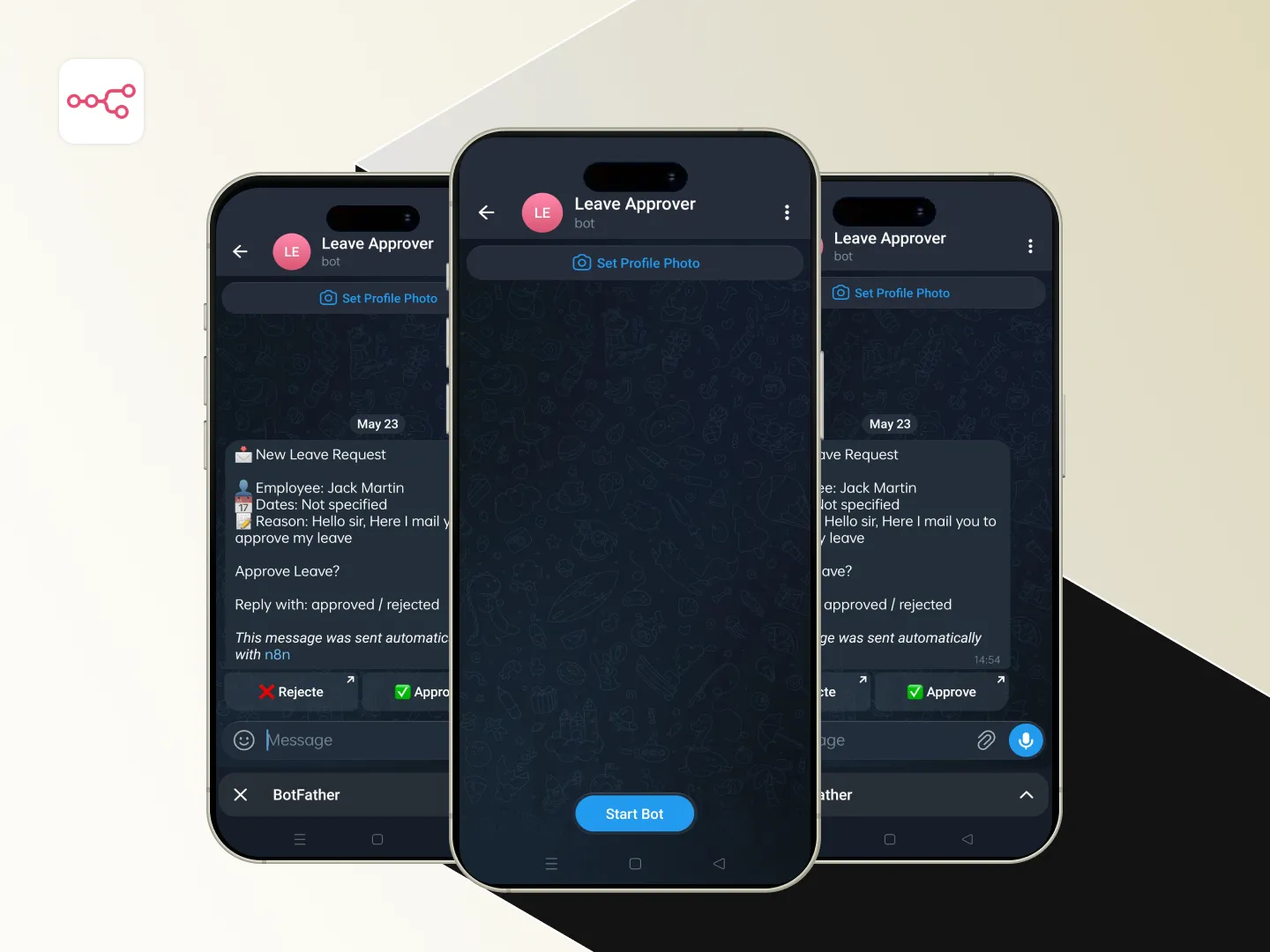
An AI-powered HR Leave Management workflow built using n8n automation. The system automatically detects incoming leave request emails through Gmail, analyzes the email content using AI, identifies whether the email is related to leave requests, and sends approval requests to HR/admin through Telegram. Based on the approval or rejection action from Telegram, the system automatically […]

n8nJavaScript+6
View Case Study

Have a similar idea? Let's build it together.

From concept to launch, we turn your vision into a world-class product.