Case Study
Desktop

AlertSigns

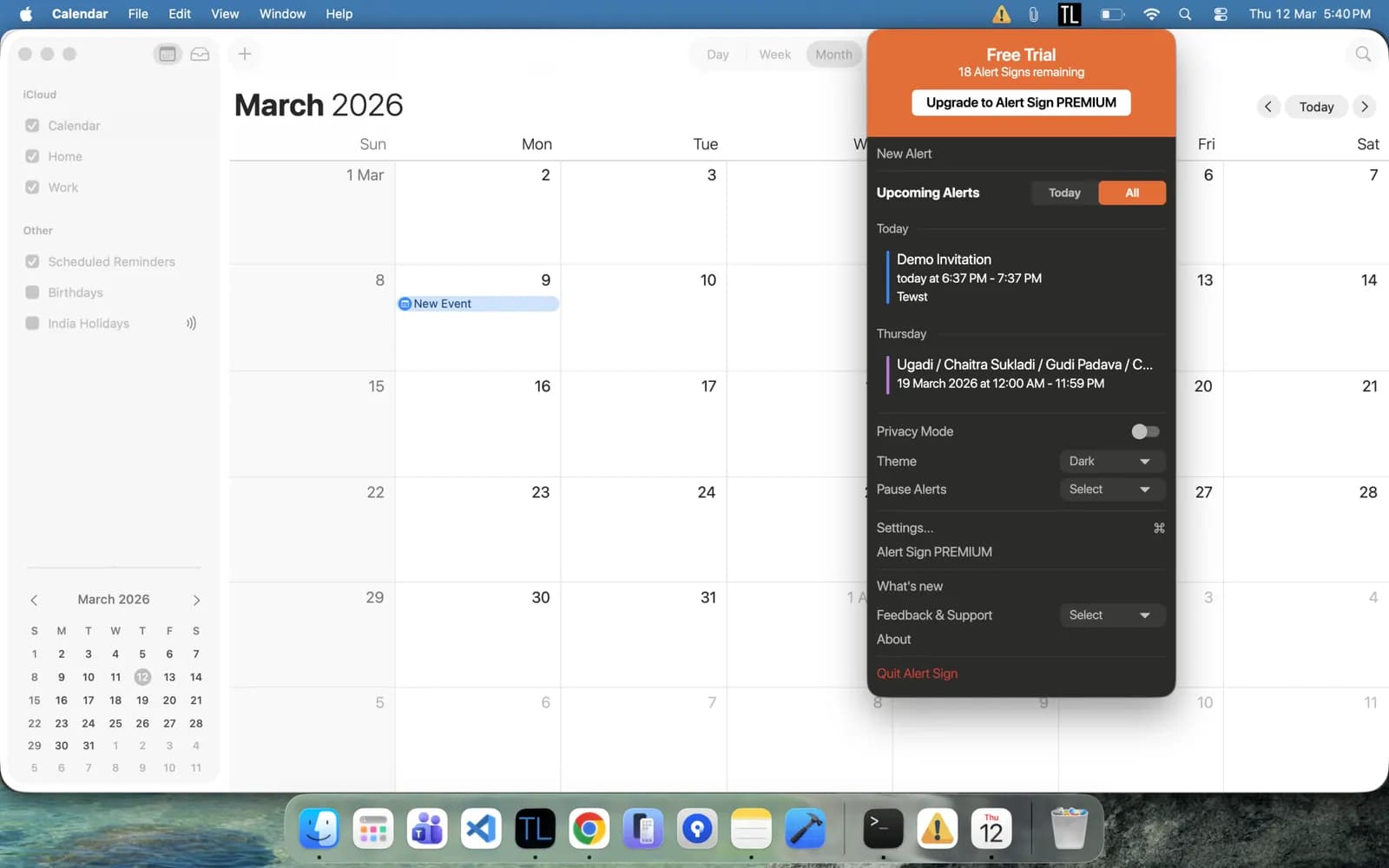
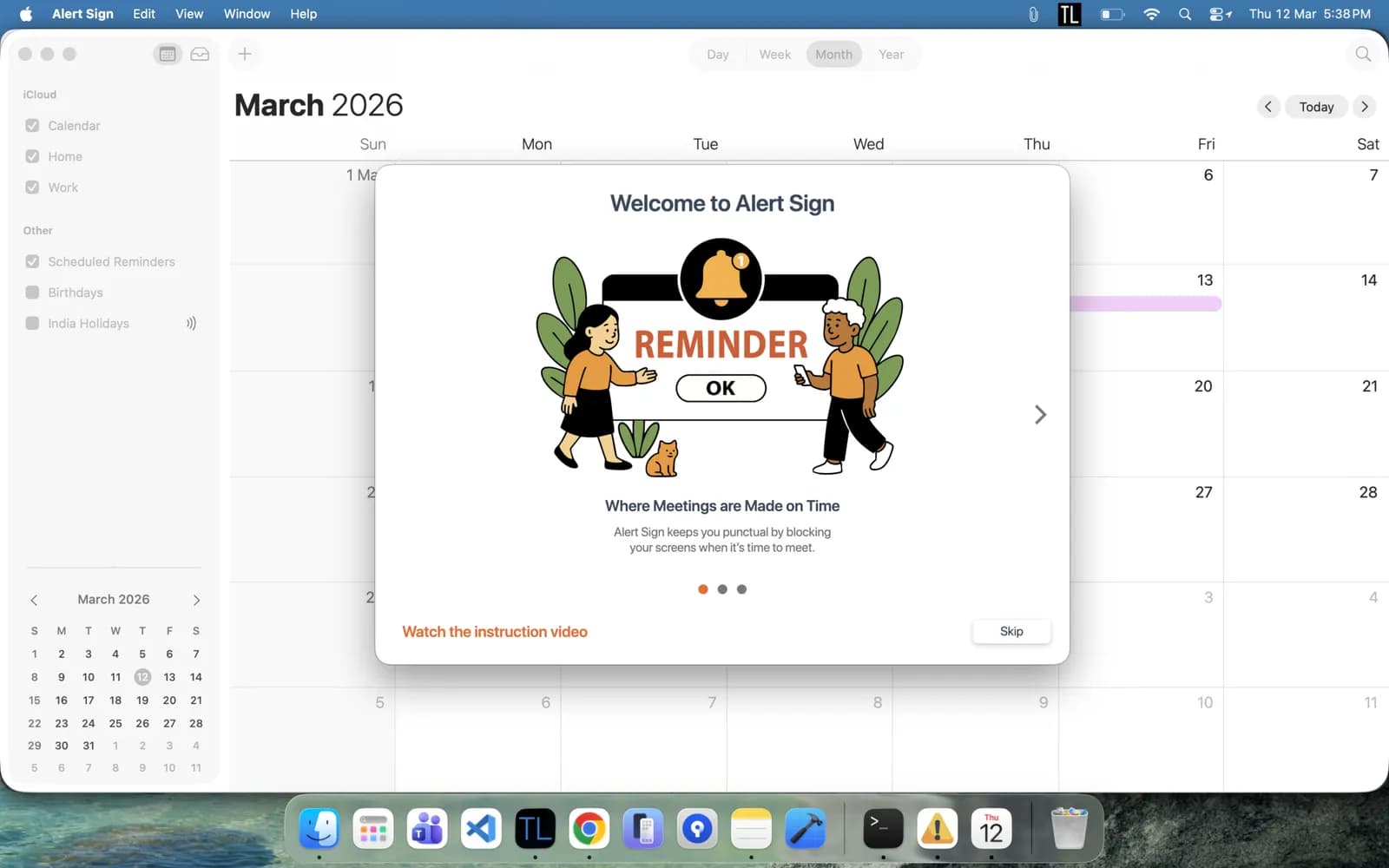
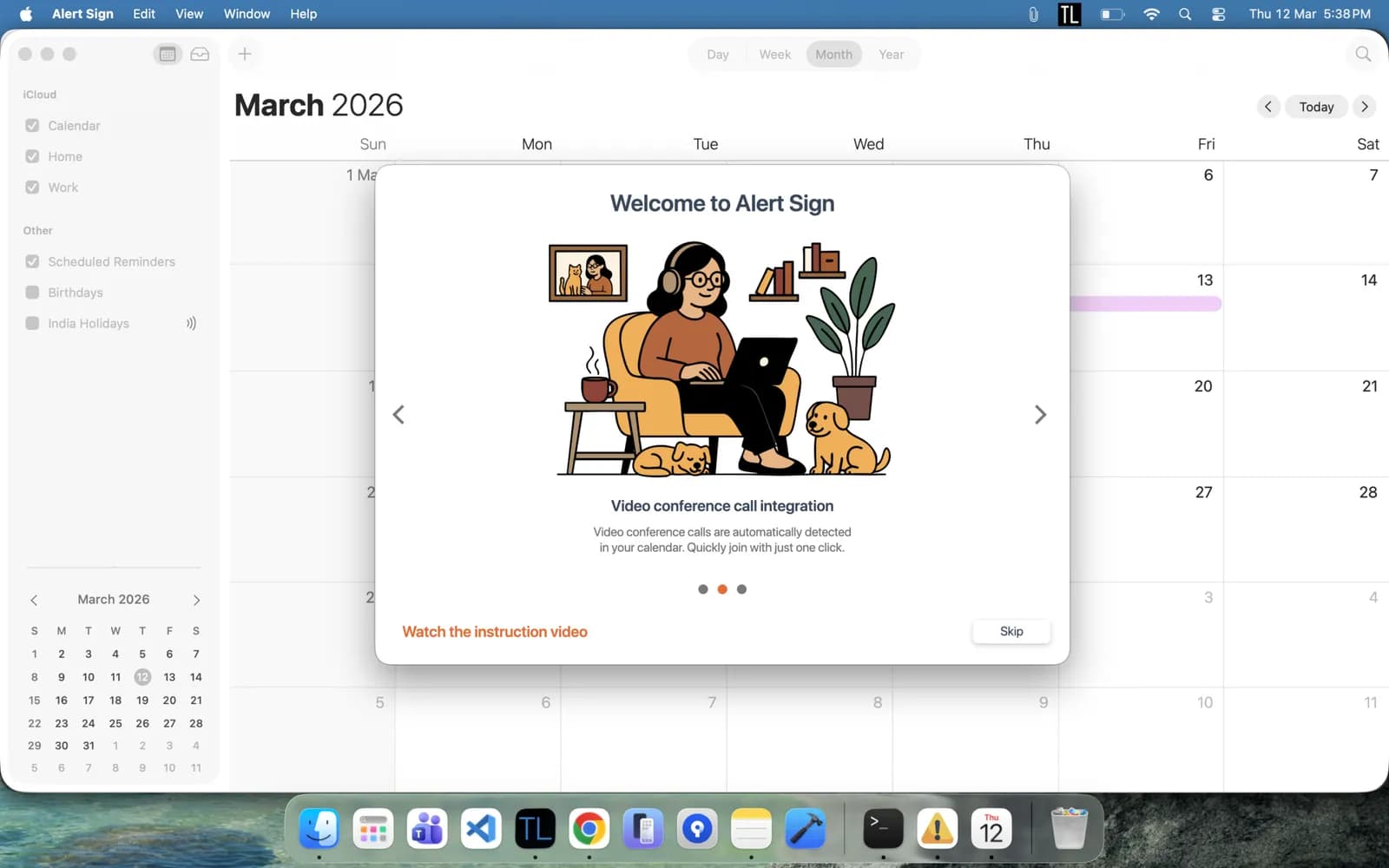
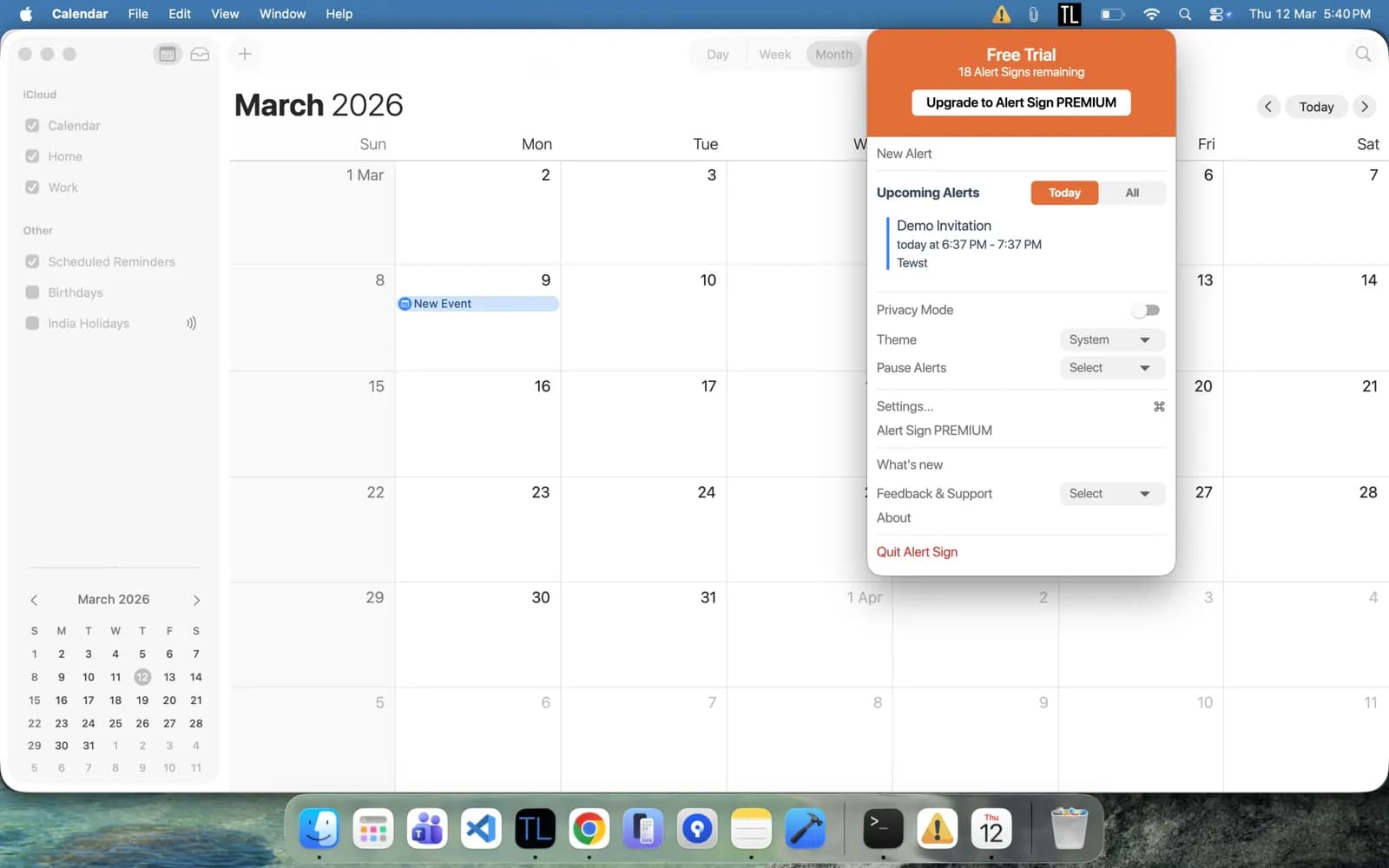
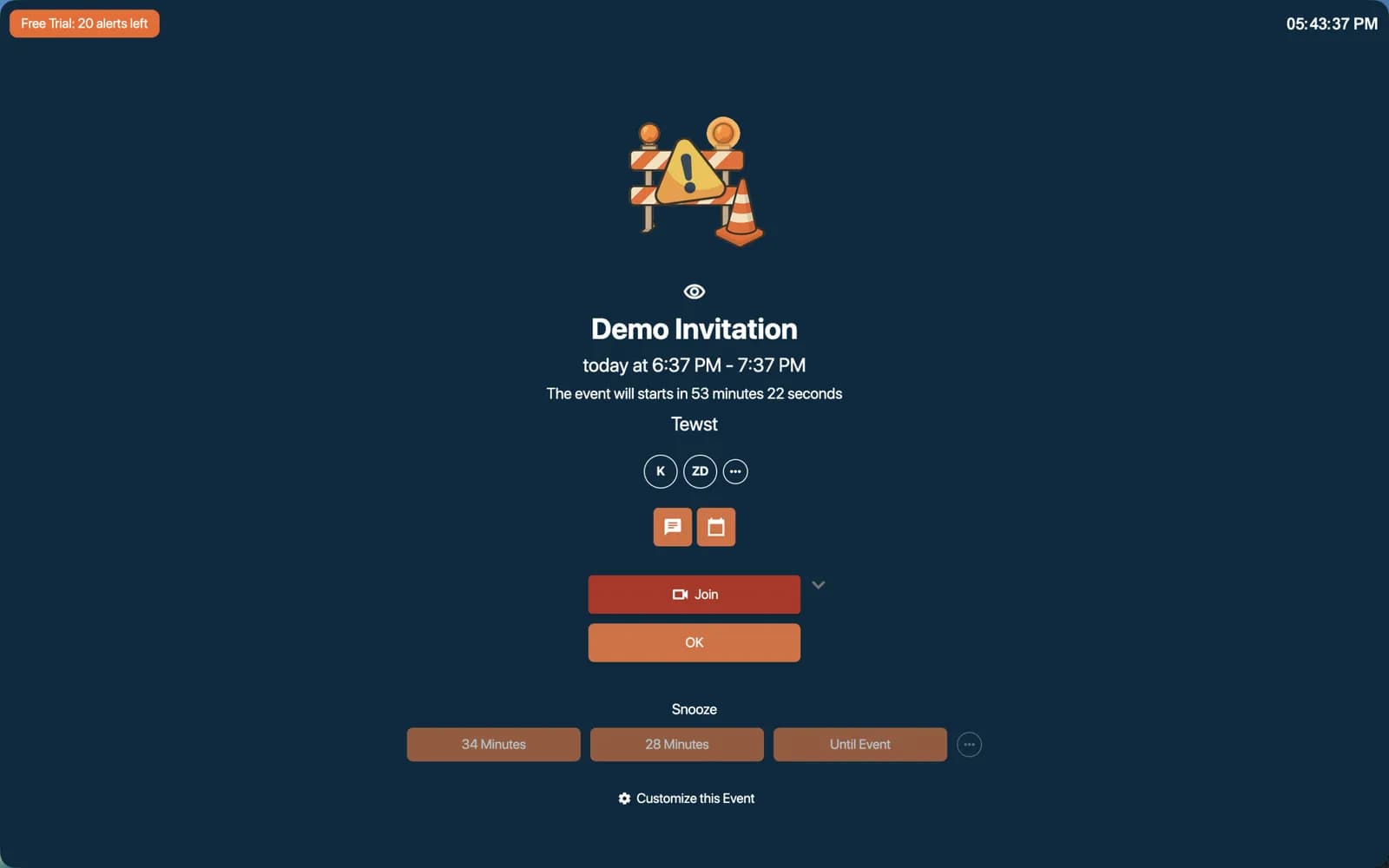
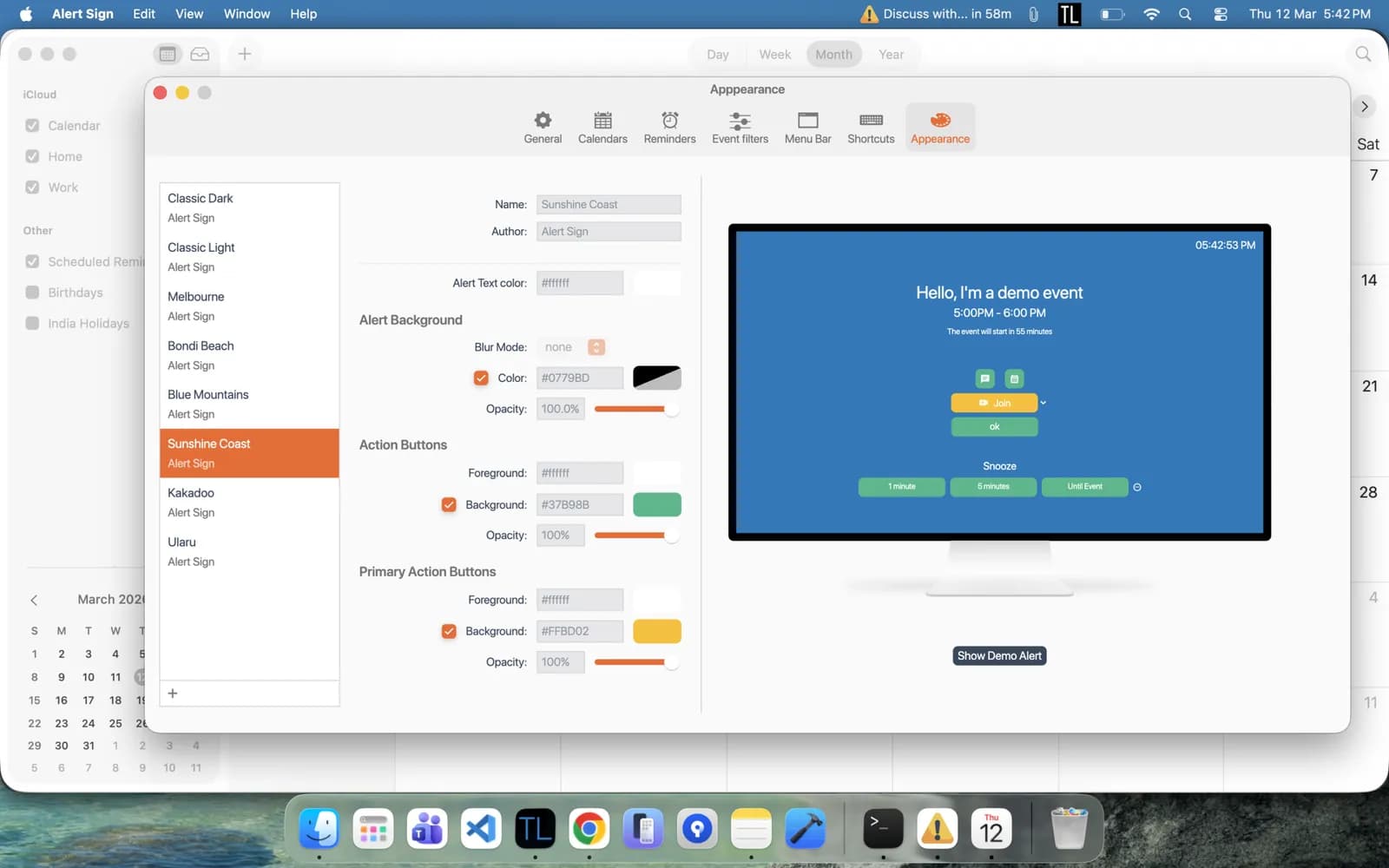
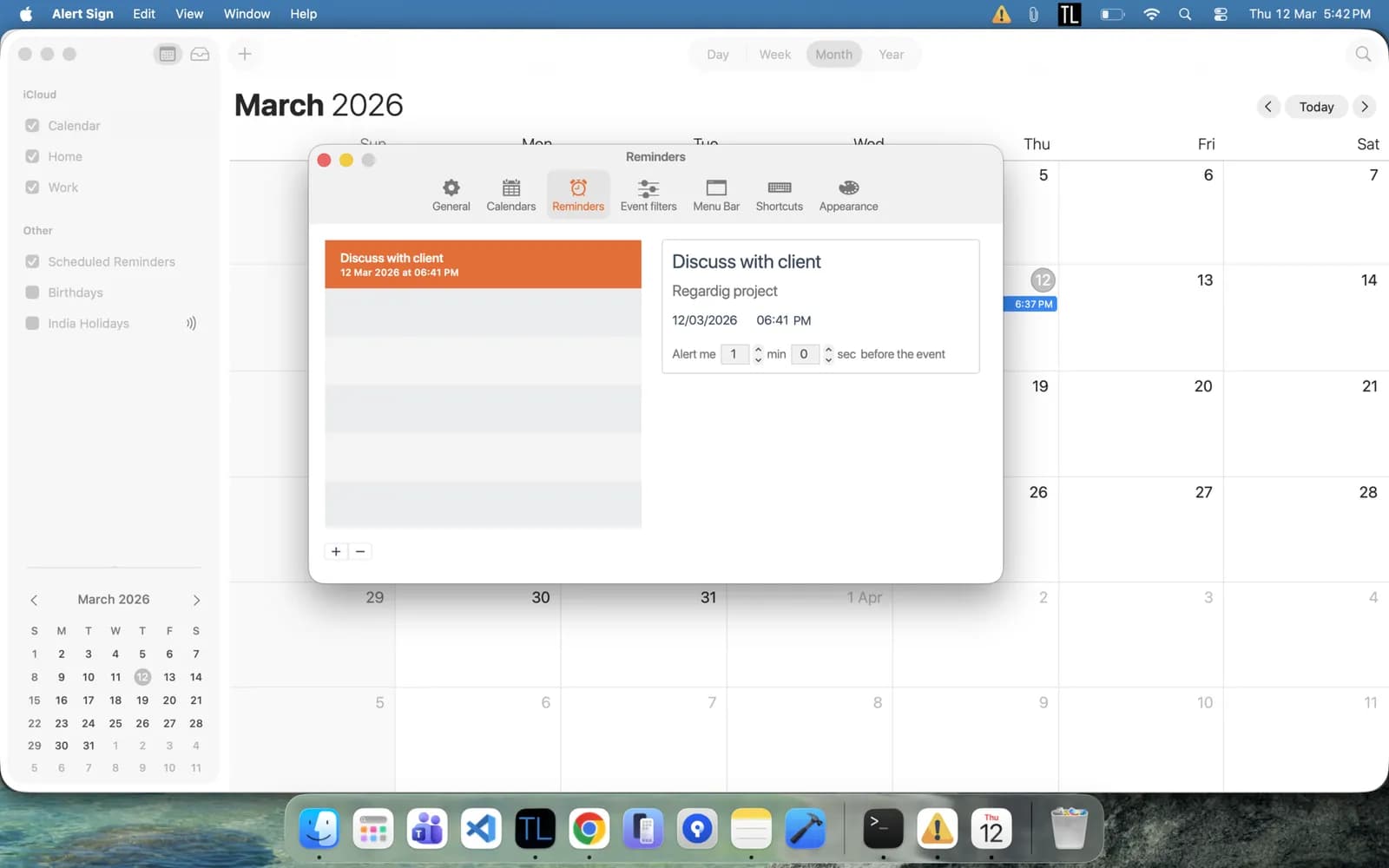
AlertSigns (also referred to as Alert Sign ) is a desktop productivity application designed to ensure users never miss important meetings, tasks, or reminders. Unlike traditional calendar notifications that are often small and easy to overlook, AlertSigns delivers full-screen alert notifications that immediately capture the user’s attention. The application integrates with the system calendar and reminders to display upcoming events with customizable alert timing. Users can snooze notifications, quickly join meetings, and manage reminders directly from the alert screen. AlertSigns runs in the system tray/menu bar , providing quick access to upcoming events, reminders, and settings without interrupting the user’s workflow. The application also supports customizable themes, working-hour configurations, privacy modes, and global keyboard shortcuts. By combining powerful desktop integrations with a clean interface, AlertSigns helps users manage their schedules efficiently and stay on top of important tasks.

Flutter (Cross-platform)
MVC pattern (Model/View/Controller)
GetX
Shared Preferences (SessionManager)
Flutter Method Channels (Native macOS / Windows APIs)
AlertSigns screen 8
AlertSigns screen 1
AlertSigns screen 2

Challenges & solutions

The technical problems our team solved to ship a reliable, unified desktop experience.

Native Calendar Integration

Challenge:
Flutter does not provide direct APIs to fetch events from the native macOS or Windows calendar.

Solution:
Implemented Flutter Method Channels to communicate with native platform APIs and fetch calendar events directly from the system.
Native Color Picker for Theme Customization

Challenge:
Flutter does not support the native macOS color picker required for theme customization.

Solution:
Used method channel integration to open and interact with the native macOS color picker.

Menu Bar and Dock Control

Challenge:
The application required controlling visibility of the macOS menu bar and dock, which is not supported directly by Flutter.

Solution:
Implemented native functionality through method channels to hide and manage the dock and menu bar behavior.

System Permissions Management

Challenge:
Accessing calendar events, reminders, and system-level features required managing native permissions.

Solution:
Used a combination of native permission handling and Flutter plugins to manage system permissions securely.

System Shortcuts & Automation Access

Challenge:
Flutter does not provide direct access to macOS Shortcuts app integration.

Solution:
Implemented native macOS APIs through method channels to interact with the system’s automation features.

Key features

What users get in the finished, shipped product.

Calendar Event Alerts :

  • Full-Screen Alerts : Get clear notifications for upcoming events
  • Never Miss Meetings : Timely reminders for all schedules
  • Real-Time Updates : Stay informed instantly

Custom Reminders :

  • Create Reminders : Set personal alerts easily
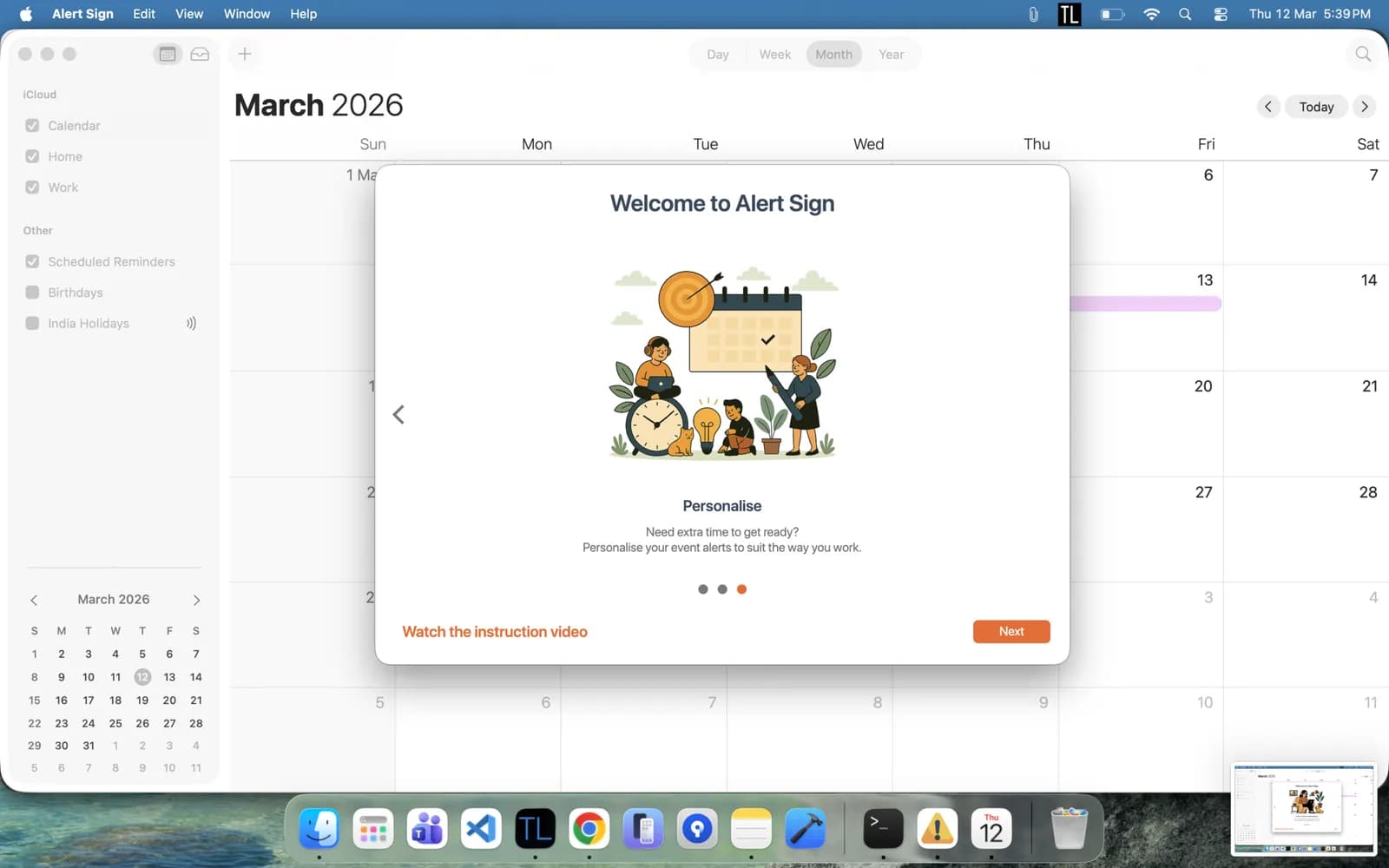
  • Snooze Option : Delay notifications when needed
  • Flexible Timing : Customize alert schedules

System Tray Integration :

  • Quick Access : Open app from system tray
  • Background Running : Works silently in background
  • Instant View : Check events anytime

Pause Alerts :

  • Temporary Pause : Stop alerts for a duration
  • Multiple Options : 5 min, 1 hour, full day
  • Flexible Control : Pause anytime easily

Privacy Mode :

  • Hide Details : Protect sensitive information
  • Secure Alerts : Keep data private on screen
  • Safe Usage : Ideal for public environments

Meeting Link Detection :

  • Auto Detection : Finds meeting links automatically
  • One-Click Join : Launch meetings instantly
  • Multi-Platform : Supports Zoom, Teams, Meet

Customizable Themes :

  • Multiple Themes : Choose app appearance
  • Personalization : Match your style
  • Light & Dark Modes : Flexible viewing

Launch at Startup :

  • Auto Start : Runs when system boots
  • Always Active : Never miss alerts
  • Seamless Experience : No manual start needed

Alert Sounds :

  • Custom Sounds : Set your own tones
  • System Sounds : Use default alerts
  • Better Notifications : Clear audio alerts

Tech integrations

Third-party SDKs & libraries

13 core integrations powered

GetX

Core system integration

shared preferences

Core system integration

Window Manager

Core system integration

Tray Manager

Core system integration

Desktop Multi Window

Core system integration

Launch At Startup

Core system integration

Hotkey Manager

Core system integration

Permission Handler

Device permissions & guards

File Picker / File Selector

Core system integration

MacOS UI

Core system integration

flutter screenutil

Core system integration

google fonts

Core system integration

Audioplayers

Playback engine

More Case Studies
Related Work

Similar Projects We've Built

CodeX Meet

CodeX Meet

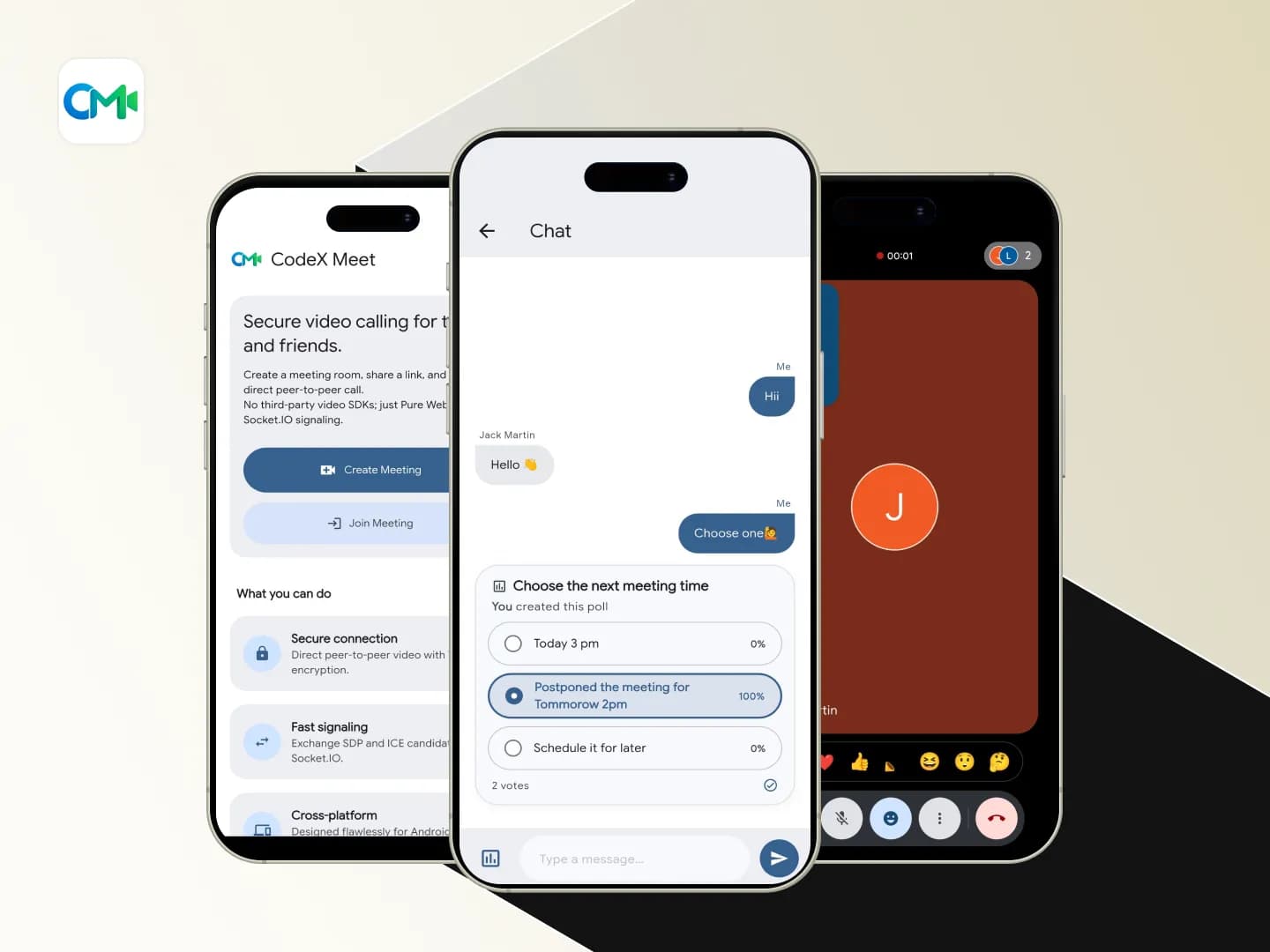
CodeX Meet is a cross-platform WebRTC-based video calling and interactive meeting application designed to simplify one-to-one conferencing. The application establishes direct peer-to-peer WebRTC connections while using Firebase Firestore as a real-time signaling service, eliminating the need for expensive third-party video conferencing SDKs. This architecture provides a secure, privacy-focused, low-latency, and cost-effective communication solution. Built with […]

FlutterDart+3
View Case Study
Smart Attend

Smart Attend

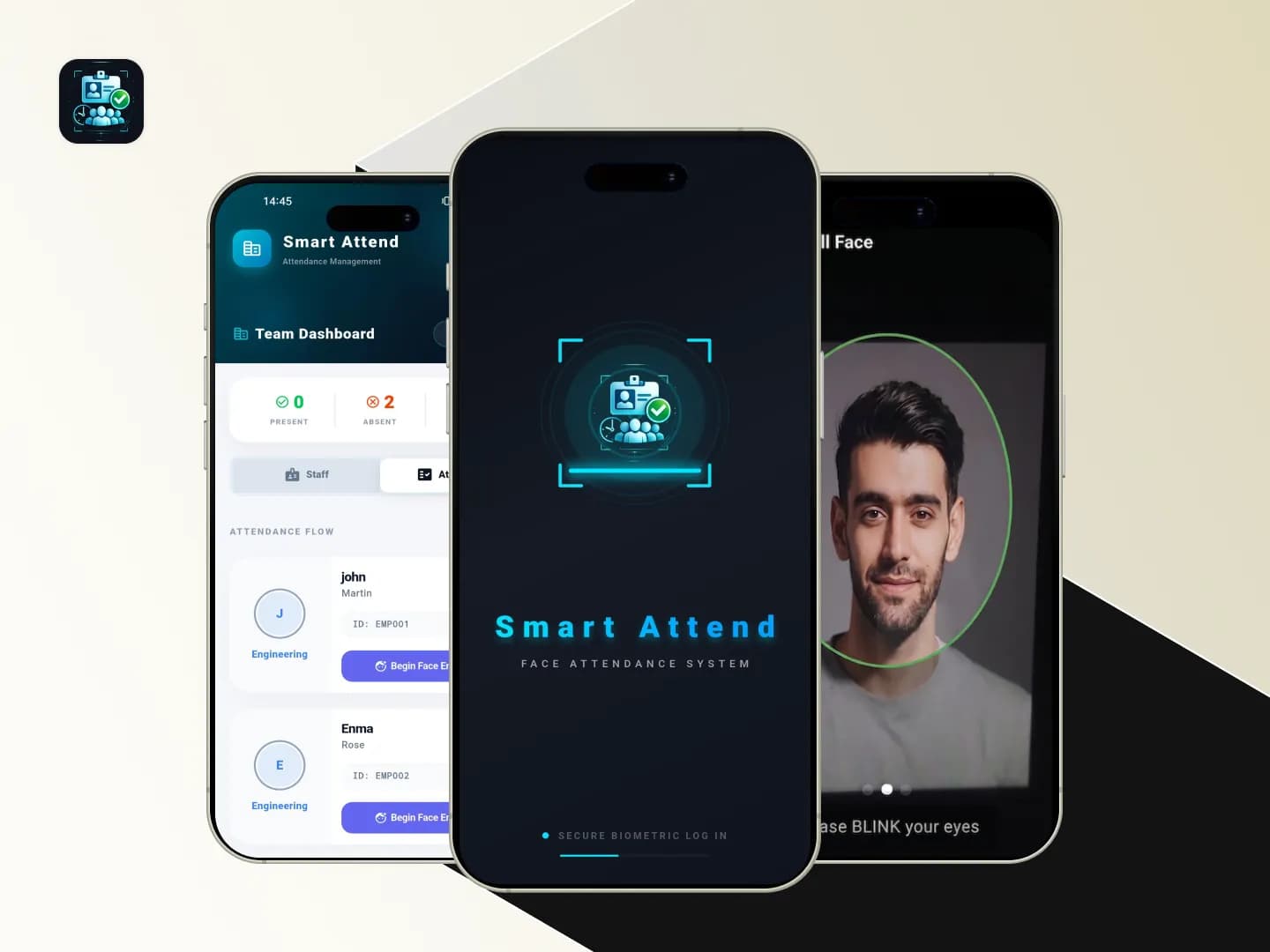
Smart Attend is a biometric attendance management application built to simplify employee enrollment, check-in, and check-out through face recognition. The app uses a camera-based liveness verification flow combined with on-device face detection and face embedding matching to ensure that attendance is marked only by the correct employee. This reduces manual errors, prevents proxy attendance, and […]

FlutterDart+3
View Case Study
Secure Auth Vault

Secure Auth Vault

A privacy-focused, cross-platform credential manager and authenticator application designed to securely store sensitive data. The app serves as a centralized, offline-first vault for managing diverse credential types—such as login credentials, banking details, Wi-Fi passwords, and API keys—alongside sensitive documents. It features client-side encryption for secure cloud backups to Google Drive, an integrated Time-Based One-Time Password […]

Flutter Framework
View Case Study
HR Leave Management Automation System

HR Leave Management Automation System

An AI-powered HR Leave Management workflow built using n8n automation. The system automatically detects incoming leave request emails through Gmail, analyzes the email content using AI, identifies whether the email is related to leave requests, and sends approval requests to HR/admin through Telegram. Based on the approval or rejection action from Telegram, the system automatically […]

n8nJavaScript+6
View Case Study

Have a similar idea? Let's build it together.

From concept to launch, we turn your vision into a world-class product.