WE ARE HIRING • WE ARE HIRING • 
Case Study
Mobile

AlertSign – Smart Calendar & Reminder Alert System

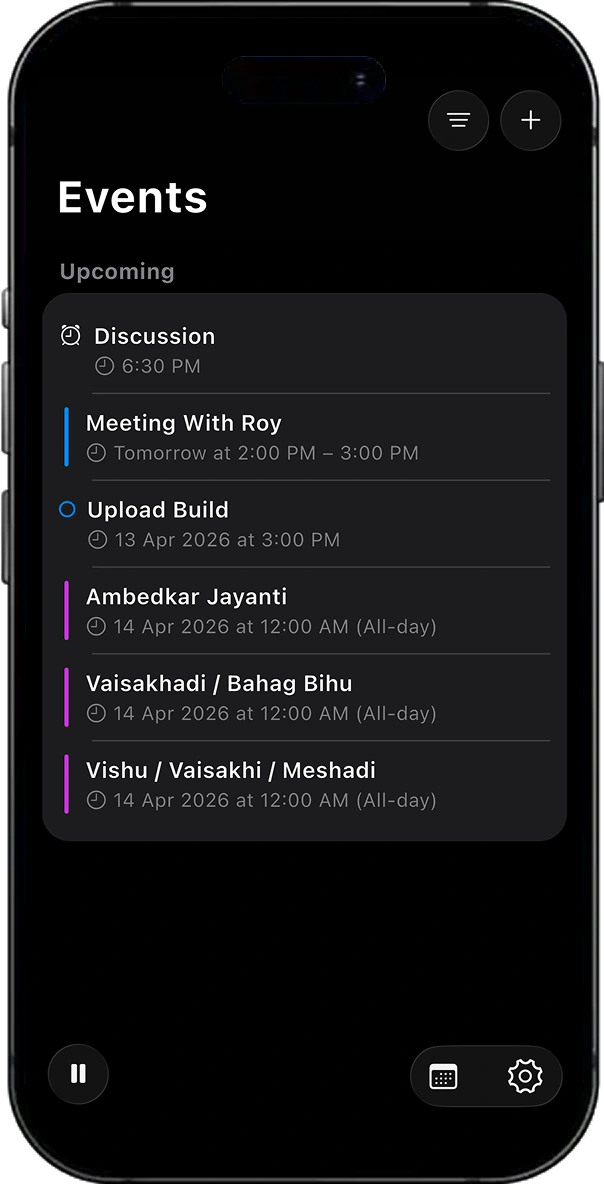
AlertSign is a sophisticated cross-platform calendar intelligence application built with Flutter, designed to deliver real-time full-screen alerts for upcoming calendar events and reminders. It bridges the gap between passive calendar notifications and attention-grabbing, context-aware alerts ensuring users never miss a meeting or deadline. The app integrates deeply with native iOS EventKit to access calendar events, reminders, and travel time data. It provides granular control over alert triggering through smart filtering, exclusion rules, and work-hour enforcement. A native iOS Home Screen Widget offers a live, glanceable view of upcoming events, while background refresh tasks keep widget data up to date even when the app is closed. AlertSign is designed for professionals managing complex calendars across multiple sources (iCloud, Google, Exchange) who require reliable, intelligent alerting aligned with their schedule context.

Flutter
Swift
Java
GetX
GetX Navigation System
Shared Preferences
App Group Storage
iOS Home Screen Widget
Flutter SDK
Xcode
CocoaPods
AlertSign – Smart Calendar & Reminder Alert System screen 1
AlertSign – Smart Calendar & Reminder Alert System screen 2
AlertSign – Smart Calendar & Reminder Alert System screen 3
AlertSign – Smart Calendar & Reminder Alert System screen 9
AlertSign – Smart Calendar & Reminder Alert System screen 10

Key features

What users get in the finished, shipped product.

Real-Time Full-Screen Alerts :

  • Overview : Full-screen alert system for upcoming events and reminders
  • Features : Live countdown timer, event details, alert queue navigation, sound playback, join meeting button, dismiss and pause actions

Native Calendar and Reminder Integration :

  • Overview : Deep integration with iOS calendar system
  • Features : Multi-source calendar support, reminder fetching, attendee data, alarms, travel time, and long-term event tracking

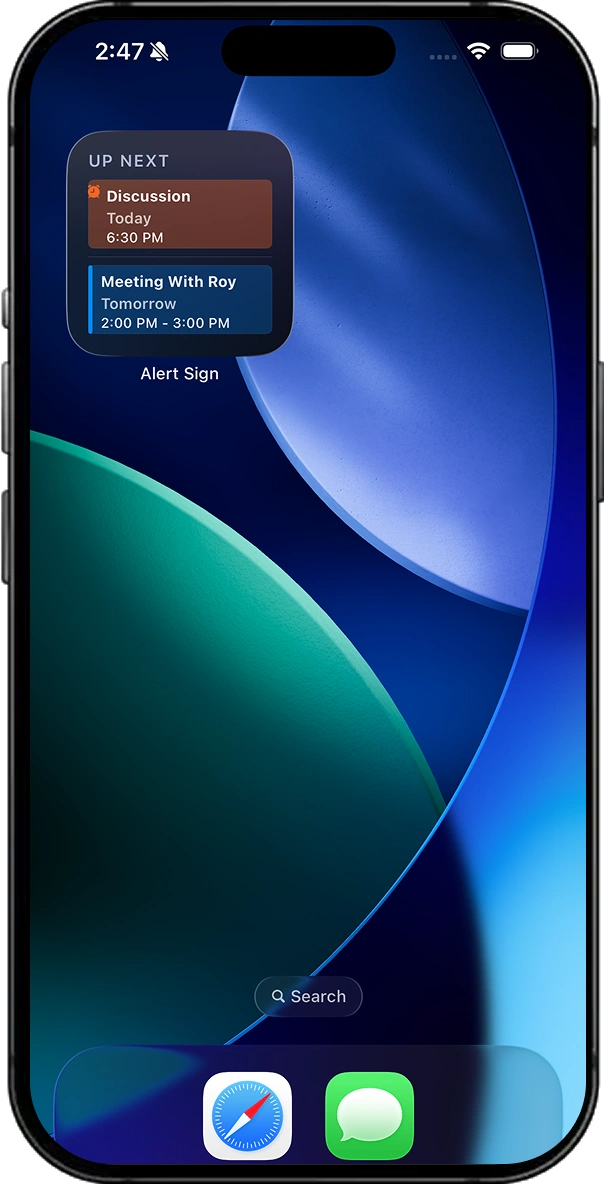
Home Screen Widget (iOS) :

  • Overview : Live widget for upcoming events
  • Features : Multiple sizes, color-coded entries, meeting indicators, background refresh, and quick access to app

Smart Alert Filtering :

  • Overview : Intelligent filtering of alerts
  • Features : Accepted events only, alarm-based filtering, video-only events, all-day event control, today-only mode

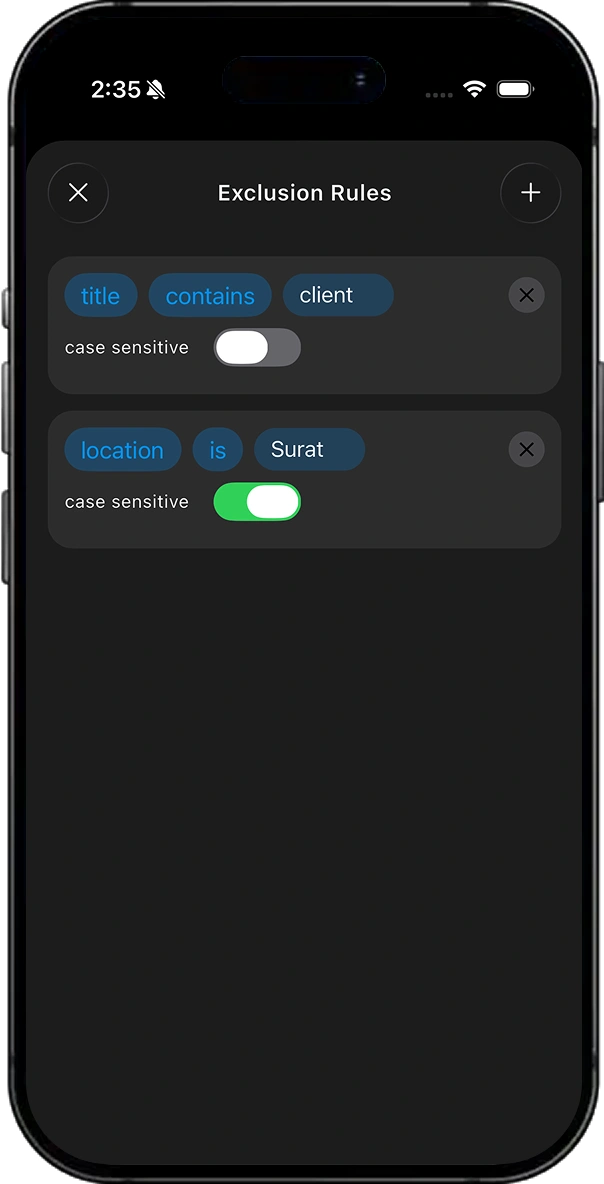
Exclusion Rules :

  • Overview : Rule-based filtering system
  • Features : Pattern matching, field targeting, case sensitivity, and persistent rules

Work Hours Enforcement :

  • Overview : Alerts respect defined working hours
  • Features : Enable/disable mode, per-day configuration, custom time ranges, automatic suppression

Pause / Snooze Alerts :

  • Overview : Temporarily disable alerts
  • Features : Timed or indefinite pause, visual indicator, automatic resume

Multi-Calendar and  Reminder Selection :

  • Overview : Manage multiple data sources
  • Features : Toggle calendars/reminders, account labeling, and color coding

Custom Alerts :

  • Overview : Create alerts independent of calendar events
  • Features : Custom title, notes, trigger time, and persistent storage

Travel Time Display :

  • Overview : Shows travel time for events
  • Features : Displays travel duration and optionally adjusts alert timing

Meeting Link Detection :

  • Overview : Automatically detects meeting links
  • Features : Supports Zoom, Meet, Teams, and provides one-tap join

Attendee Tracking and RSVP Status :

  • Overview : View participant details
  • Features : RSVP tracking, organizer identification, and attendee list

Customizable Alert Sounds :

  • Overview : User-selectable alert sounds
  • Features : Multiple sound options, silent mode, and preview

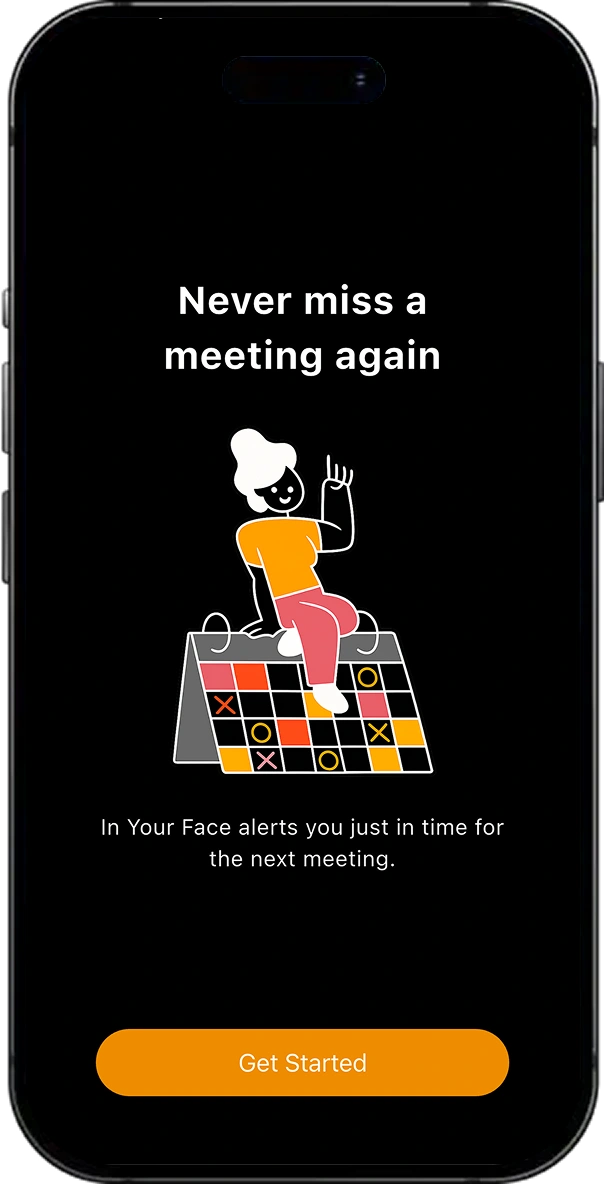
Multi-Step Onboarding :

  • Overview : Guided setup experience
  • Steps : Permissions, calendar selection, signup, subscription, and demo alert

Custom Per-Event Alert Time :

  • Overview : Customize alert timing per event
  • Features : Set custom reminders and save preferences

Permission Management :

  • Overview : Handles required system permissions
  • Features : Calendar, reminders, notifications, and in-app warnings

Subscription and Paywall :

  • Overview : Premium feature access system
  • Features : Subscription plans and purchase flow

Background Persistence and Terminated State Recovery :

  • Overview : Ensures alerts work even when app is closed
  • Features : Background updates, data sync, and duplicate alert prevention

Tech integrations

Third-party SDKs & libraries

14 core integrations powered

GetX

Core system integration

shared preferences

Core system integration

Home Widget

Core system integration

URL Launcher

Core system integration

WebView

Core system integration

Calendar Picker

Core system integration

intl

Core system integration

cupertino icons

Core system integration

Custom Cupertino UI Package

Core system integration

EventKit

Core system integration

User Notifications

Core system integration

WidgetKit

Core system integration

Background Tasks

Background playback

CocoaLumberjack

Core system integration

More Case Studies
Related Work

Similar Projects We've Built

CodeX Meet

CodeX Meet

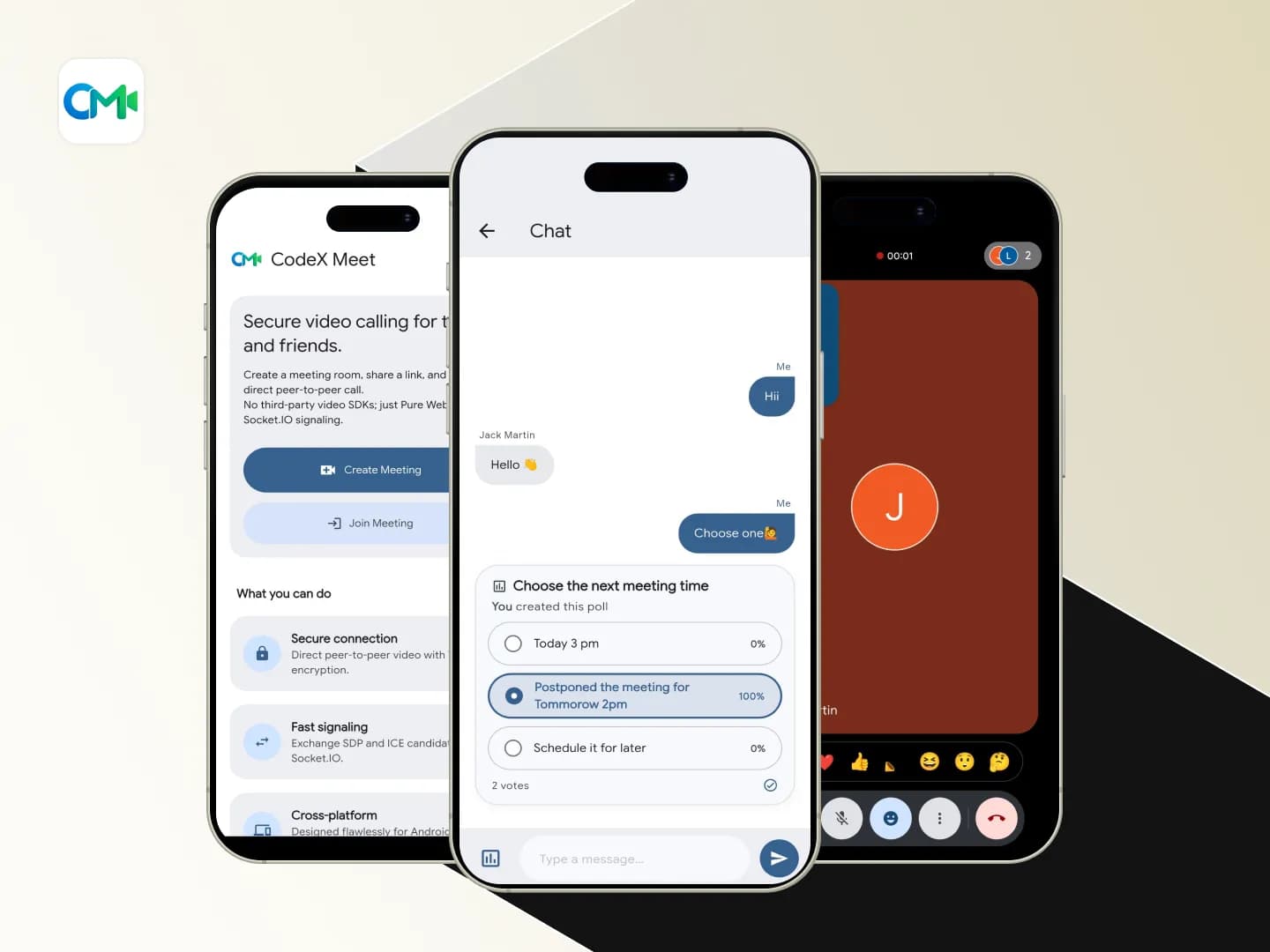
CodeX Meet is a cross-platform WebRTC-based video calling and interactive meeting application designed to simplify one-to-one conferencing. The application establishes direct peer-to-peer WebRTC connections while using Firebase Firestore as a real-time signaling service, eliminating the need for expensive third-party video conferencing SDKs. This architecture provides a secure, privacy-focused, low-latency, and cost-effective communication solution. Built with […]
FlutterDart+3
View Case Study
Smart Attend

Smart Attend

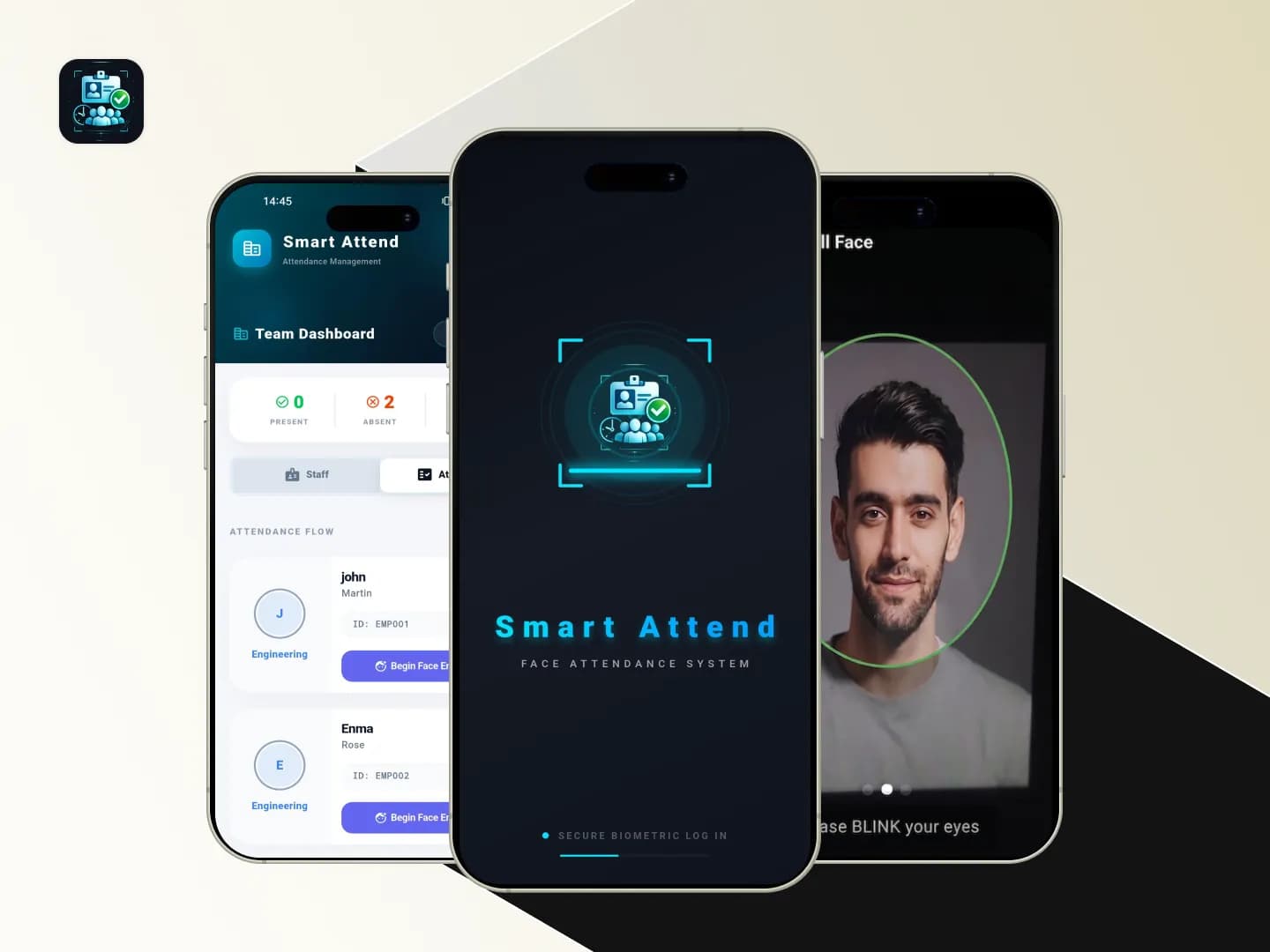
Smart Attend is a biometric attendance management application built to simplify employee enrollment, check-in, and check-out through face recognition. The app uses a camera-based liveness verification flow combined with on-device face detection and face embedding matching to ensure that attendance is marked only by the correct employee. This reduces manual errors, prevents proxy attendance, and […]
FlutterDart+3
View Case Study
Secure Auth Vault

Secure Auth Vault

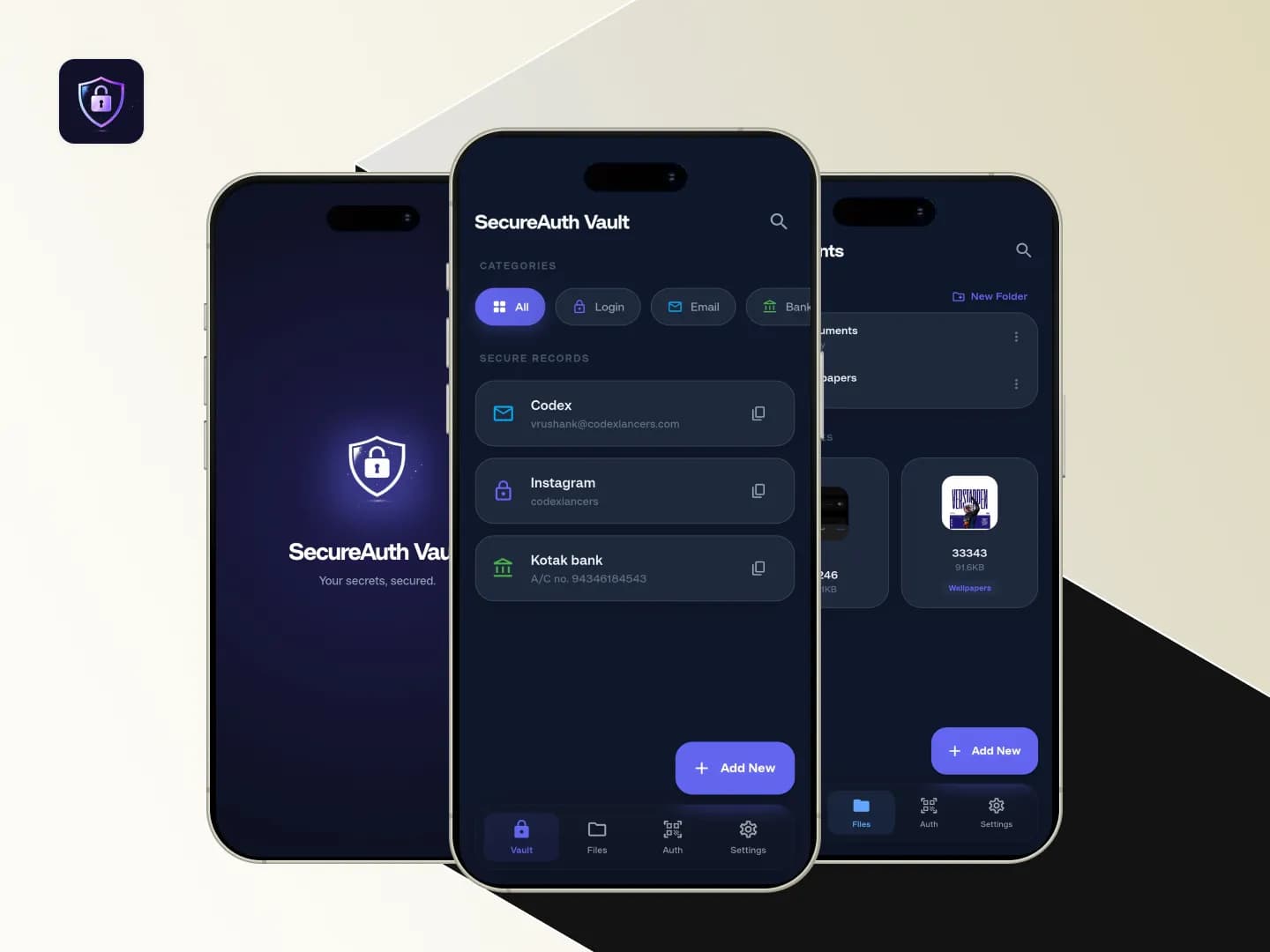
A privacy-focused, cross-platform credential manager and authenticator application designed to securely store sensitive data. The app serves as a centralized, offline-first vault for managing diverse credential types—such as login credentials, banking details, Wi-Fi passwords, and API keys—alongside sensitive documents. It features client-side encryption for secure cloud backups to Google Drive, an integrated Time-Based One-Time Password […]
Flutter Framework
View Case Study
HR Leave Management Automation System

HR Leave Management Automation System

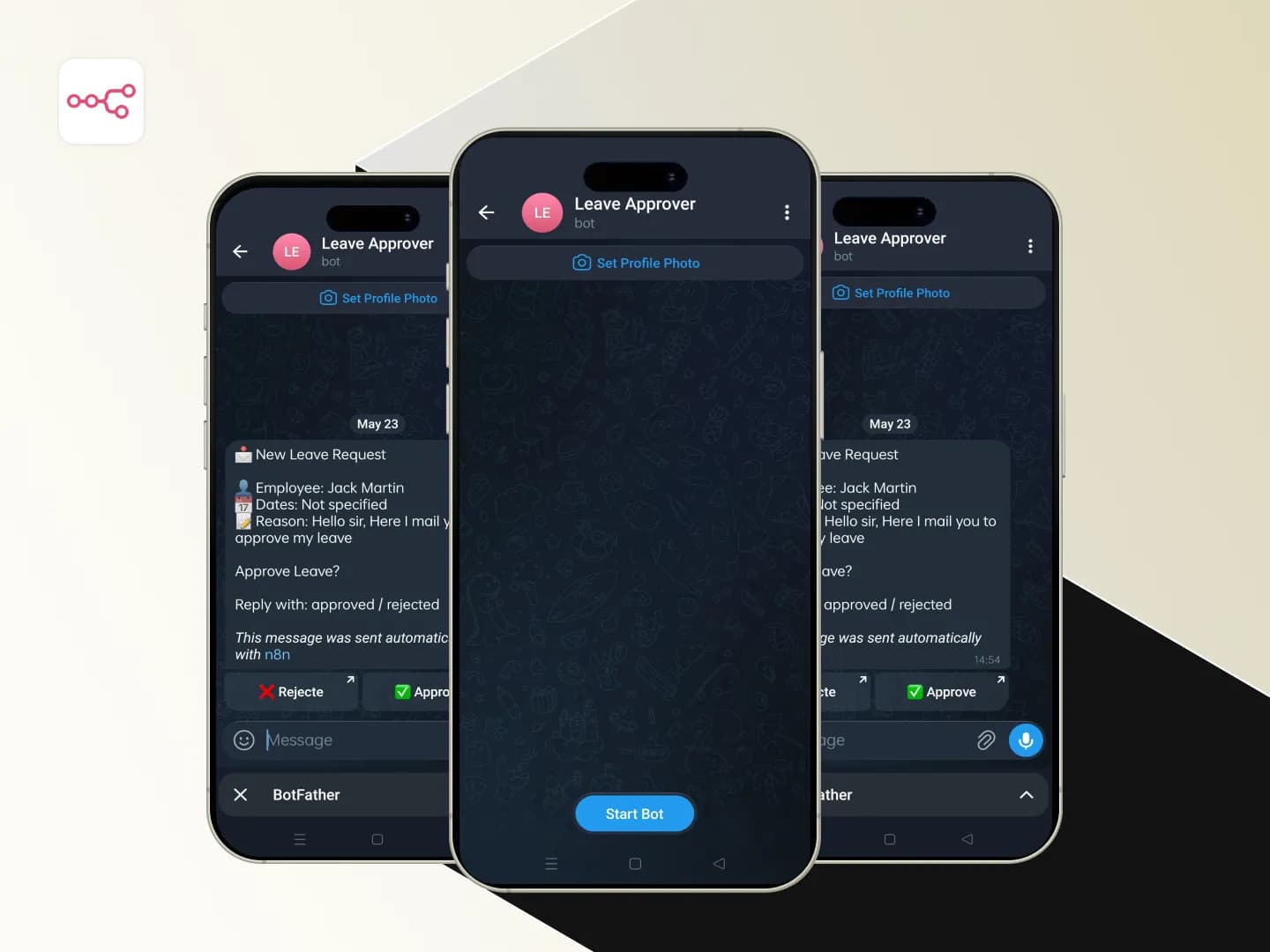
An AI-powered HR Leave Management workflow built using n8n automation. The system automatically detects incoming leave request emails through Gmail, analyzes the email content using AI, identifies whether the email is related to leave requests, and sends approval requests to HR/admin through Telegram. Based on the approval or rejection action from Telegram, the system automatically […]

n8nJavaScript+6
View Case Study

Have a similar idea? Let's build it together.

From concept to launch, we turn your vision into a world-class product.