

Live QR Scanning :
- Overview : Lets users scan Aadhaar QR codes directly using the device camera.
- Convenience : Enables fast real-time data capture without manual entry.
Aadhaar Data Extractor is a mobile utility app built to quickly scan and extract Aadhaar card information through QR-based processing in a clean, efficient, and user-friendly interface. The app is designed to simplify identity data capture by reading Aadhaar QR codes from the live camera or gallery images, decoding the embedded information, and presenting the extracted details in a structured format for review and saving. It supports both XML-based Aadhaar QR data and secure numeric QR formats, helping users process different Aadhaar card variants more reliably. The app also includes recent scan tracking, local data persistence, Google Sheet integration for automatic entry logging, CSV export support, and sharing functionality for improved workflow convenience. A polished scanning flow, result preview screen, and streamlined saved-entries experience make the app practical for repeated real-world use. Overall, Aadhaar Data Extractor provides a fast and organized way to capture Aadhaar information on mobile devices.
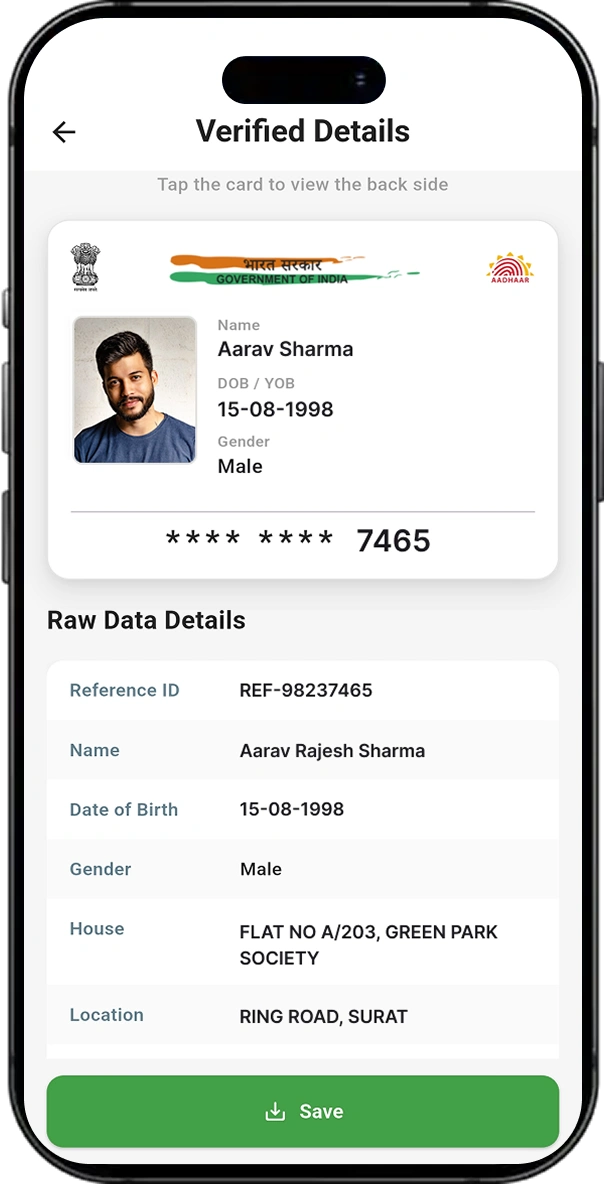
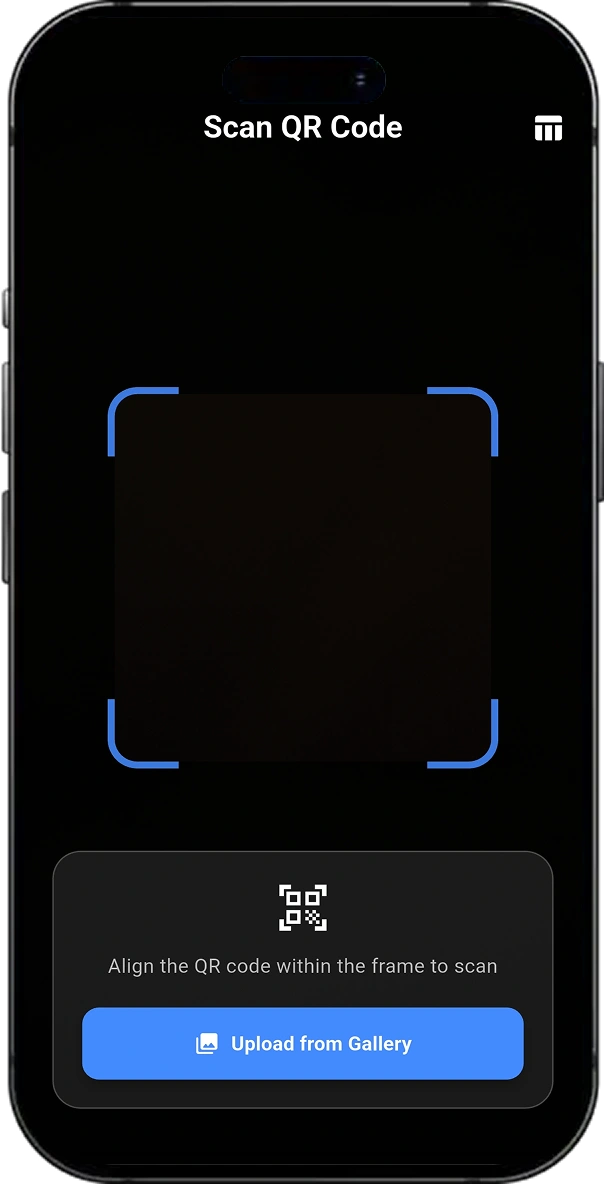
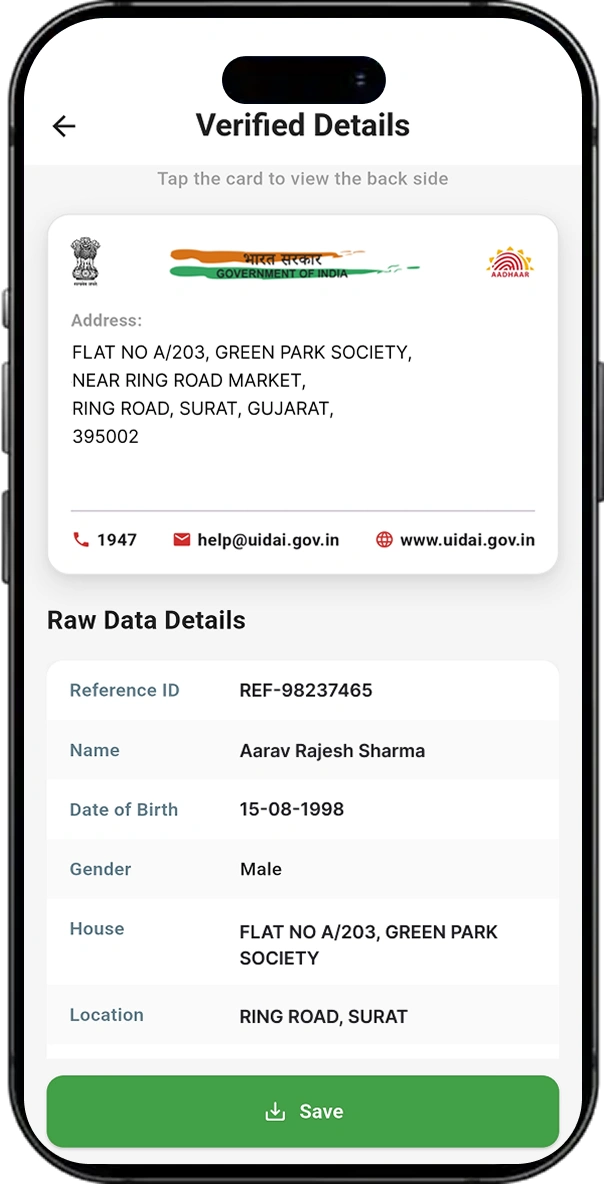
What users get in the finished, shipped product.
Tech integrations
7 core integrations powered
Core system integration
Core system integration
Core system integration
Core system integration
Core system integration
Core system integration
Core system integration
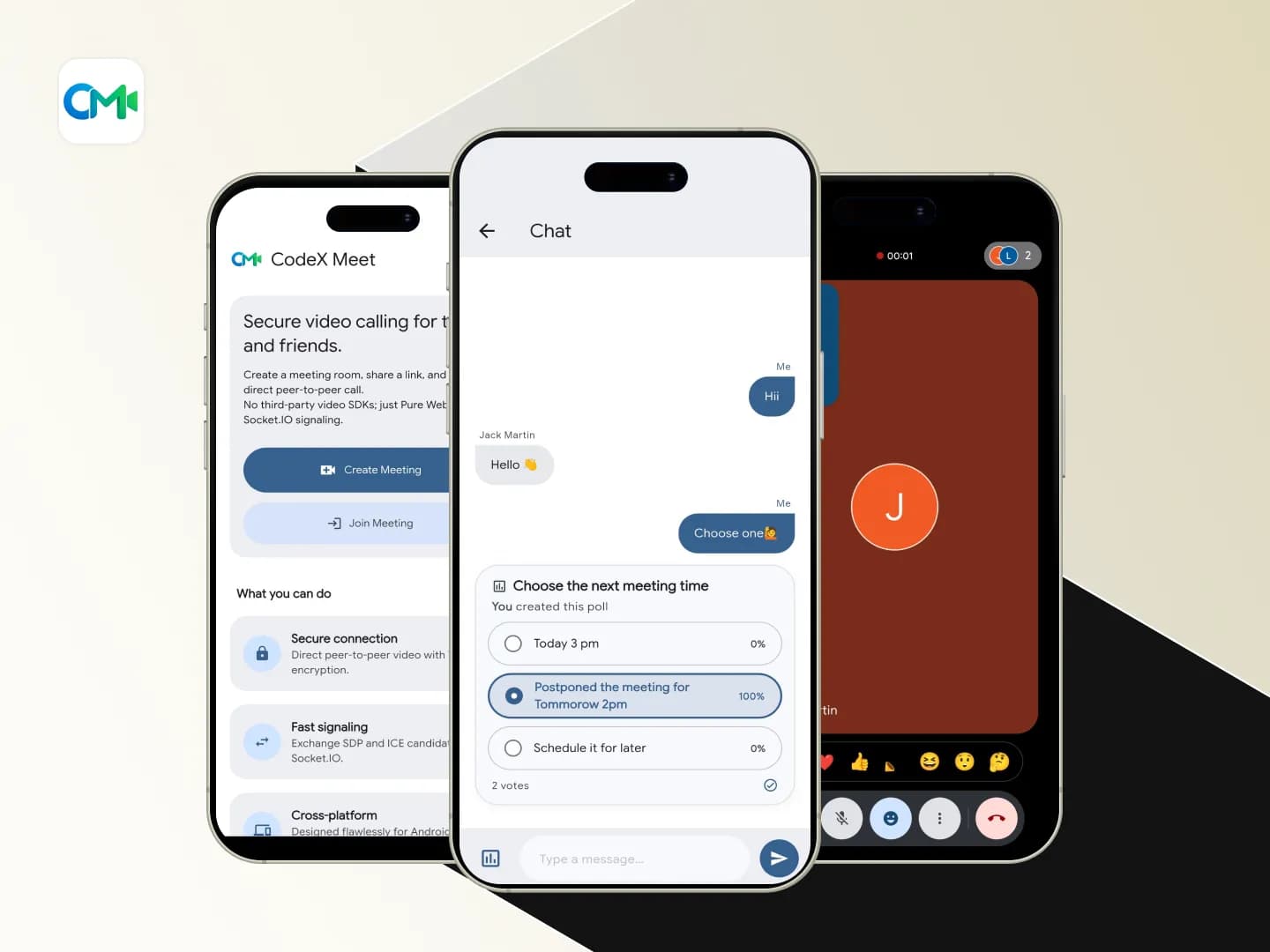
CodeX Meet is a cross-platform WebRTC-based video calling and interactive meeting application designed to simplify one-to-one conferencing. The application establishes direct peer-to-peer WebRTC connections while using Firebase Firestore as a real-time signaling service, eliminating the need for expensive third-party video conferencing SDKs. This architecture provides a secure, privacy-focused, low-latency, and cost-effective communication solution. Built with […]
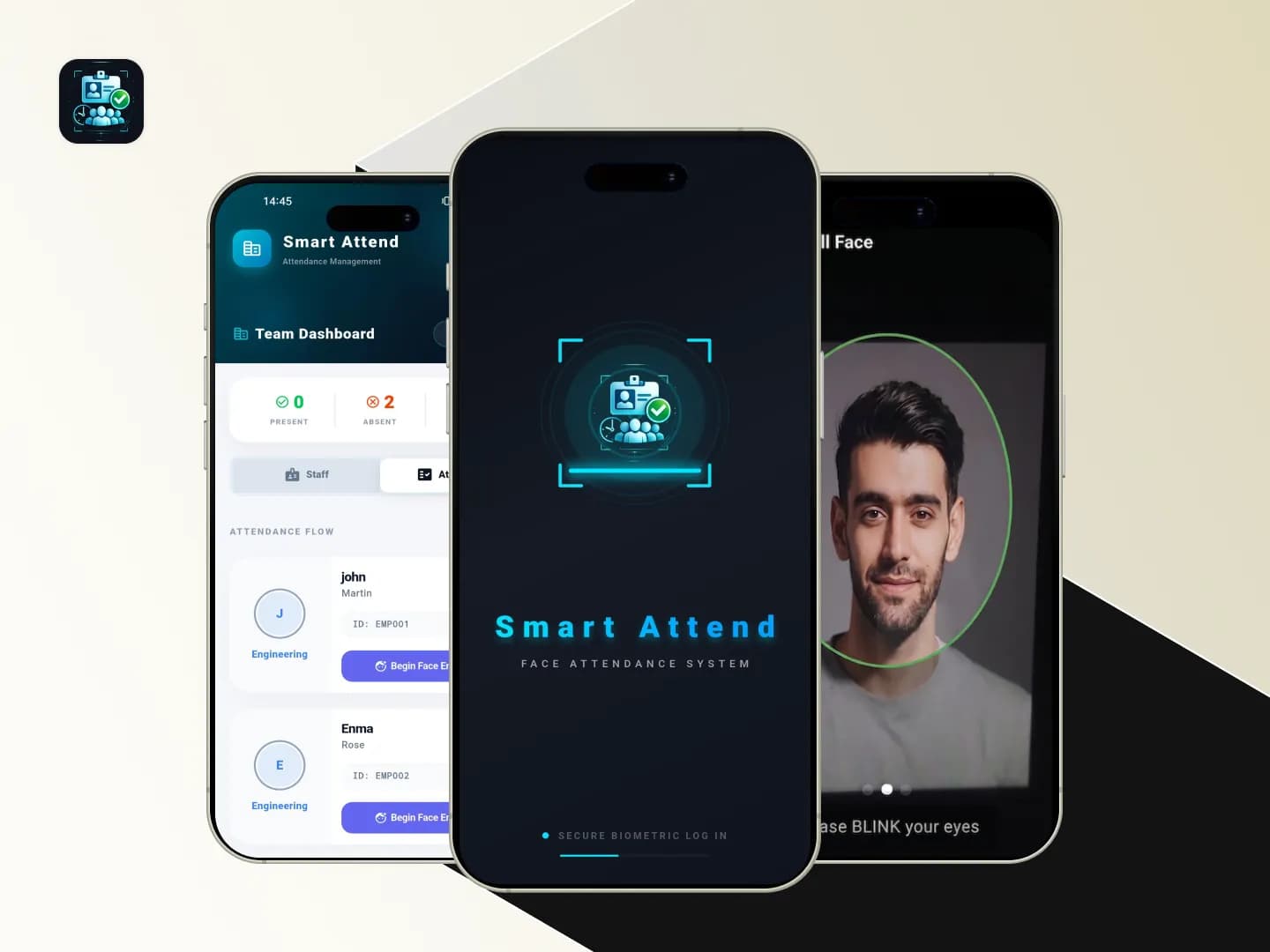
Smart Attend is a biometric attendance management application built to simplify employee enrollment, check-in, and check-out through face recognition. The app uses a camera-based liveness verification flow combined with on-device face detection and face embedding matching to ensure that attendance is marked only by the correct employee. This reduces manual errors, prevents proxy attendance, and […]
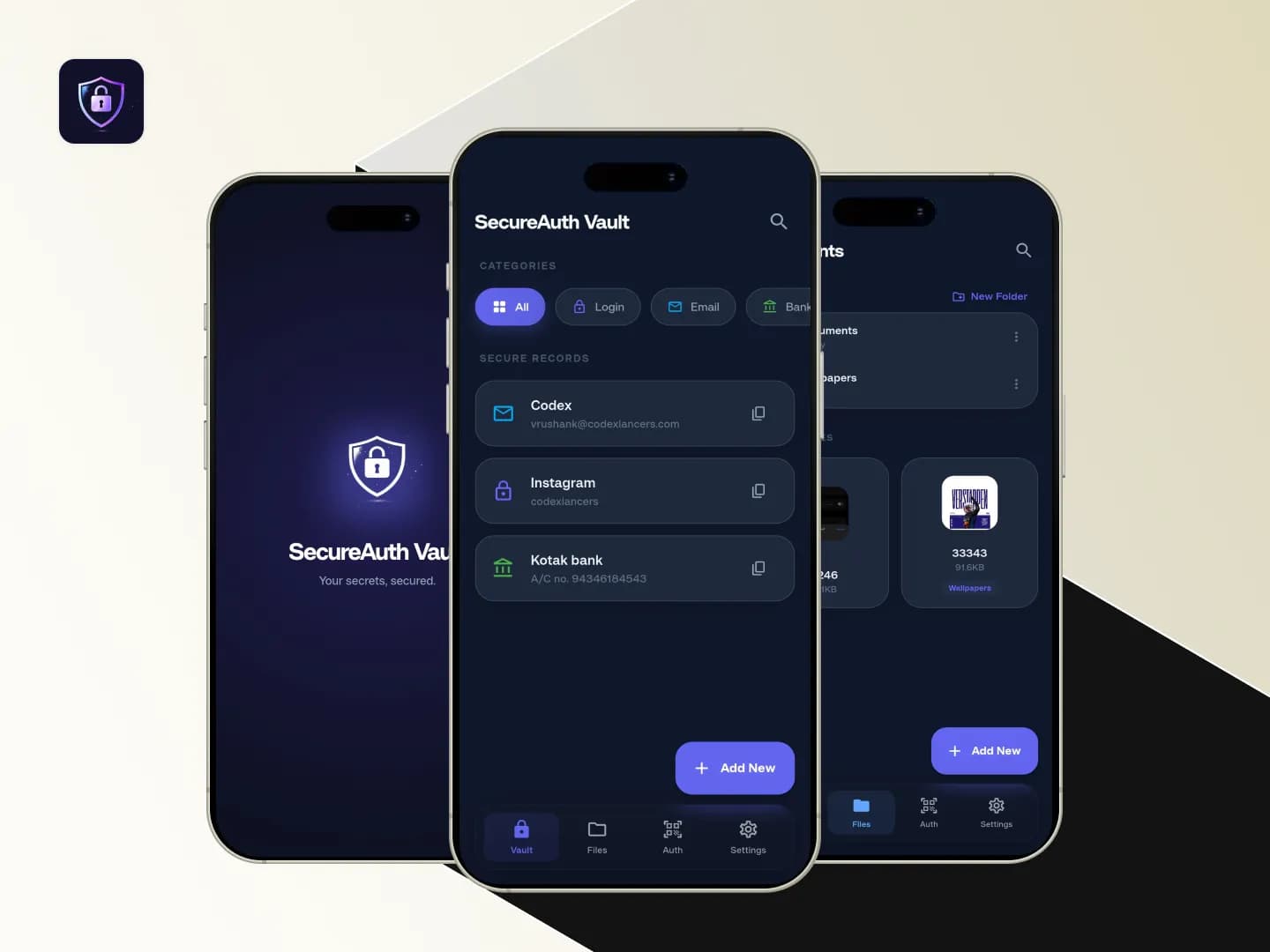
A privacy-focused, cross-platform credential manager and authenticator application designed to securely store sensitive data. The app serves as a centralized, offline-first vault for managing diverse credential types—such as login credentials, banking details, Wi-Fi passwords, and API keys—alongside sensitive documents. It features client-side encryption for secure cloud backups to Google Drive, an integrated Time-Based One-Time Password […]
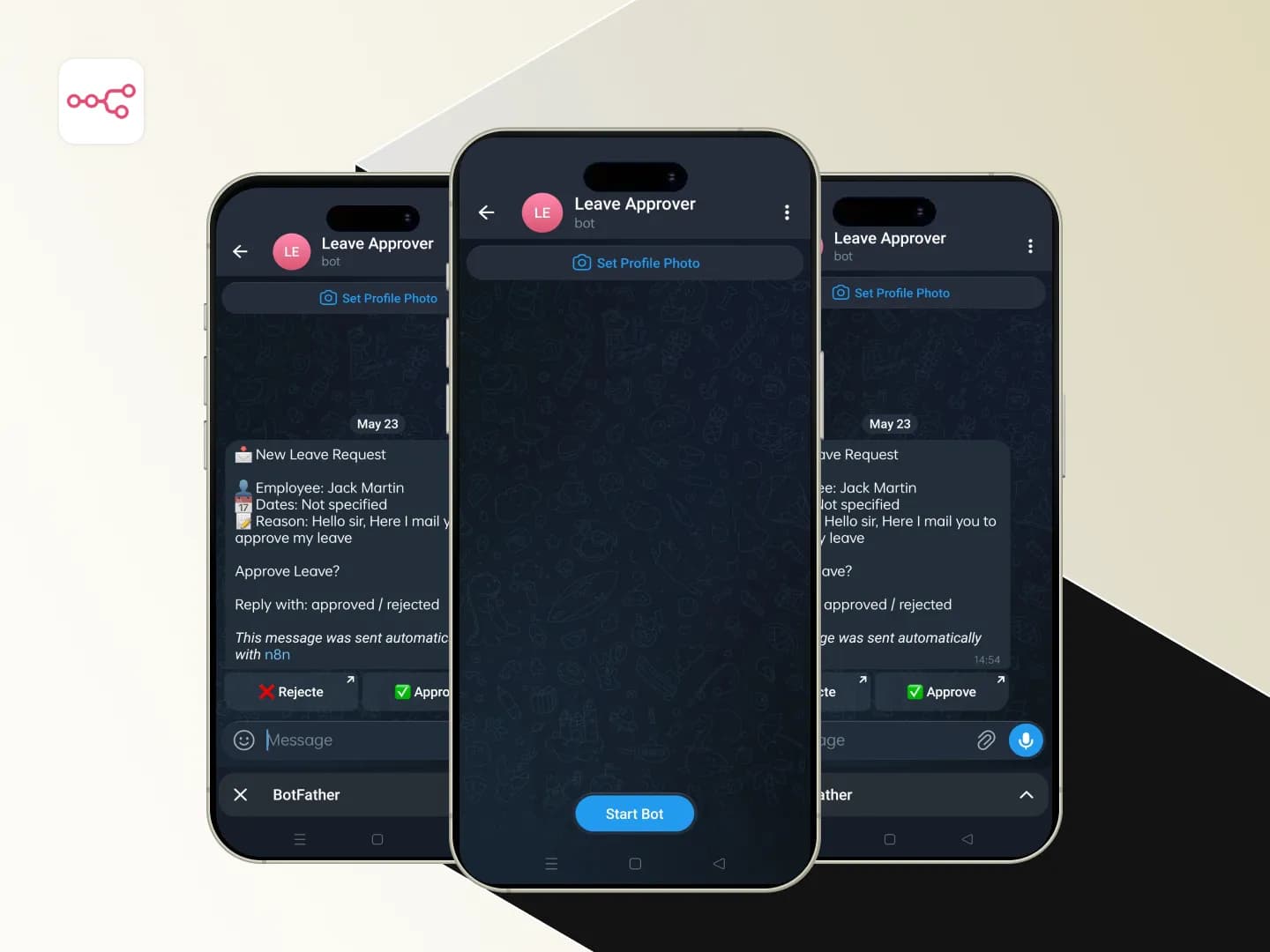
An AI-powered HR Leave Management workflow built using n8n automation. The system automatically detects incoming leave request emails through Gmail, analyzes the email content using AI, identifies whether the email is related to leave requests, and sends approval requests to HR/admin through Telegram. Based on the approval or rejection action from Telegram, the system automatically […]
From concept to launch, we turn your vision into a world-class product.